
Workflow deep-dive
Get Paid Faster
How do I let clients pay their invoices online?
The check in the mail is optional now. You create the invoice and send it. The client opens it on their own device and taps Pay Now. From there, the payment is recorded on the invoice, you're notified, and the money lands in your bank account. Four steps, and only two of them are yours.
This workflow touches: InvoicingMaster Service ListPayment ProcessingNotifications
How it works, step by step
-
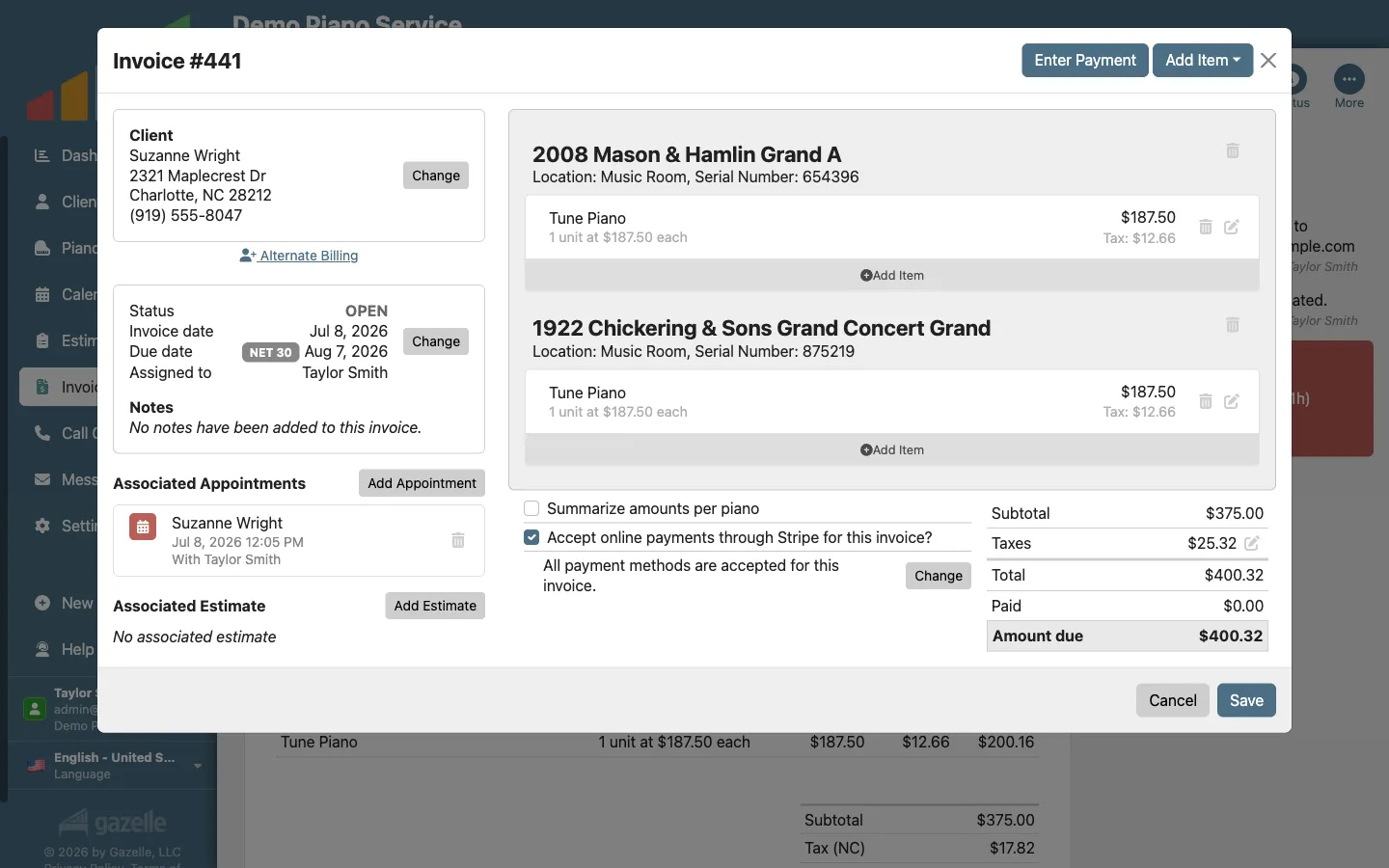
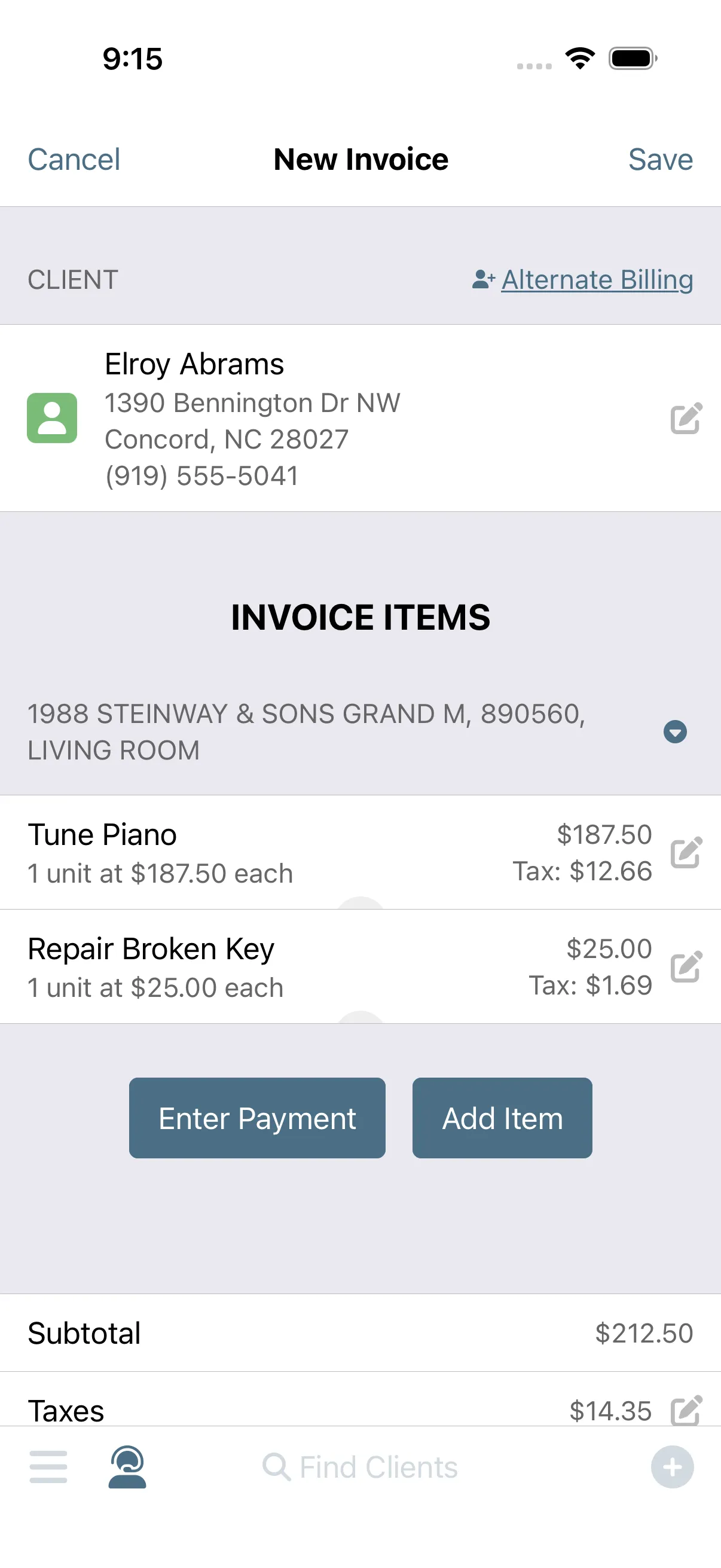
You create the invoice.
Every payment starts with an invoice. Build it on your phone in the driveway or at your desk that evening: pick the services you performed, and the prices and taxes come straight from your Master Service List.
InvoicingMaster Service List
-
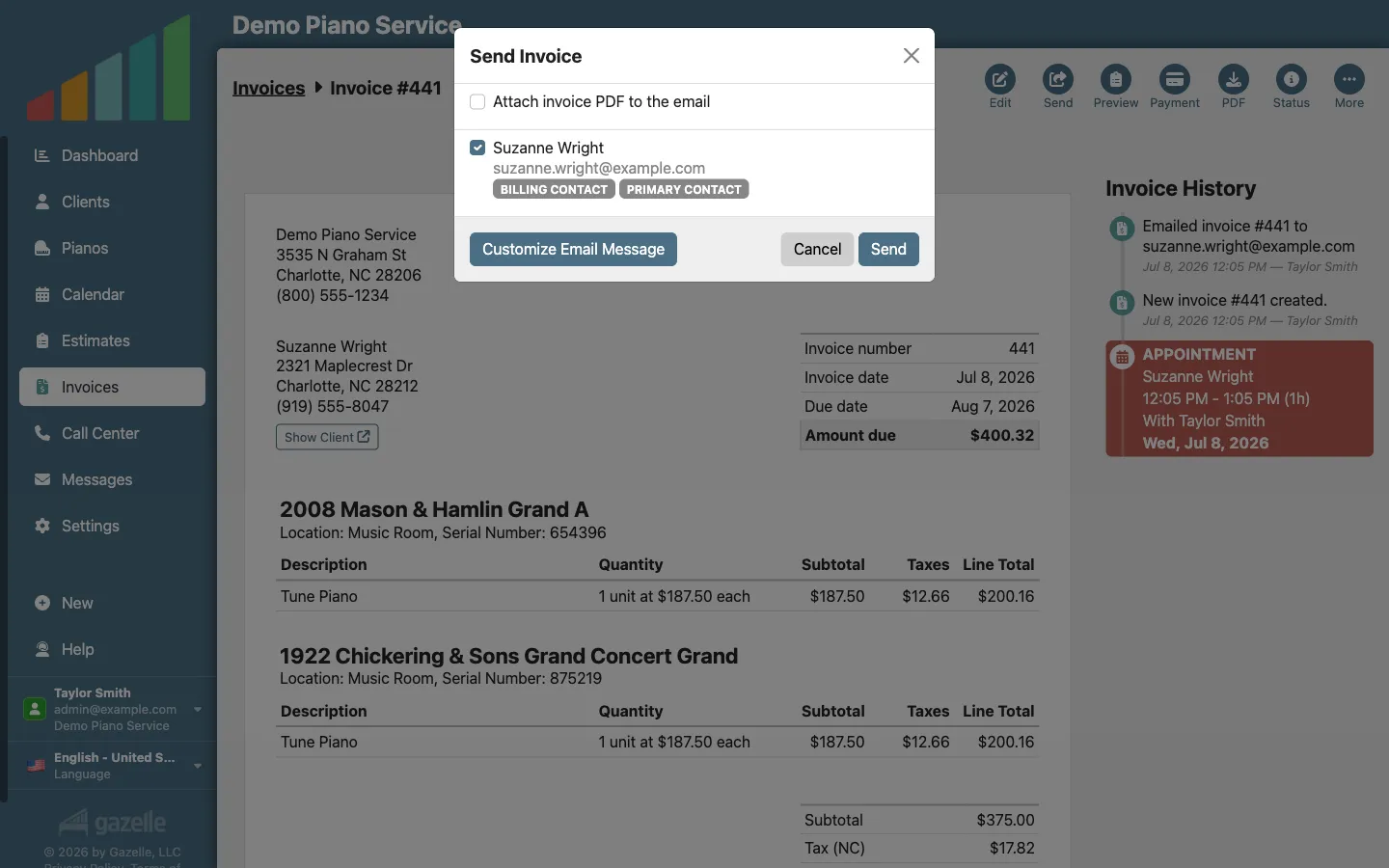
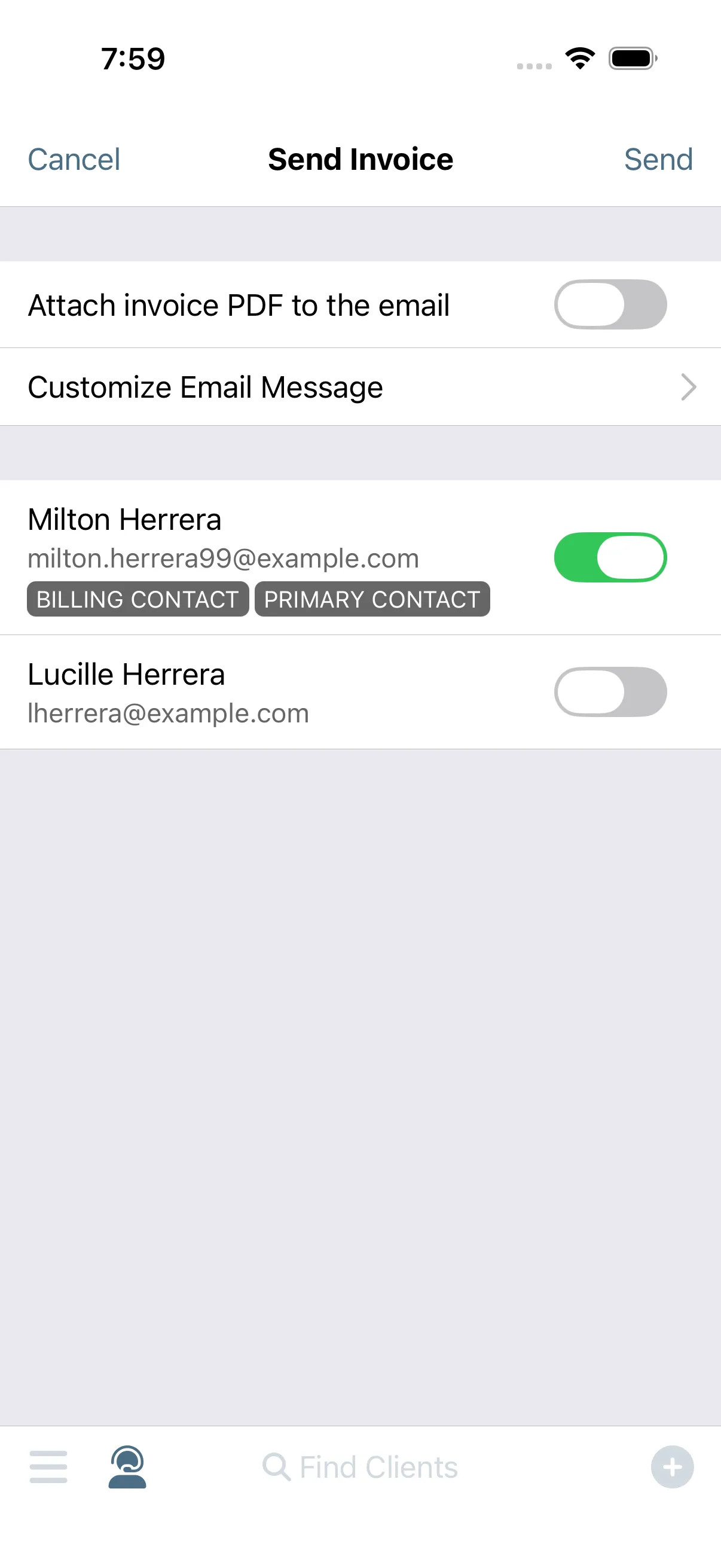
You send it to the client.
No invoice goes out without your eyes on it. Hit send, and the client gets an email with a link to their own invoice page, branded to your business. Turn on online payments once, with a guided Stripe setup, and they're offered on every invoice you choose.
InvoicingPayment Processing
-
The client taps to pay on their device.
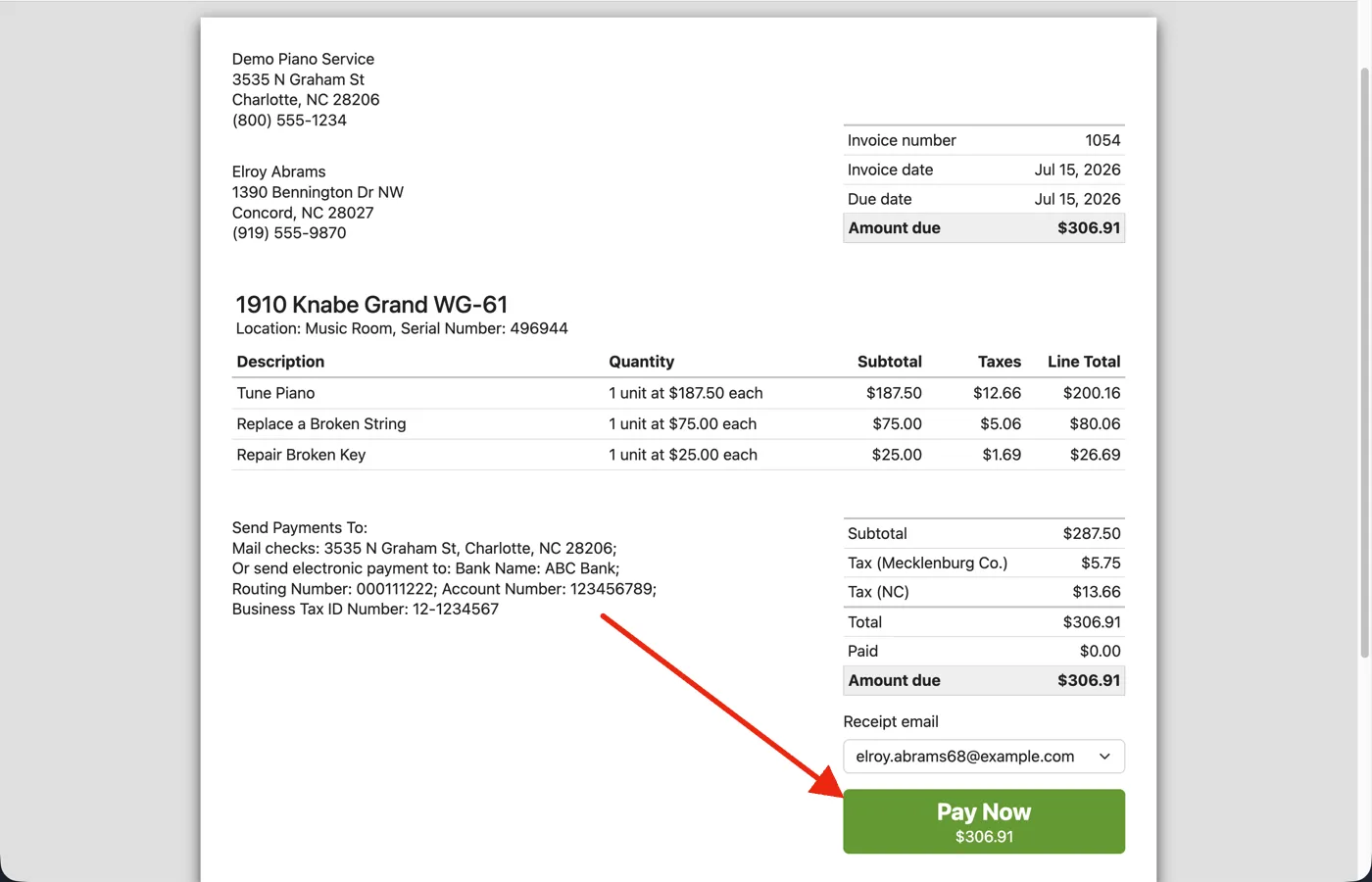
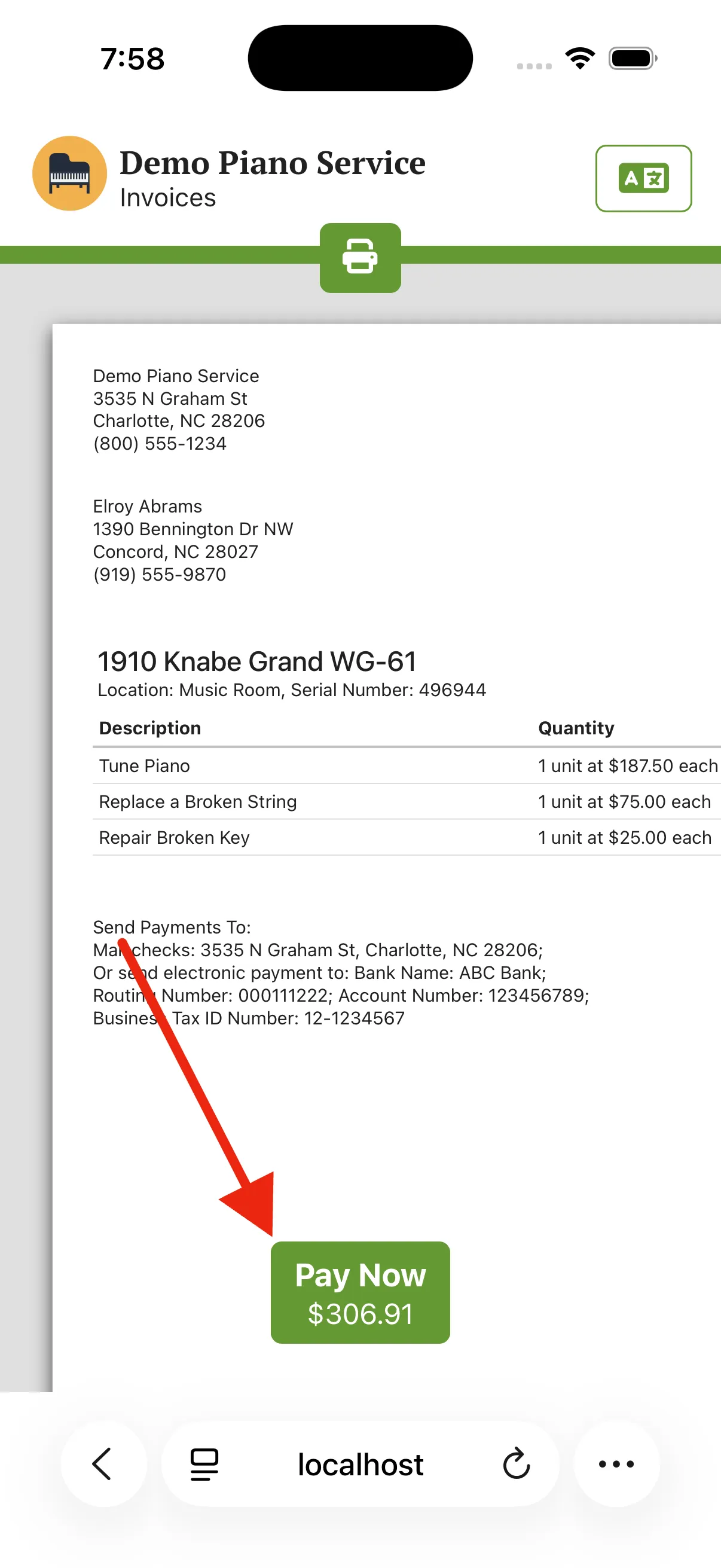
Their invoice is also the checkout. It opens wherever they are, with the work listed line by line and a tip option if you allow one. Pay Now finishes on Stripe's secure checkout page, and the payment methods on offer are the ones you've chosen to accept. No account to create, nothing to install.
Payment Processing
-
Payment is received and you are notified.
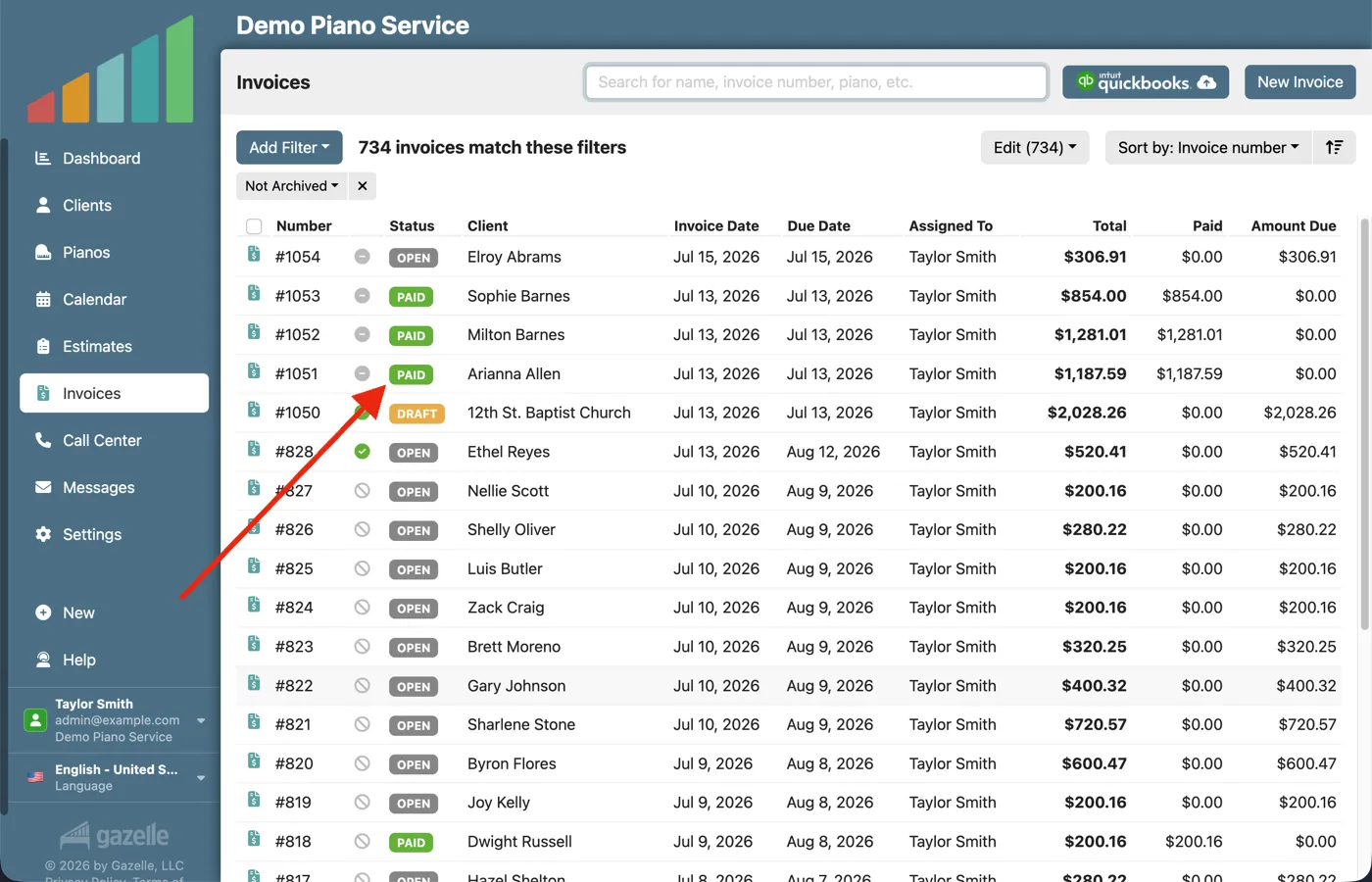
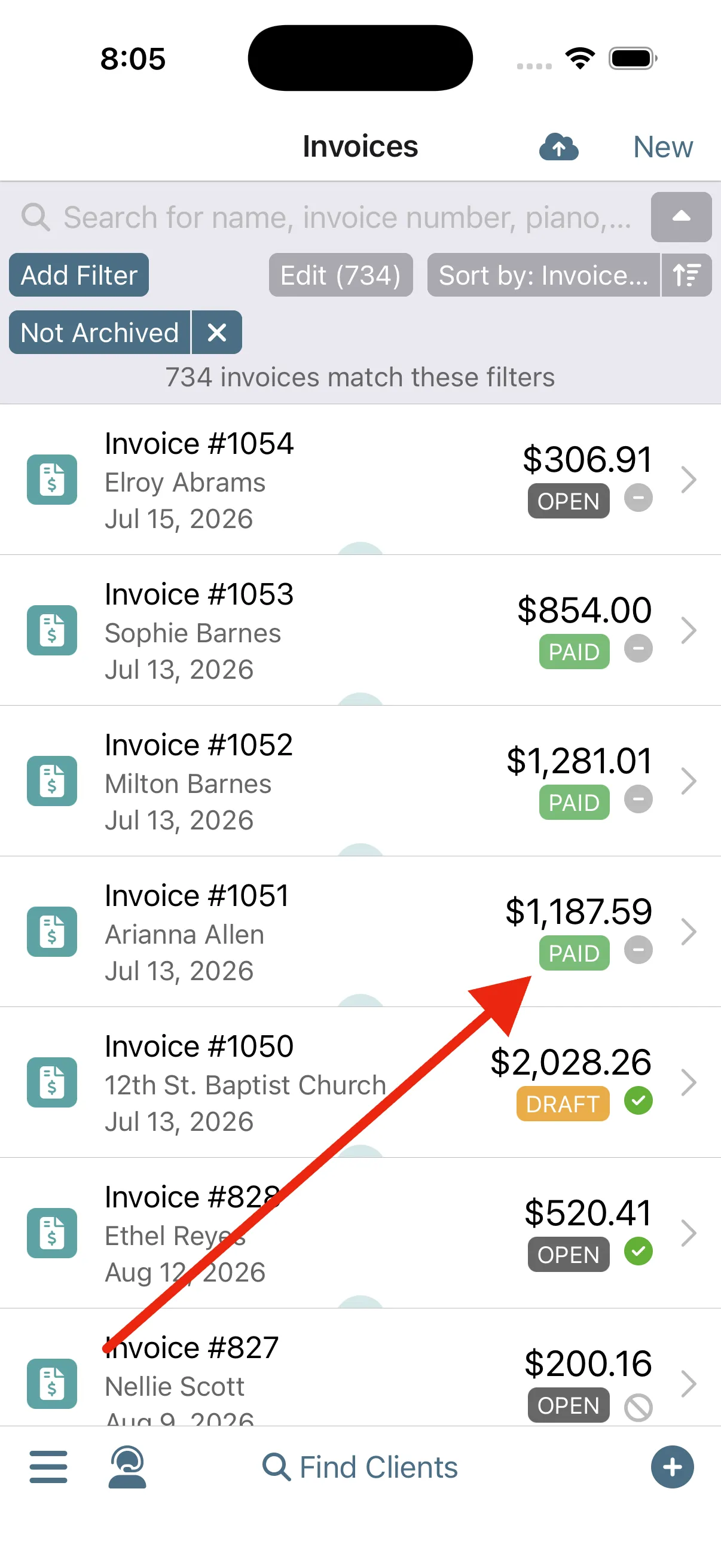
The last step isn't yours. The payment is recorded on the invoice, and a notification tells you it came through. When the balance hits zero, the invoice flips to Paid. Stripe deposits the money straight into your bank account, and Gazelle adds no fees on top of Stripe's rates.
Payment ProcessingNotifications
Run this workflow on your own clients.
Every feature this workflow touches is included in your free trial. Free for 30 days, cancel anytime.
Features used in this workflow: InvoicingMaster Service ListPayment ProcessingNotifications
Related workflows
One-Button Invoicing
The appointment becomes the invoice and the invoice becomes a payment, with nothing typed twice.
Make Your Accountant Happy
Two clicks send your invoices, payments, and Stripe payouts to QuickBooks Online, in the shape your accountant wants them.
From Quote to Cash
Build good-better-best Options right at the piano, let the estimate do the selling, and the client books the work the moment they say yes.