
Workflow deep-dive
From Quote to Cash
How do I quote bigger jobs and actually win them?
Big jobs shouldn't die in the 'let me think about it' phase. Work through a checklist at the piano, turn what you find into good-better-best Options, and let the estimate do the selling. Your client reviews it at home, books the work when they're ready, and the invoice comes straight from the estimate. One connected thread, from quote to cash.
This workflow touches: EstimatesMaster Service ListOnline Self Scheduler and ReservationsInvoicingPayment Processing
How it works, step by step
-
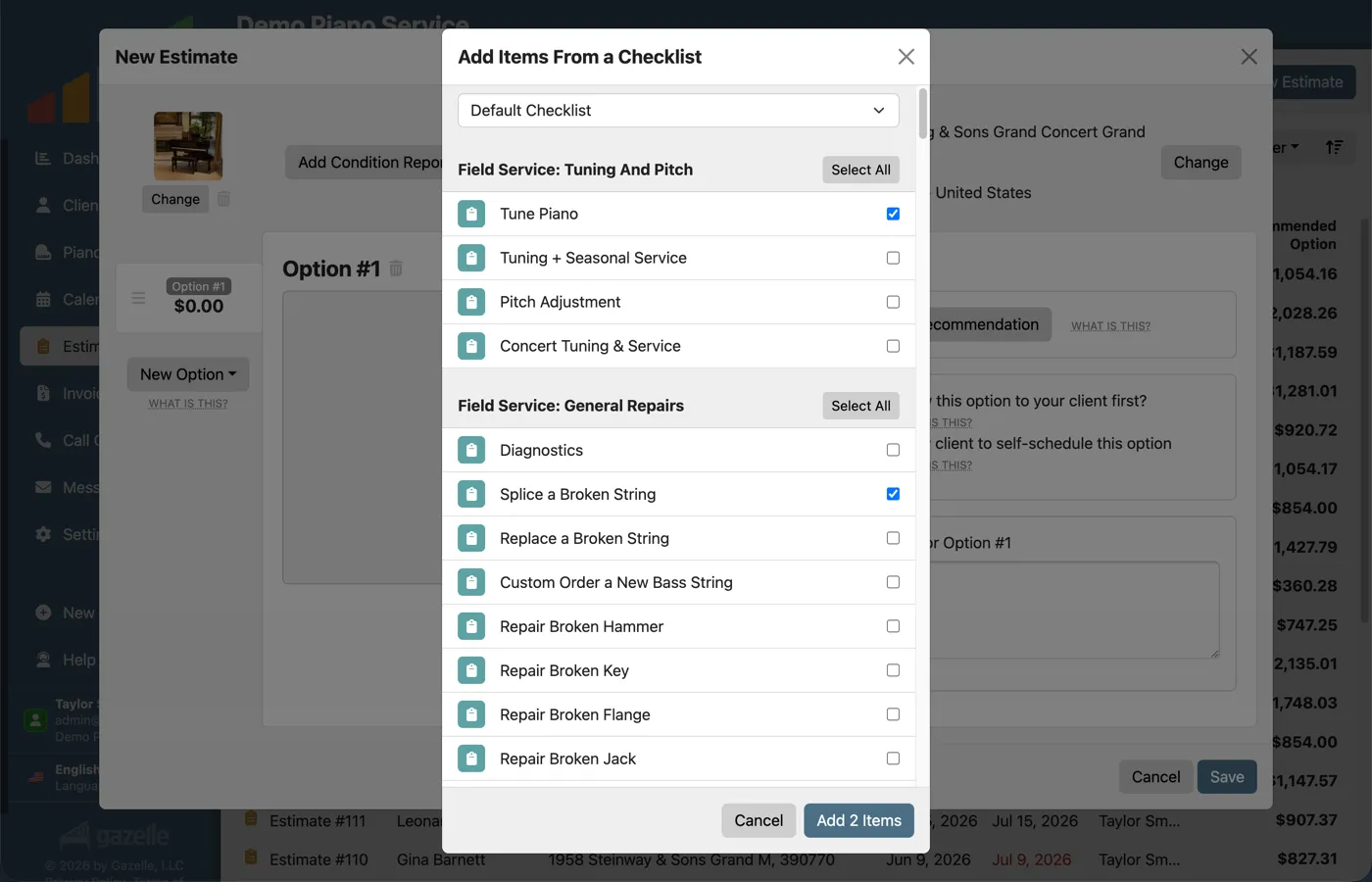
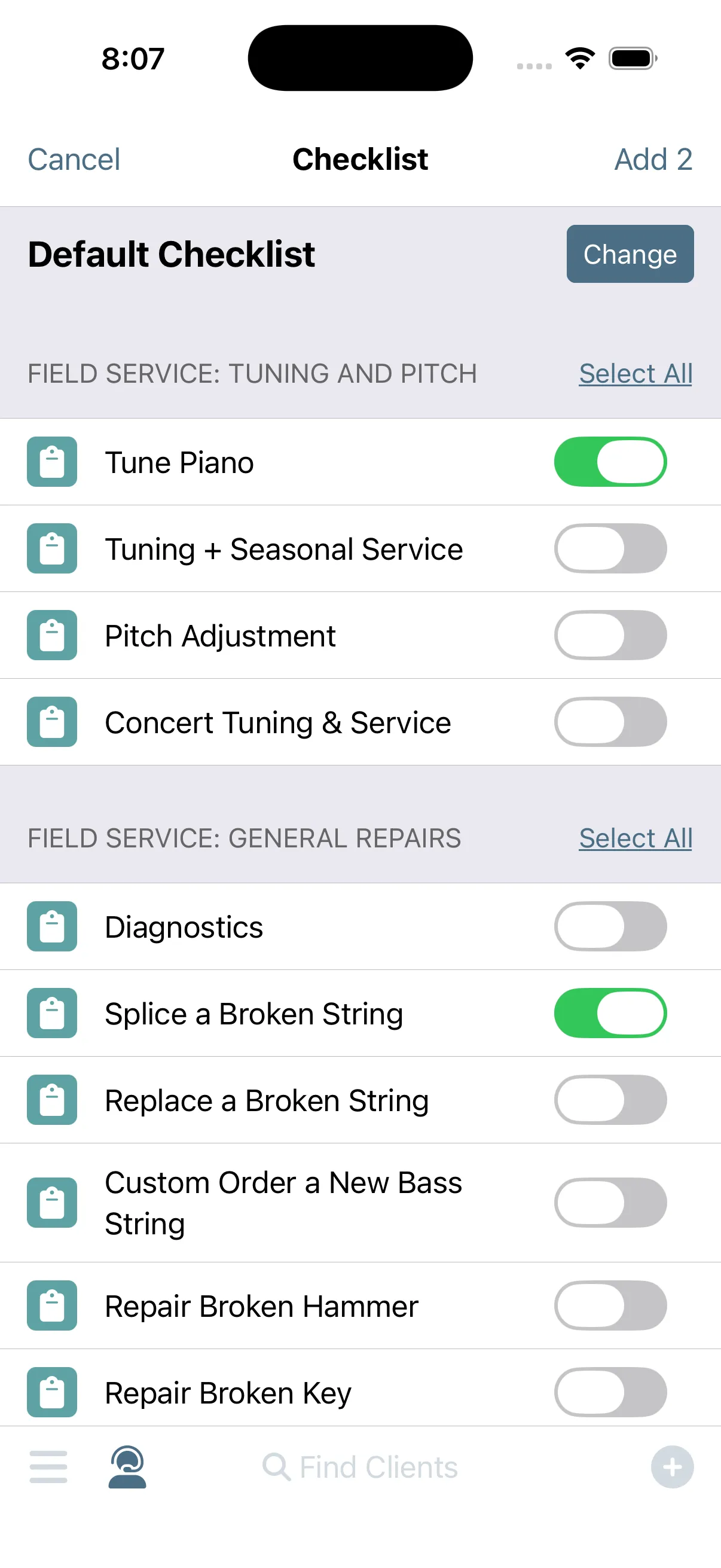
Evaluate with a checklist.
You can build the estimate right at the piano. Open one of your checklists on your phone (university pianos, concert grands, whatever the job calls for) and evaluate the piano item by item. The items you select convert straight into an estimate before you pack up your tools.
Estimates
-
Make your recommendations.
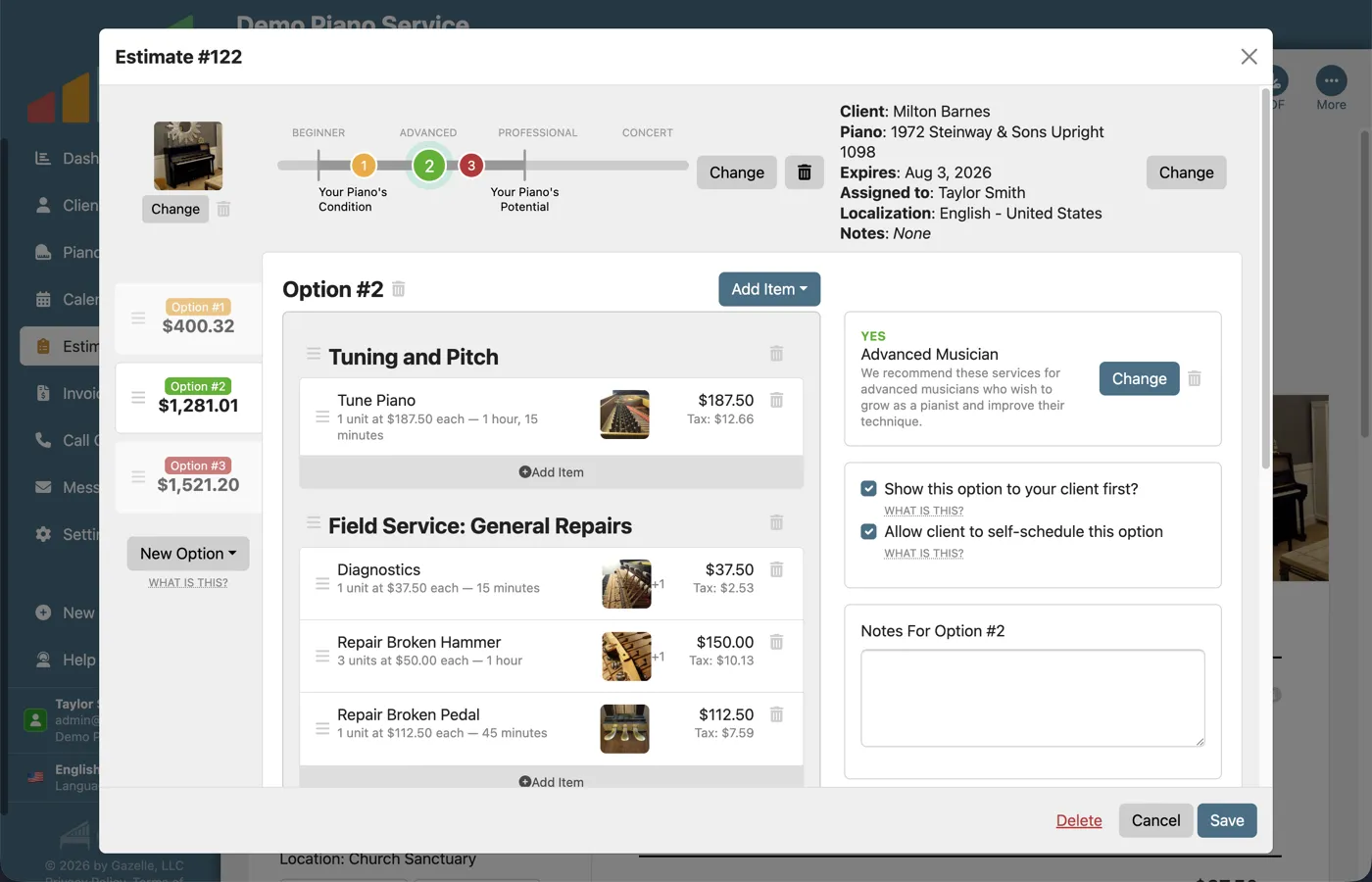
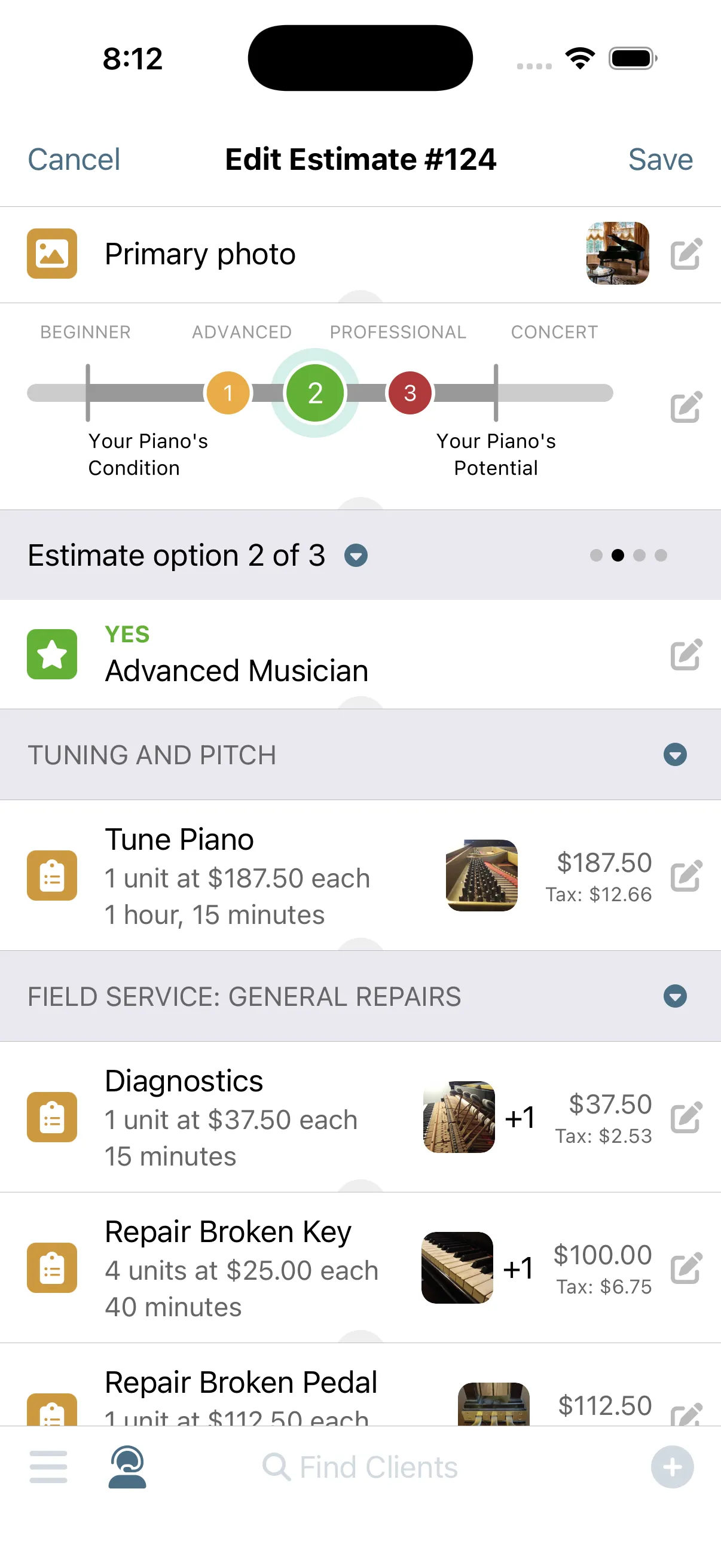
Good-better-best takes minutes, not an evening at the desk. Your findings become an estimate with multiple Options, each priced from your Master Service List and carrying a Yes, Maybe, or No recommendation. The color-coded badges make it obvious which one you actually stand behind.
EstimatesMaster Service List
-
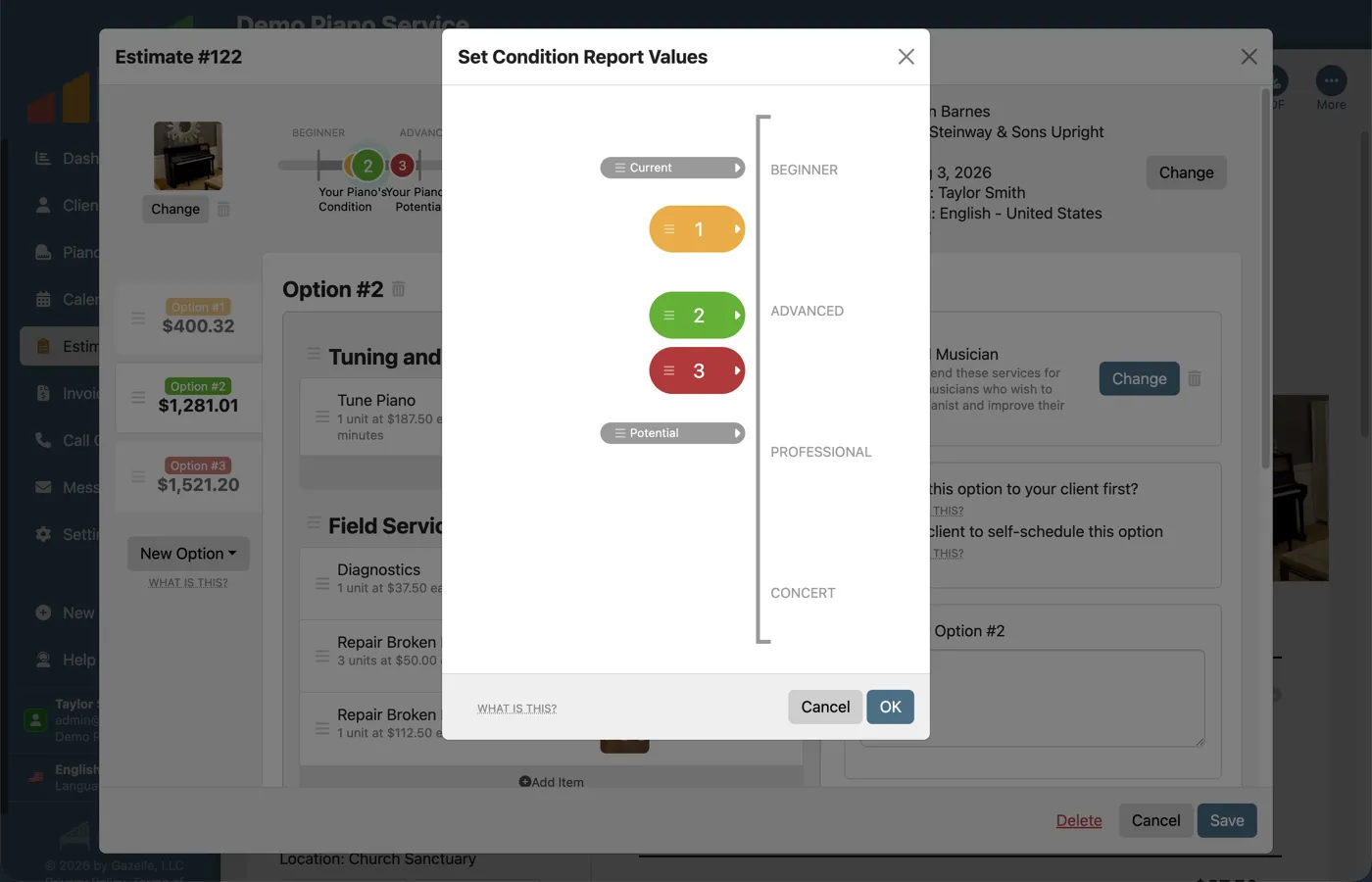
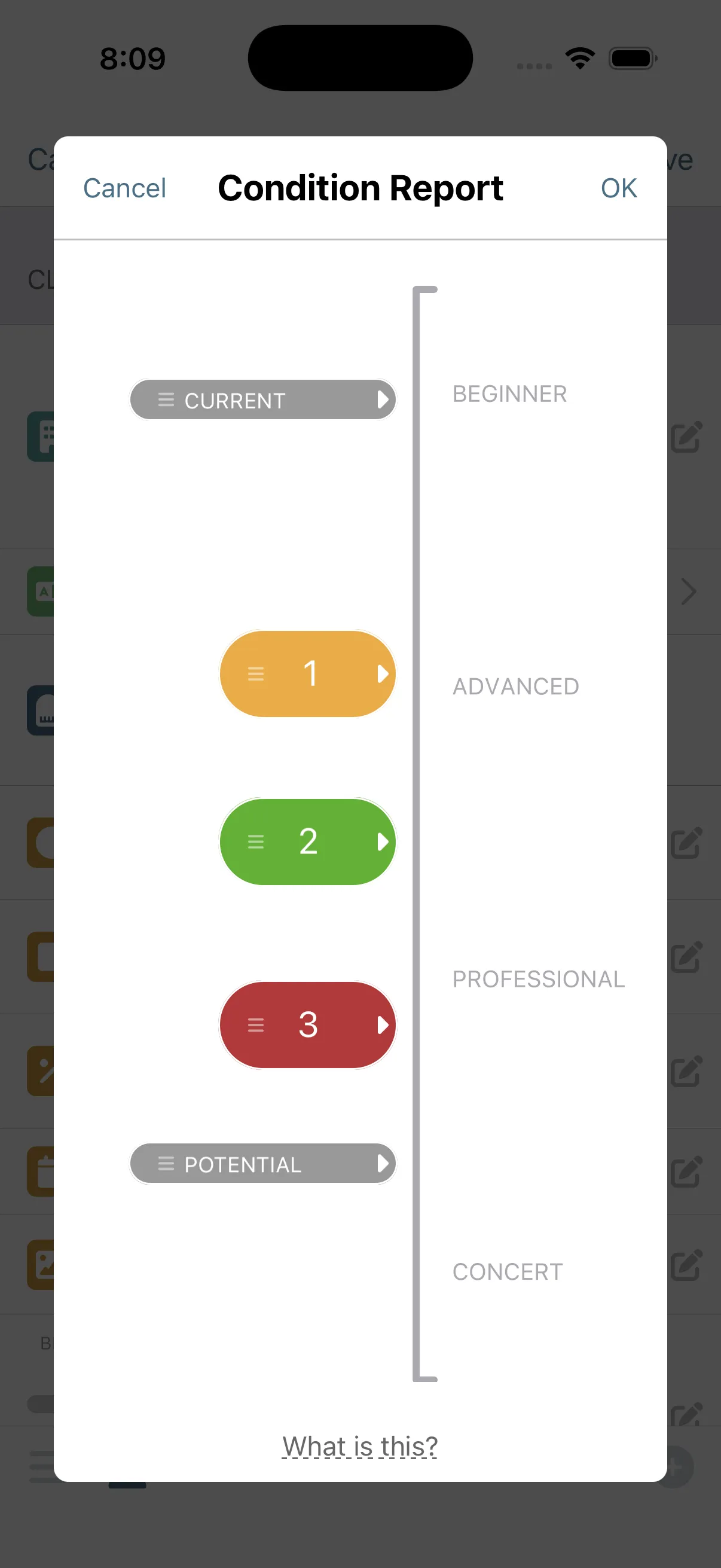
The estimate does the selling.
The Condition Report shows the piano's current state, its potential, and what you recommend, on a scale from Beginner to Concert. Pull from hundreds of pre-written service descriptions that explain the work in plain language. Add your photos, and the client understands it all without a word of technical jargon.
EstimatesMaster Service List
-
The client reviews at home.
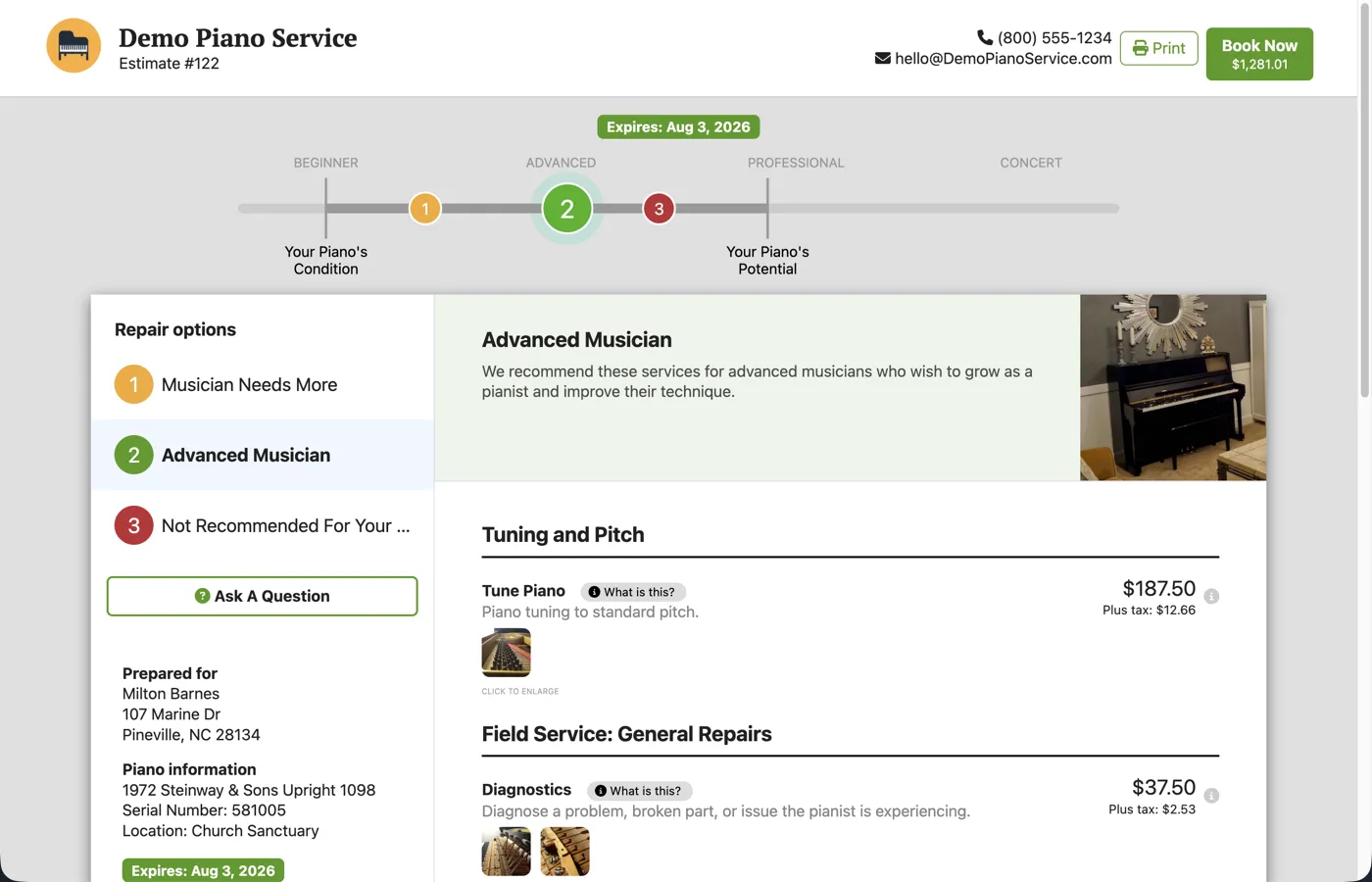
Clients can take their time. The estimate opens as a branded page from their email, no login required, with every Option, its pricing, photos, and your recommendation. You have a voice at their kitchen table while they make the decision, without being there, without the pressure of being a salesman.
Estimates
-
They tap Book Now.
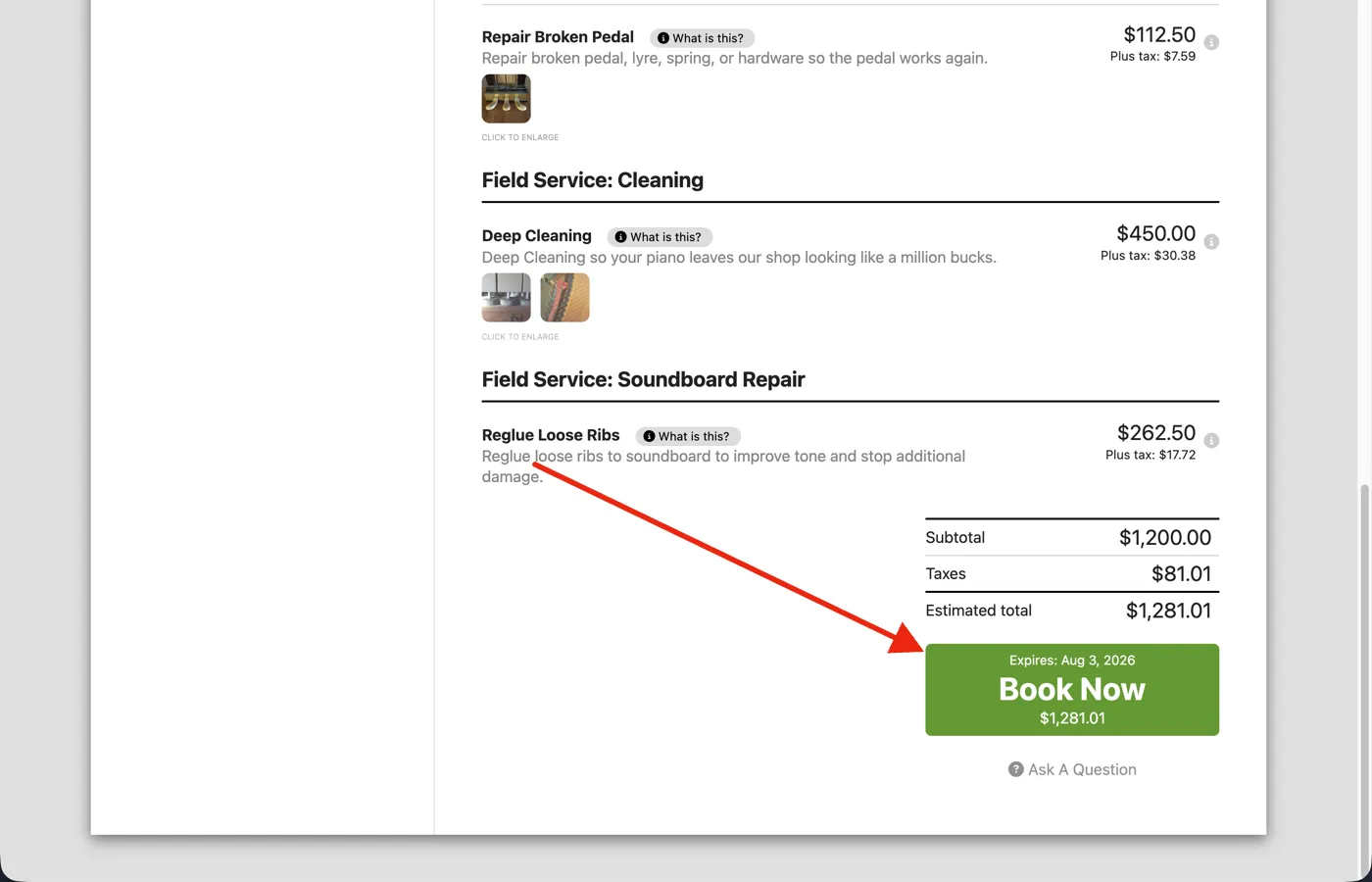
A Book Now button on the estimate allows your client to schedule with you using the self-scheduler, with the piano information and recommended services already included. If they decide in the middle of the night, they can book immediately. The booking arrives ready for your approval.
Online Self Scheduler and ReservationsEstimates
-
Invoice and get paid.
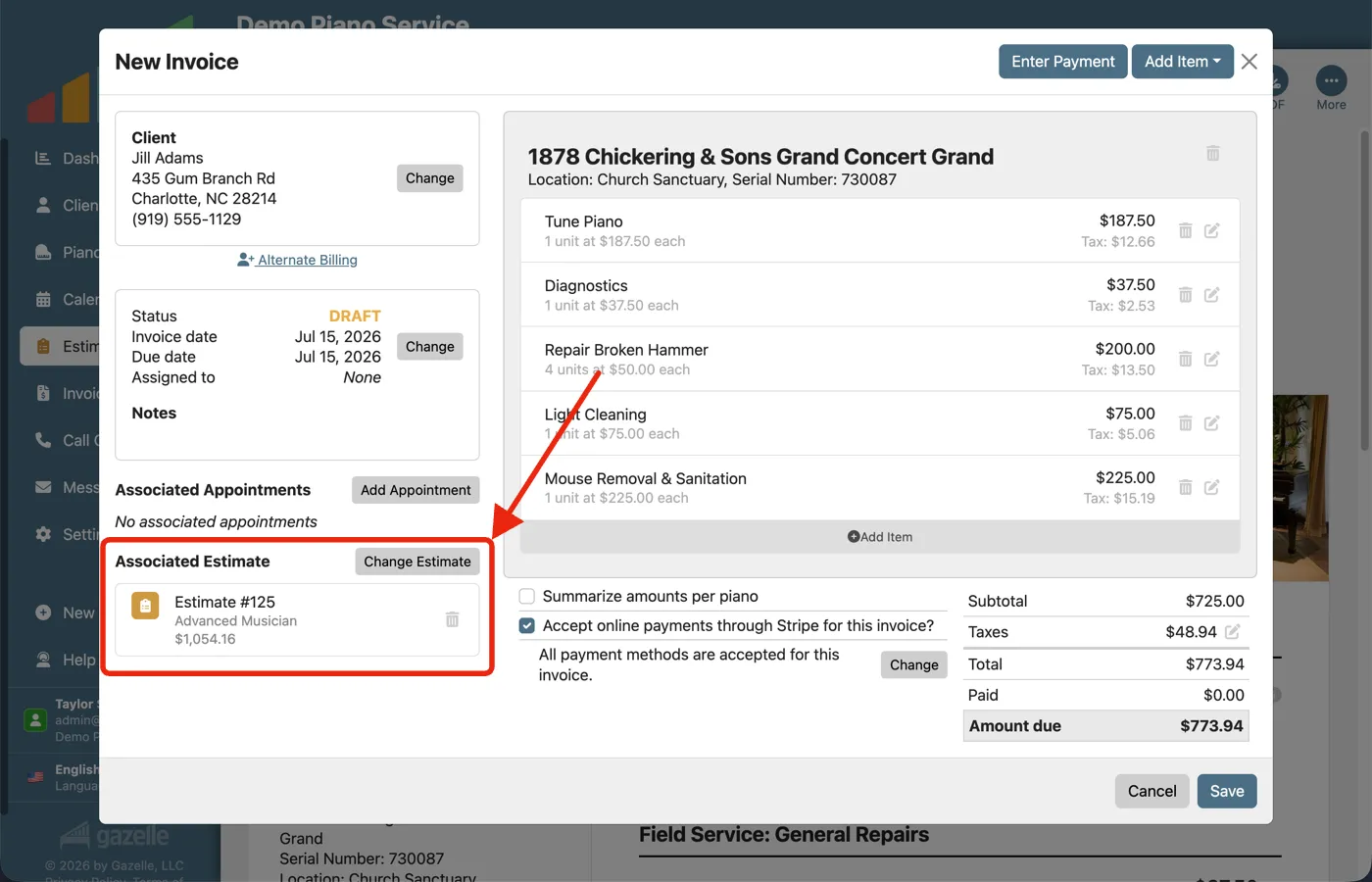
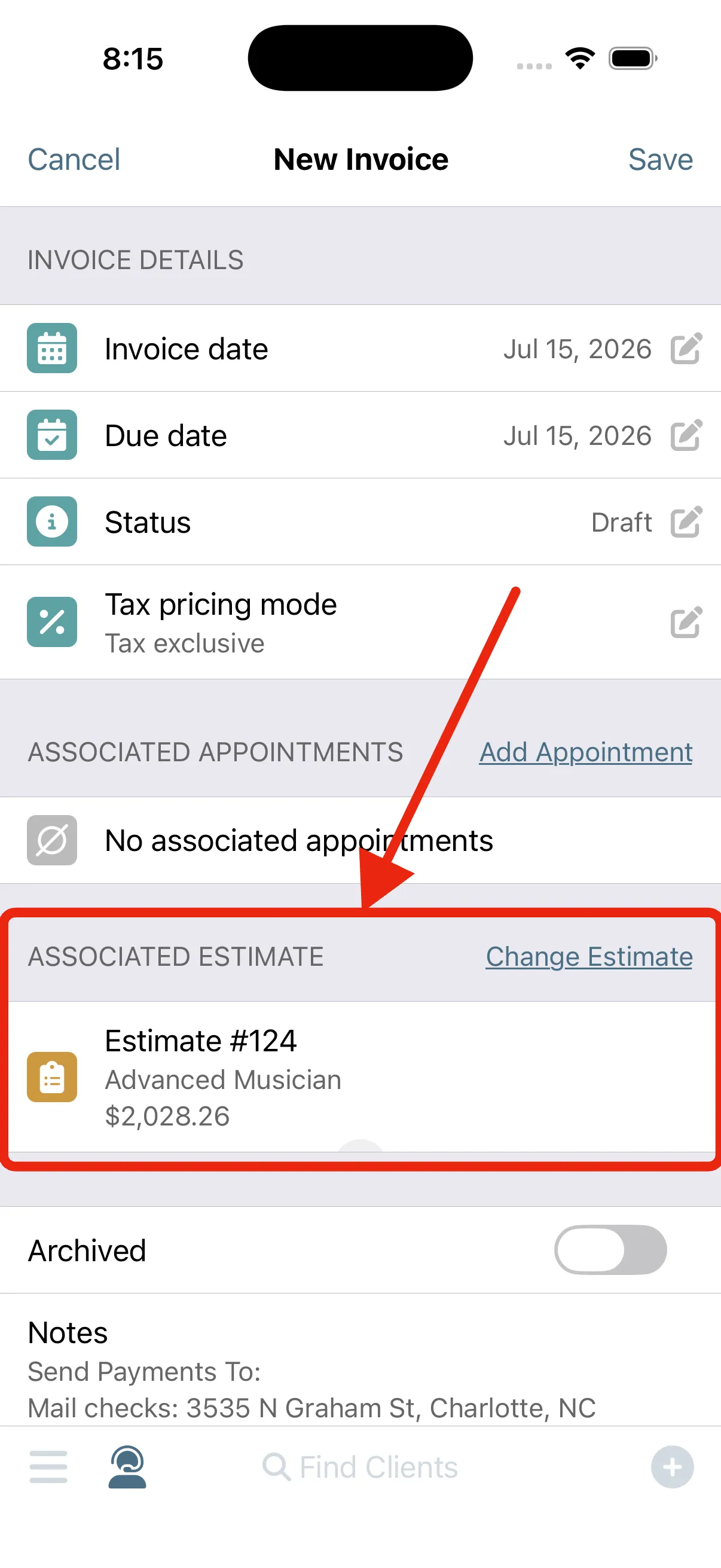
The estimate finishes what it started. Create the invoice from the estimate itself, with the Option your client chose already filled in, and the two stay linked. For a big project, you can invoice before the work begins and get paid up front.
InvoicingPayment Processing
Run this workflow on your own clients.
Every feature this workflow touches is included in your free trial. Free for 30 days, cancel anytime.
Features used in this workflow: EstimatesMaster Service ListOnline Self Scheduler and ReservationsInvoicingPayment Processing
Related workflows
One-Button Invoicing
The appointment becomes the invoice and the invoice becomes a payment, with nothing typed twice.
Your Data Within Reach
One living record for every client and piano: history that writes itself, and the whole story on your screen before you knock.
Keep Clients Coming Back
Complete an appointment and Gazelle starts the countdown to the next one: reminders that keep following up until the client books, and a cycle that resets with every visit.