
Workflow deep-dive
Keep Clients Coming Back
How do I remind clients when their piano is due for a tuning?
Your next appointment starts at your current one. Complete today's visit and Gazelle takes it from there: it tracks when the piano comes due, sends reminders that keep following up until the client books, and puts the reservation in front of you to approve. Your repeat business stops depending on your memory, and clients stop slipping through the cracks.
This workflow touches: Mobile App with Offline ModeAutomated RemindersPiano managementCall CenterOnline Self Scheduler and ReservationsSmart SchedulingNotifications
How it works, step by step
-
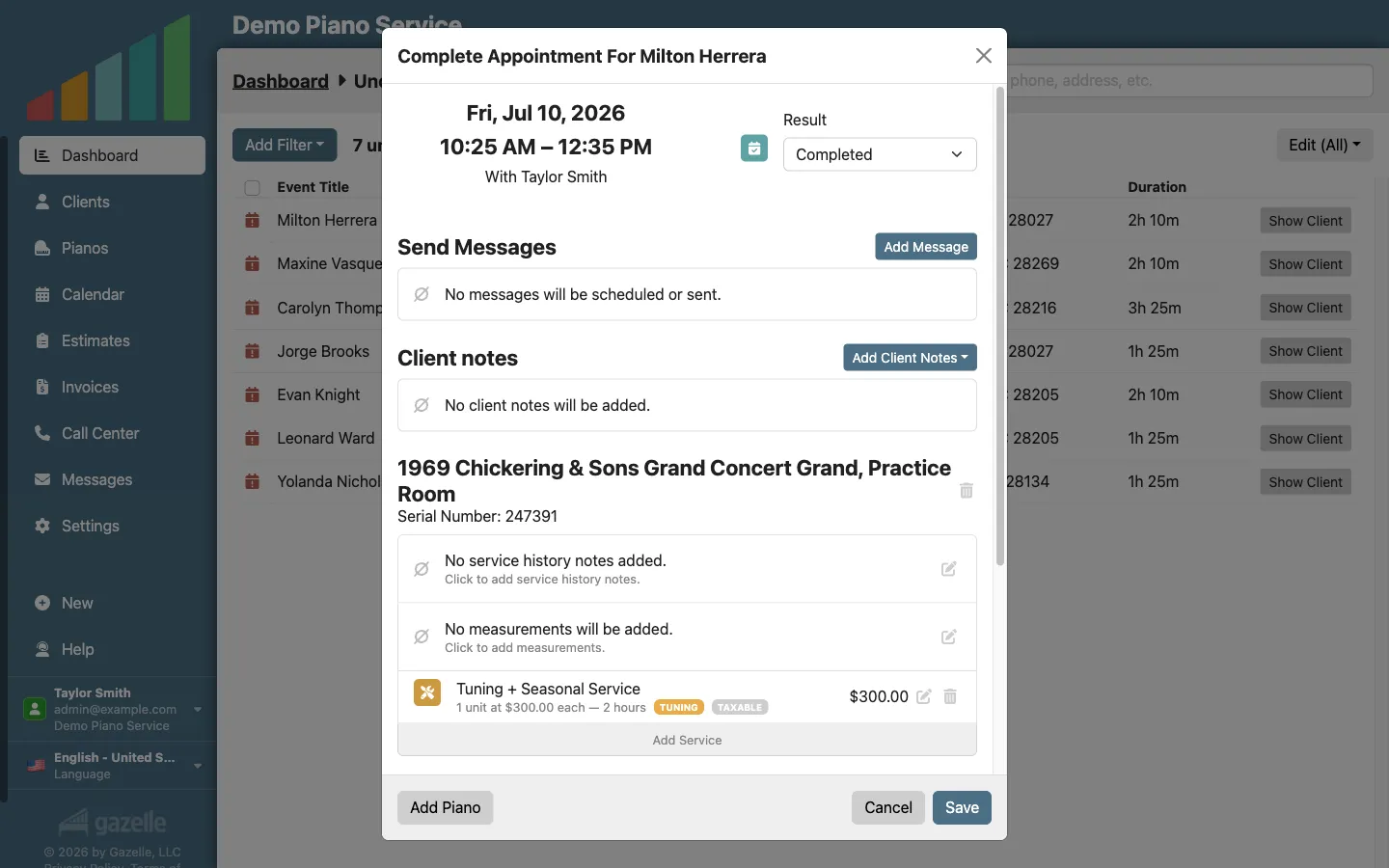
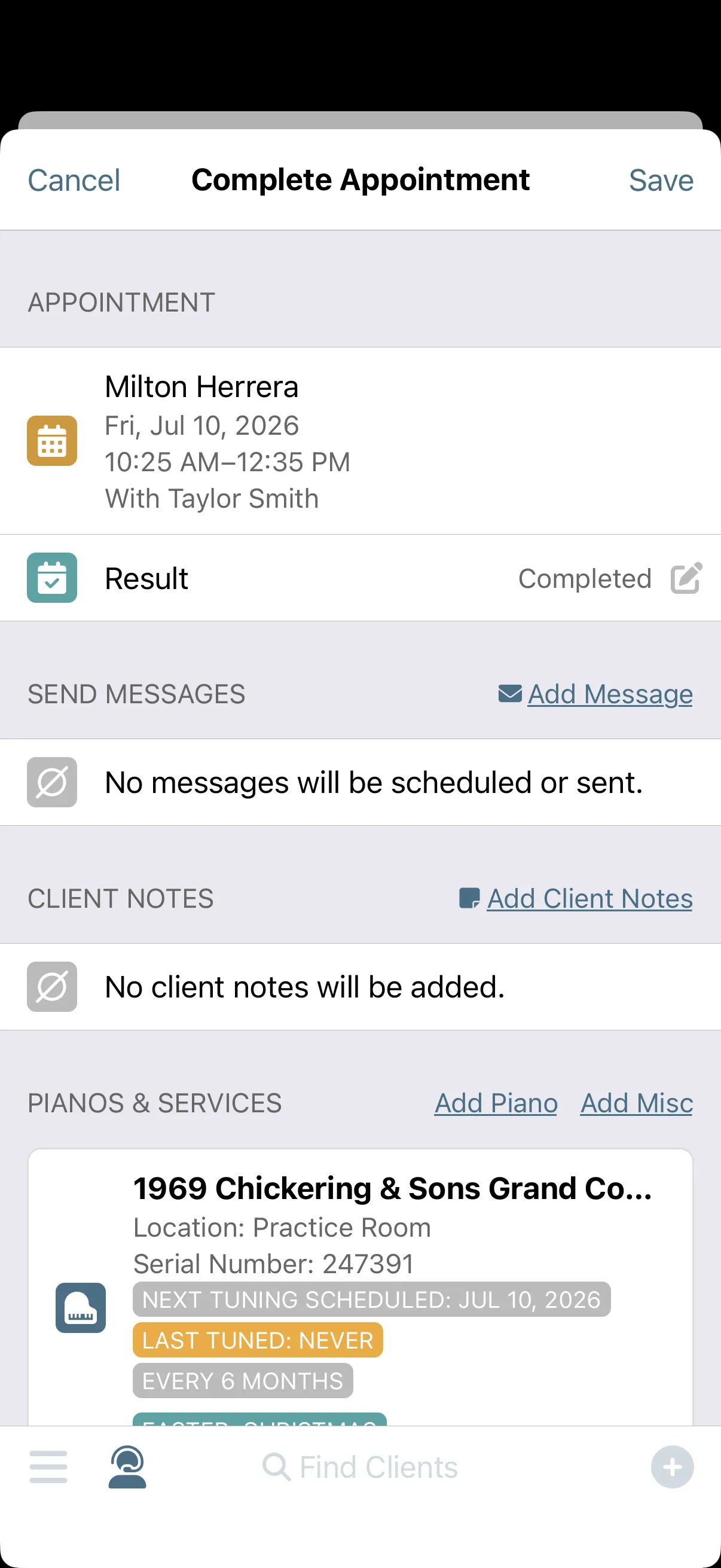
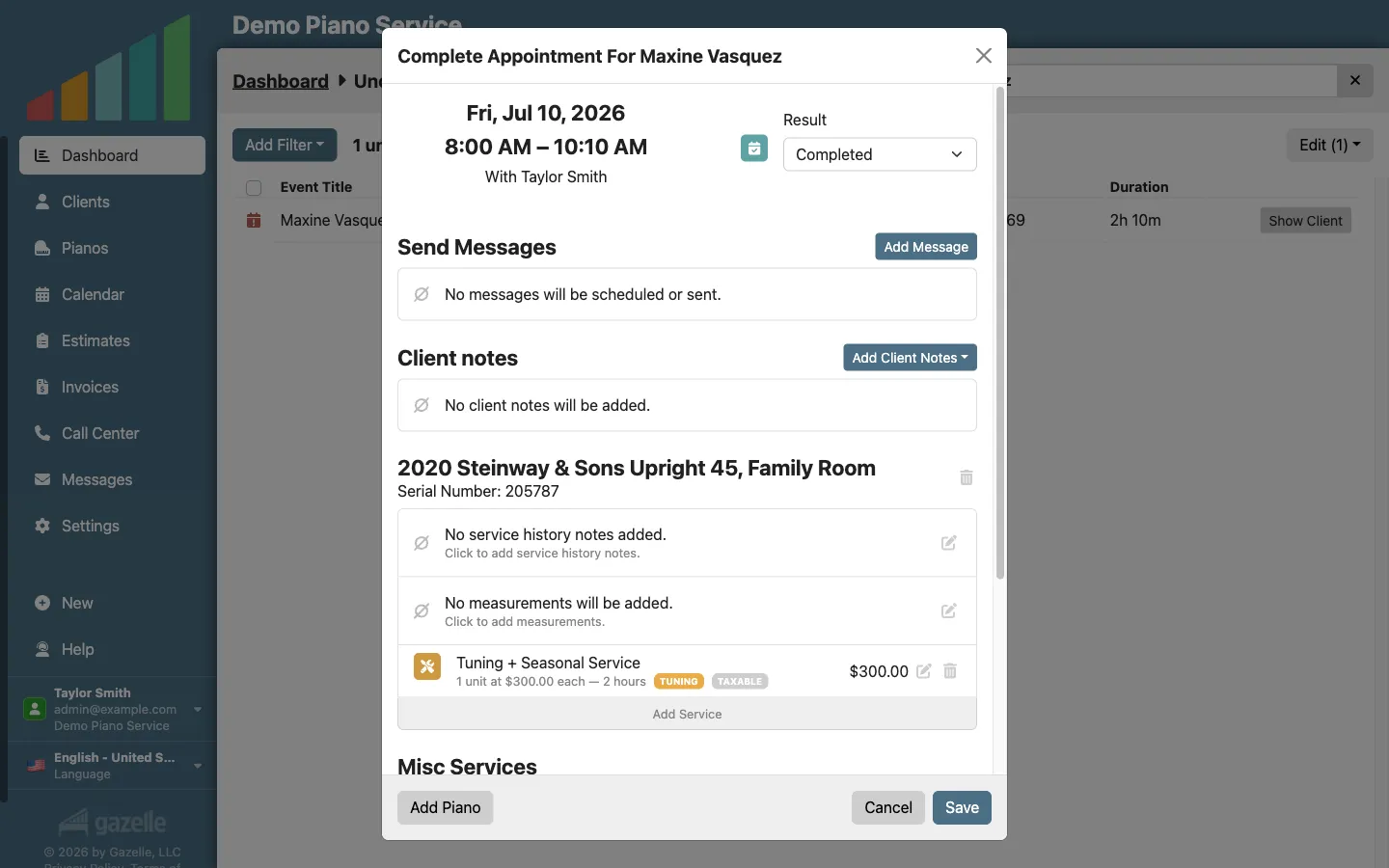
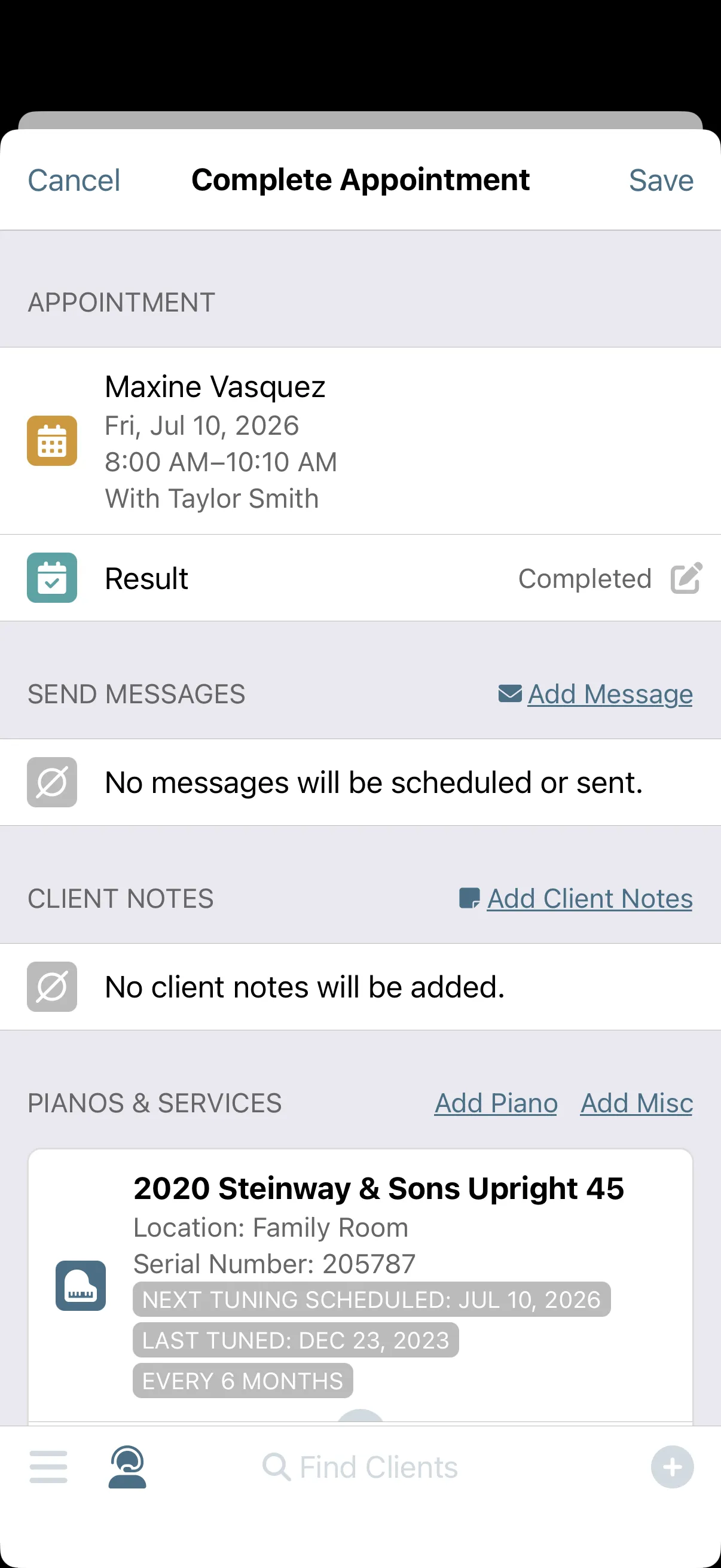
Complete your current appointment.
The cycle starts where you'd expect it to end. Close out today's visit with confidence that Gazelle will remind this client at the appropriate time, based on the last tune date and your tuning interval. Completing this appointment is the beginning of the next one.
Mobile App with Offline Mode
-
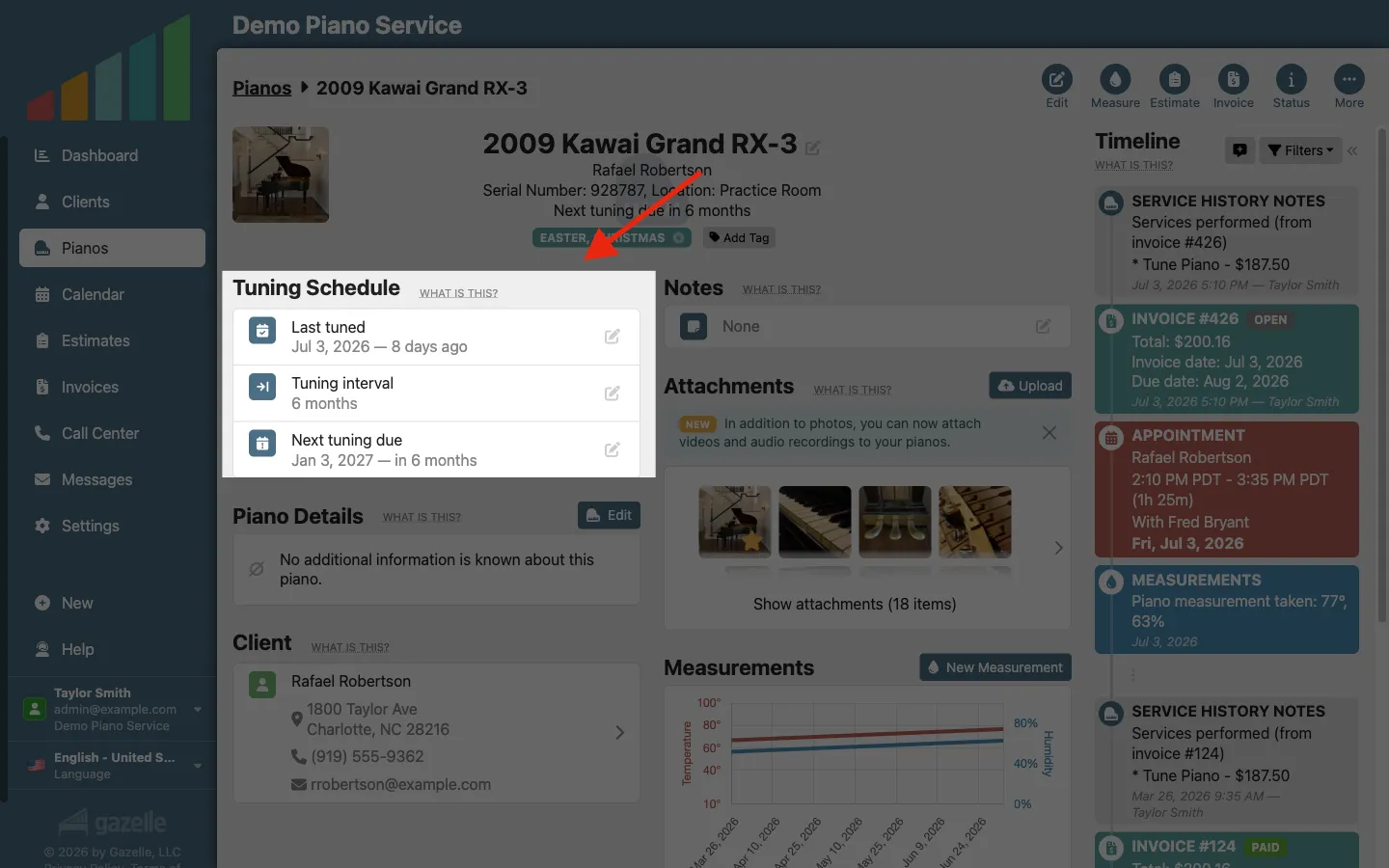
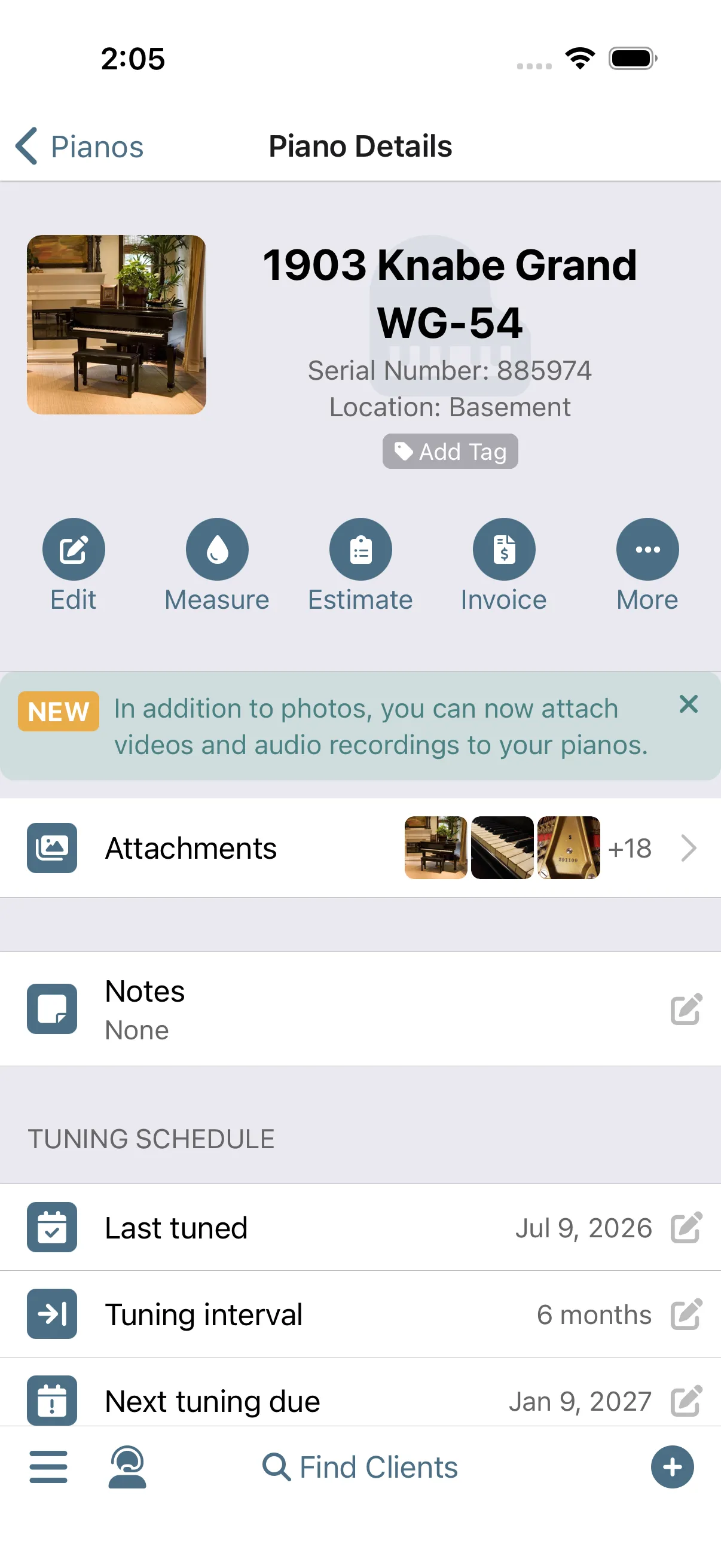
Gazelle tracks when the piano is due.
Gazelle remembers so you don't have to. It knows this piano's tuning interval and its last service date, and it activates the reminder cycle at the right time. No card file, no spreadsheet, no tracking on your part.
Automated RemindersPiano management
-
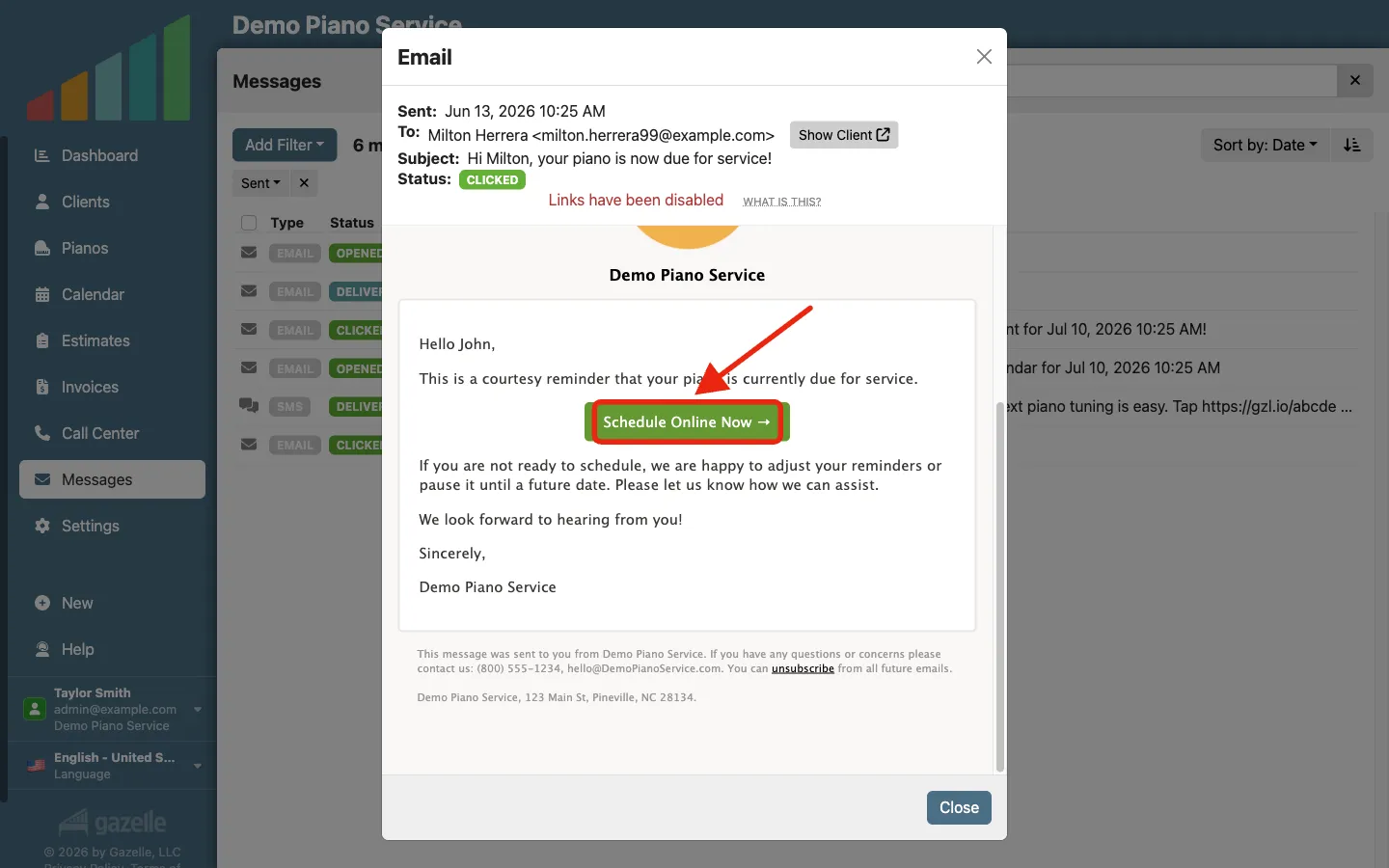
The reminder is sent.
Gazelle sends the right reminder at the right time, mixing email, text, and call prompts in your Call Center queue on whatever cadence you choose. The messages grow more direct the longer the piano goes unbooked, and the follow-up continues until the client books. One reminder is easy to ignore; a sequence isn't.
Automated RemindersCall Center
-
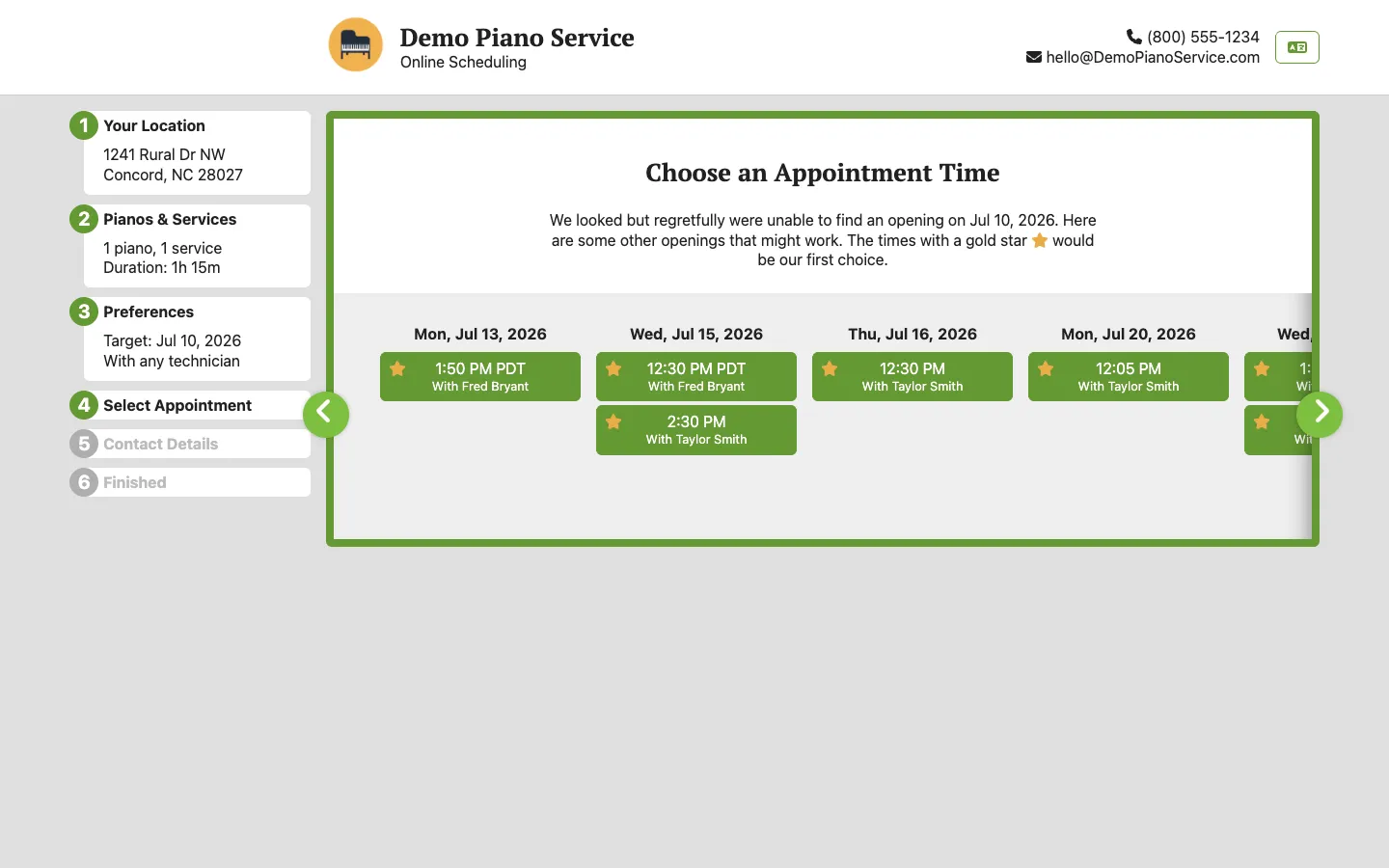
The client books themselves.
Clients can book without calling you. Their personalized Book Now link opens your online scheduler with their info already on file. They only see time slots that fit the schedule you've set.
Online Self Scheduler and ReservationsSmart Scheduling
-
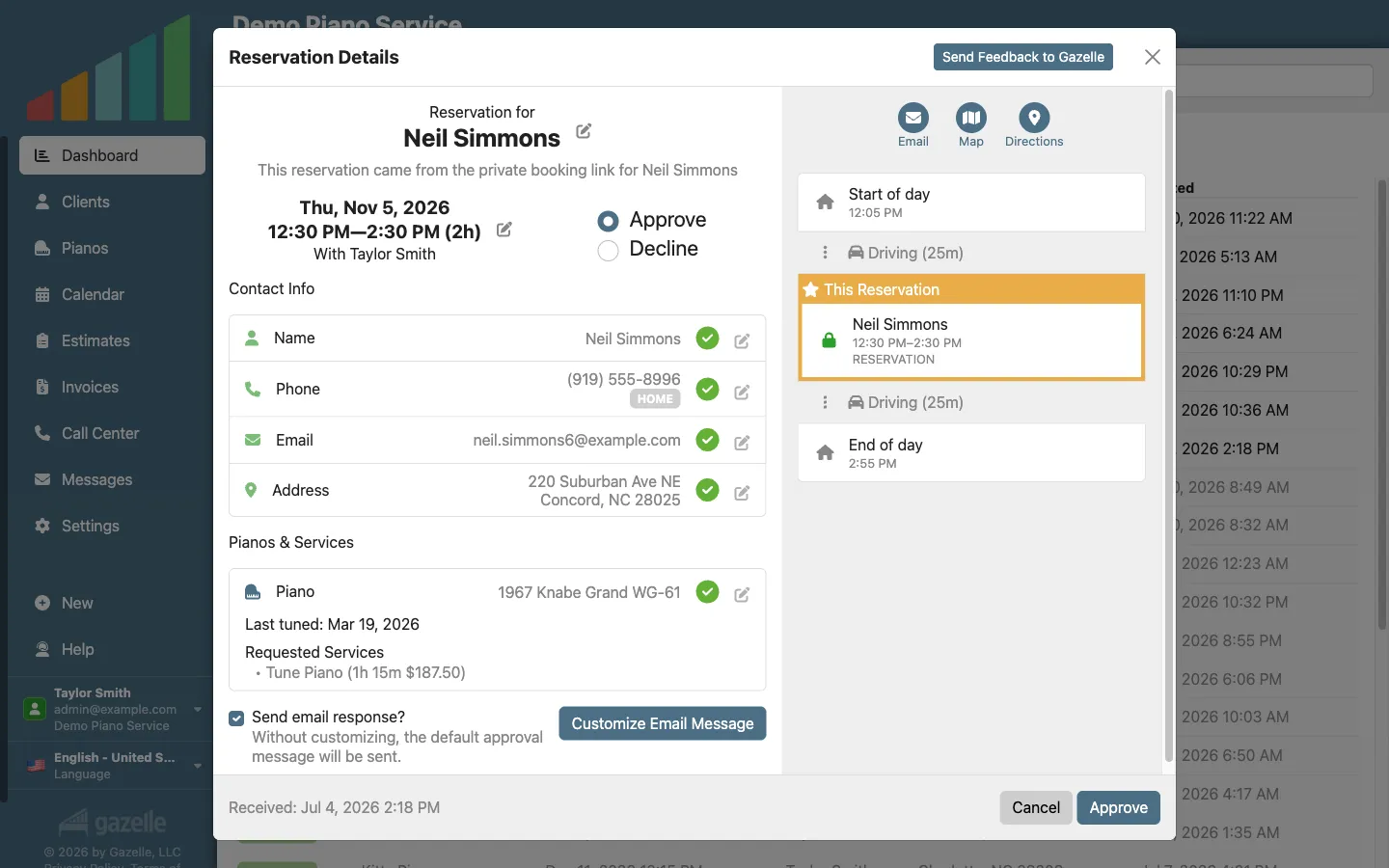
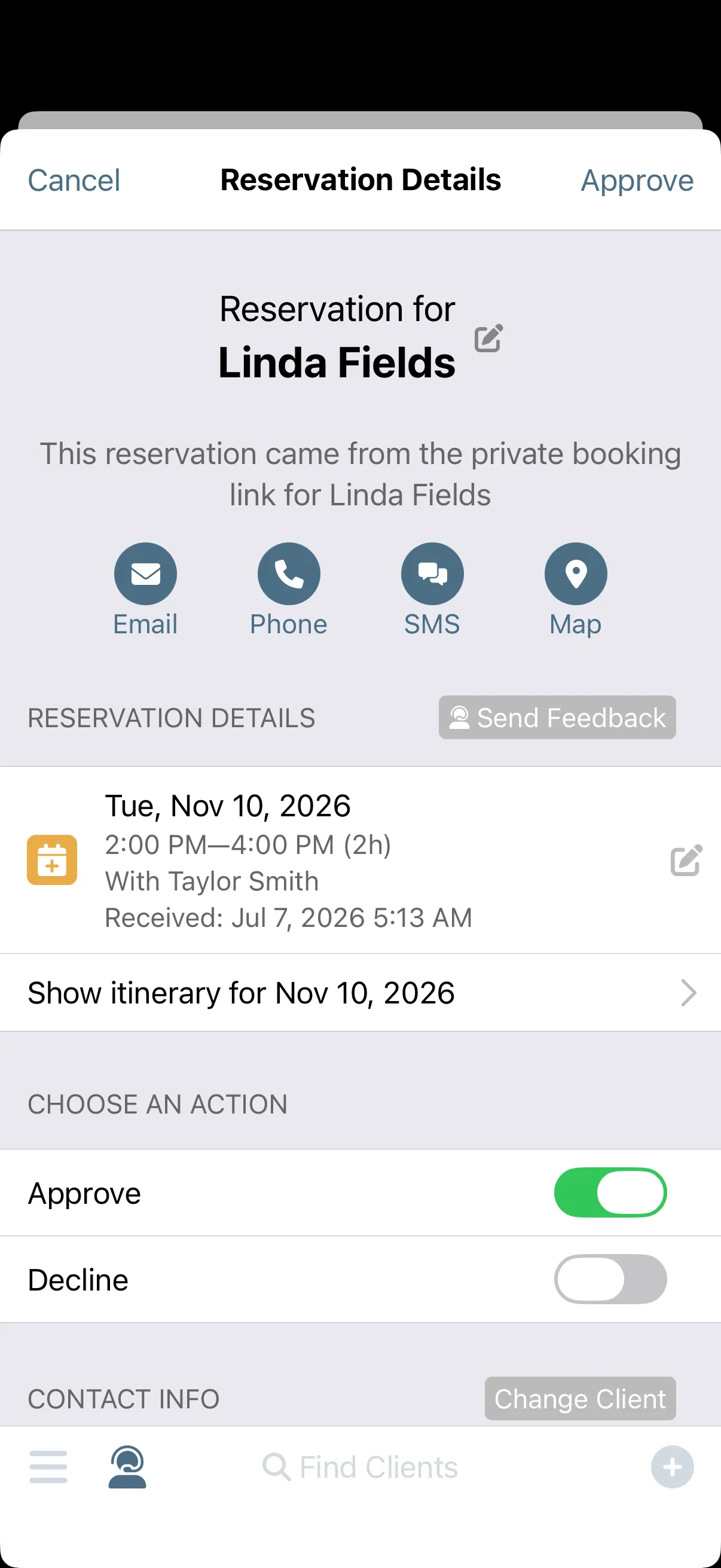
You review and approve.
You keep control of your calendar. A new reservation arrives as a notification on your phone. Review it right there, or contact the client if anything looks off. Once approved, the client gets a confirmation, and the reminders for that piano stop automatically.
Online Self Scheduler and ReservationsNotifications
-
You complete the appointment.
A year later, you're back where this started. Arrive on the appropriate day, deliver the service, and complete the appointment knowing you'll see them again in a year. Every completed visit starts the countdown to the next one.
Mobile App with Offline Mode
Run this workflow on your own clients.
Every feature this workflow touches is included in your free trial. Free for 30 days, cancel anytime.
Features used in this workflow: Mobile App with Offline ModeAutomated RemindersPiano managementCall CenterOnline Self Scheduler and ReservationsSmart SchedulingNotifications
Related workflows
Your Data Within Reach
One living record for every client and piano: history that writes itself, and the whole story on your screen before you knock.
Prevent the No-Show
Gazelle asks every client to confirm ahead of time, follows up when nobody answers, and flags the holdouts on your calendar before you drive.
Resurrecting Ghosted Clients
Filter to everyone who's slipped away and message them all at once, each with their own booking link.