
Workflow deep-dive
A Well-Planned Day in the Field
How do I run my whole day from my phone?
Your day should be planned before you're out of bed. Open Gazelle and the itinerary is already in driving order: when to leave the house, where each stop is, and what every piano needs. Work the stops, get paid on the spot, and head home knowing the reminders will bring each client back.
This workflow touches: Calendar and ItineraryAutomated RemindersMobile App with Offline ModeCustom and One-off MessagesTimelineClient managementPiano managementInvoicingPayment Processing
How it works, step by step
-
Wake up to a planned day.
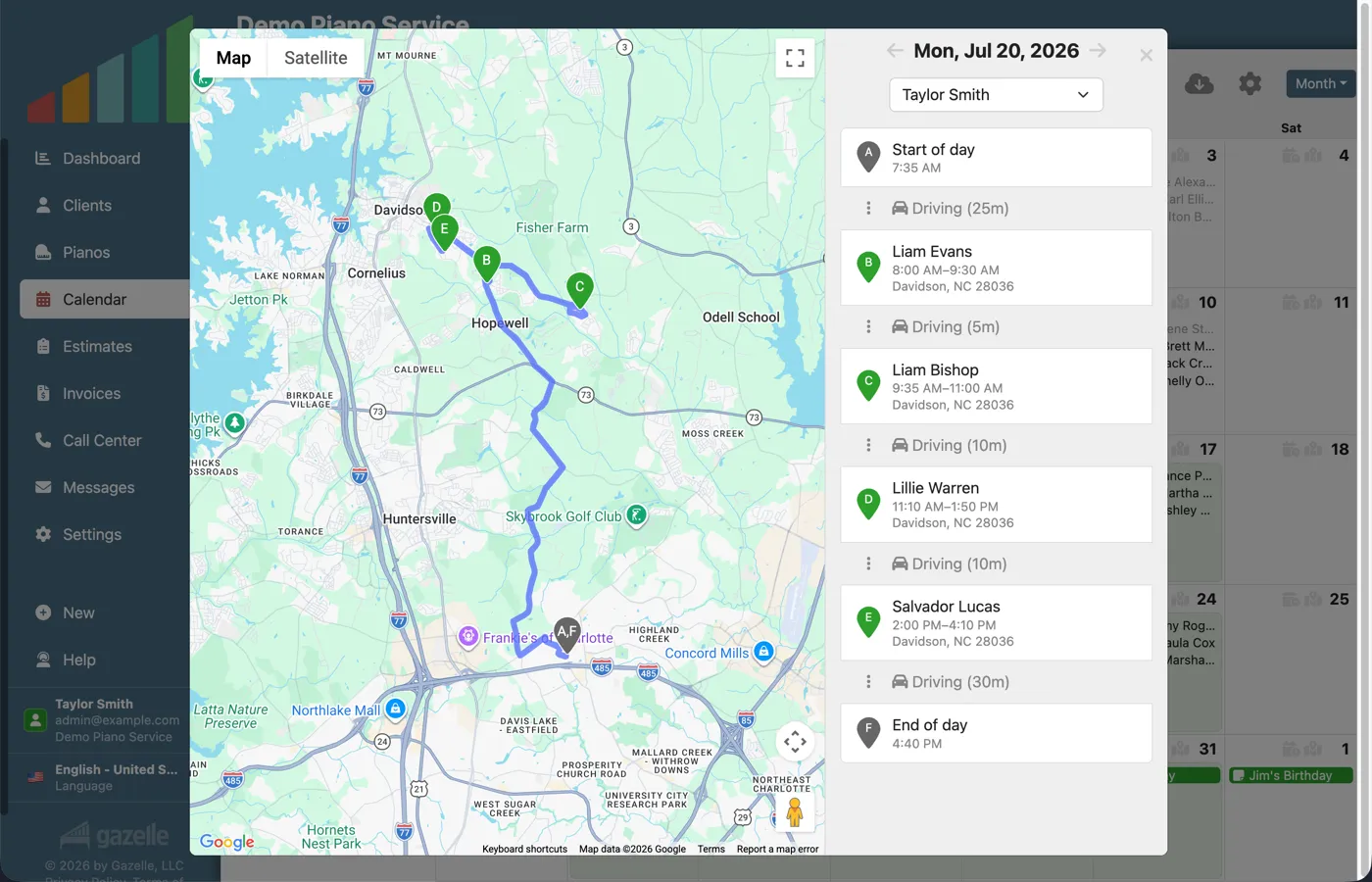
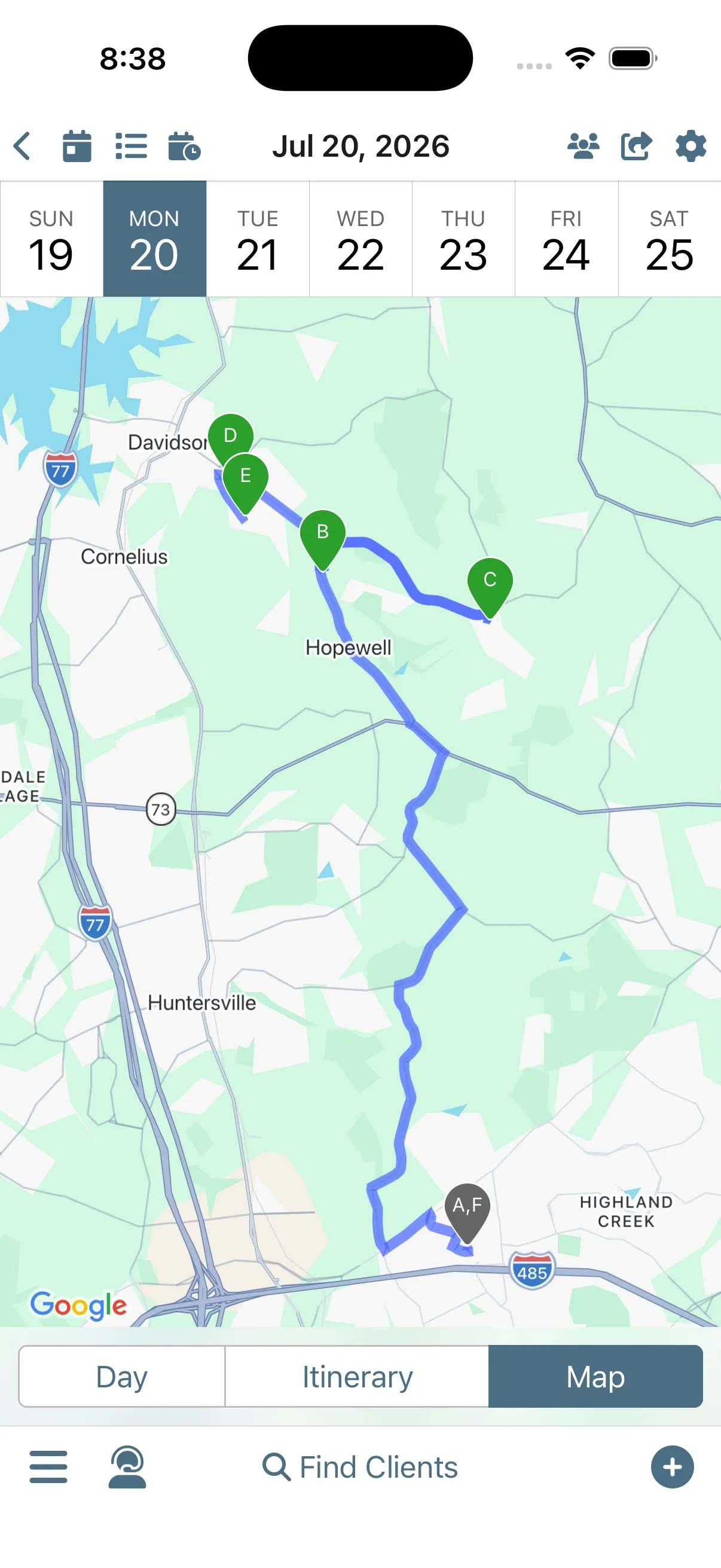
The plan is ready before you are. The itinerary lays out your day in driving order: every appointment, the travel time between stops, and a start-of-day marker that tells you exactly when to leave the house. The map view gives you a feel for where in town you'll be, and your clients have already received the text that their appointment is today.
Calendar and ItineraryAutomated Reminders
-
Head to your first stop.
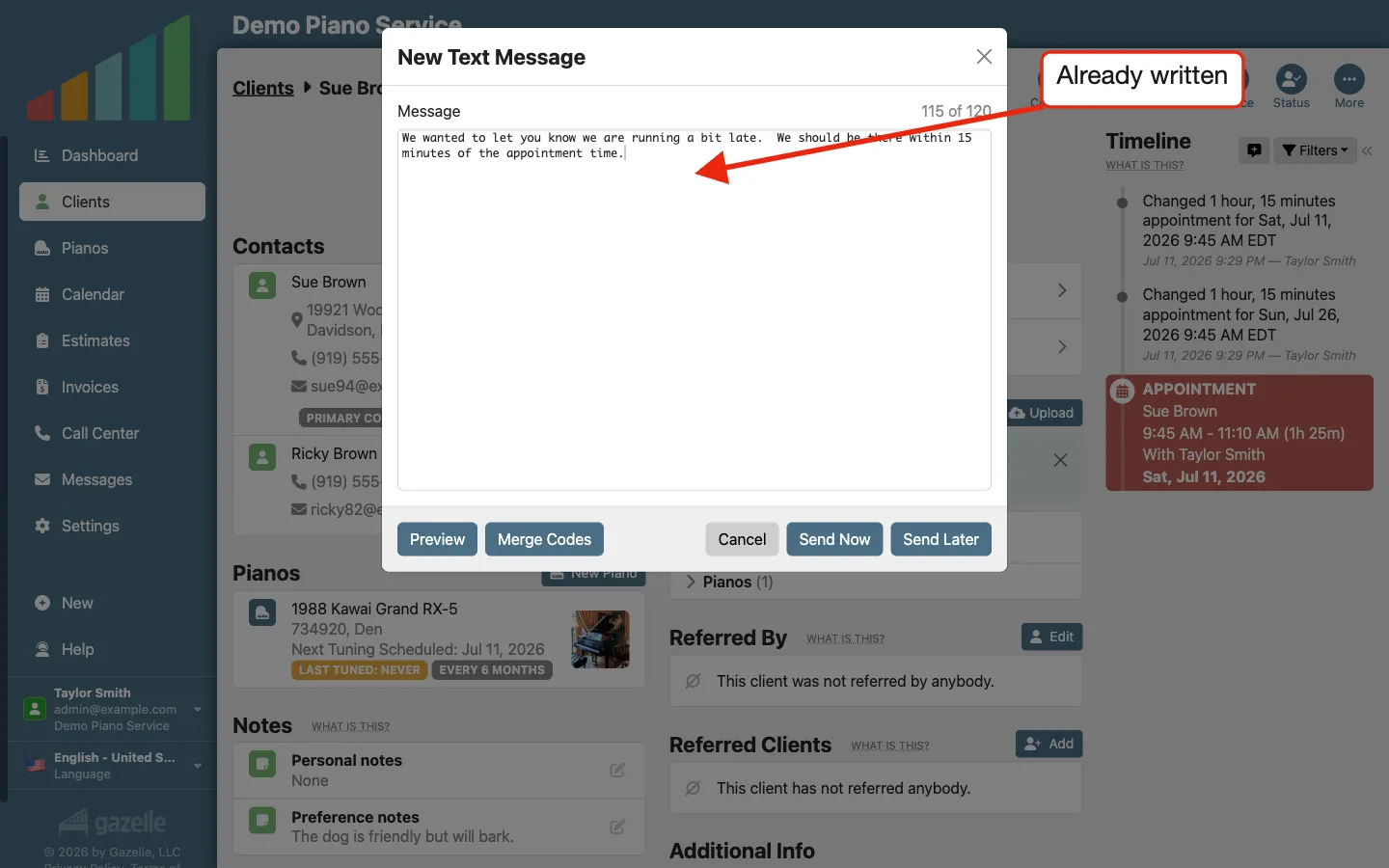
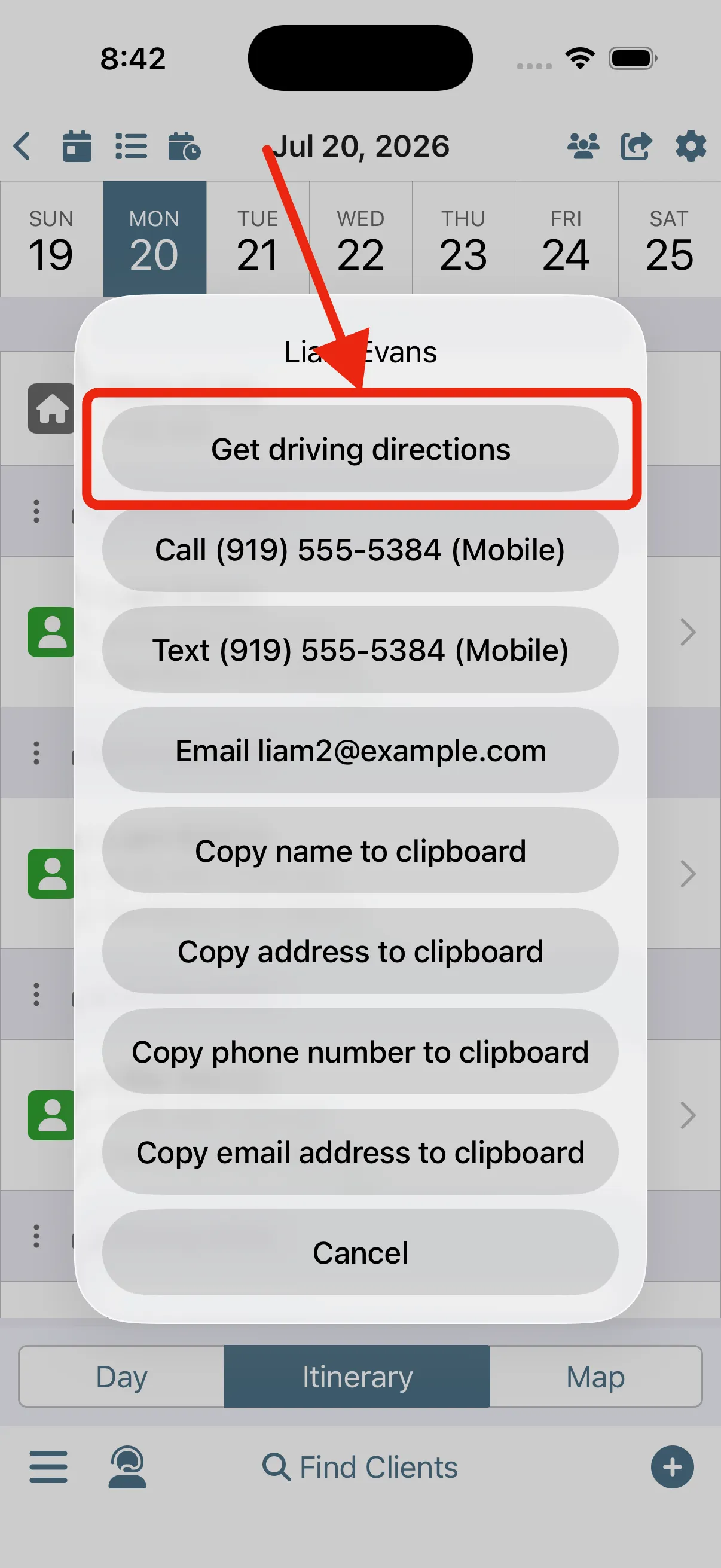
Get directions for your first appointment with the push of a button, in the maps app you already use: Google Maps, Apple Maps, Waze, your call. Running late? Not a problem, you already have a custom template for that. Find it, send it, done, in the time of one traffic light.
Mobile App with Offline ModeCustom and One-off Messages
-
Walk in prepared.
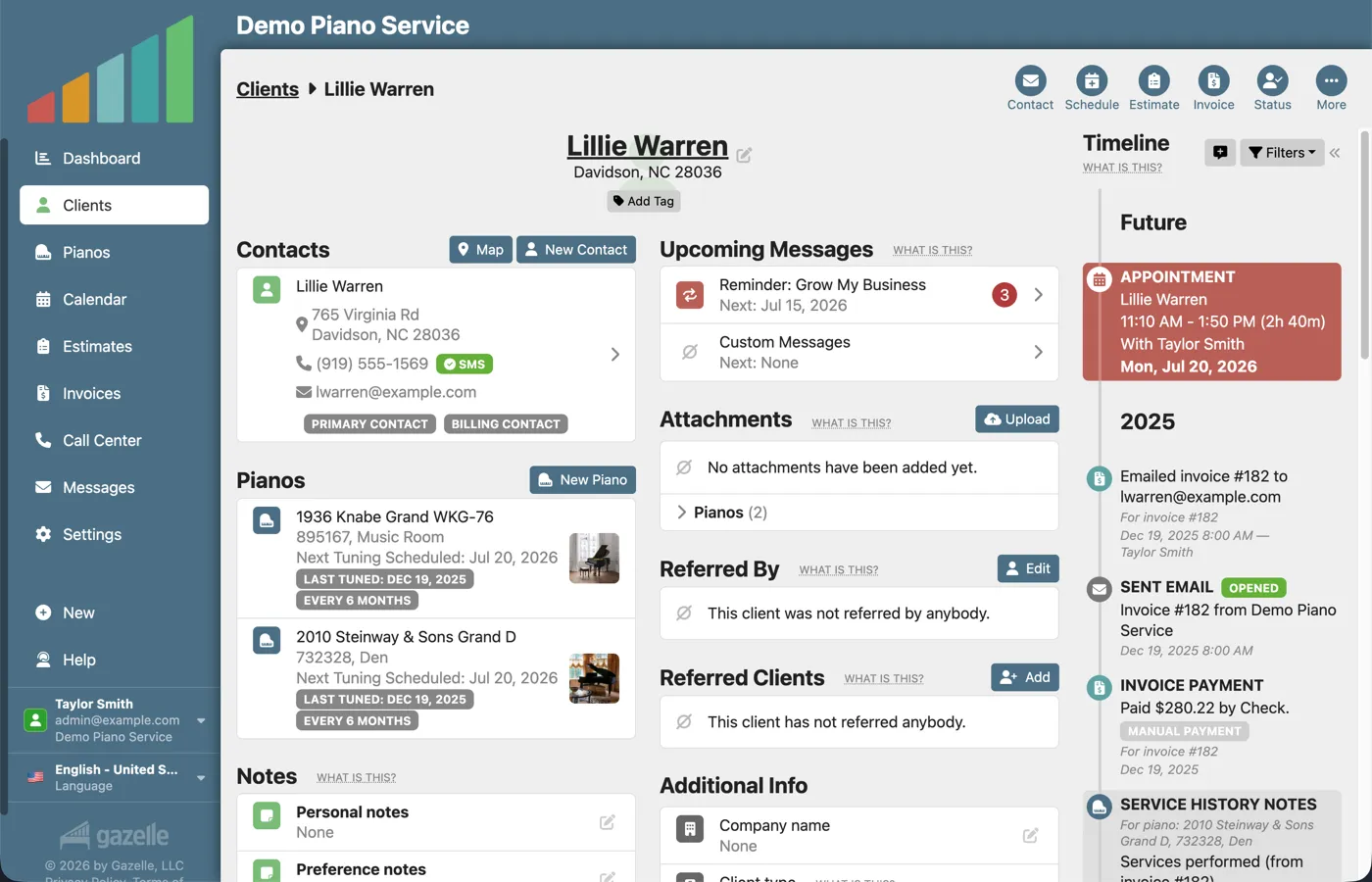
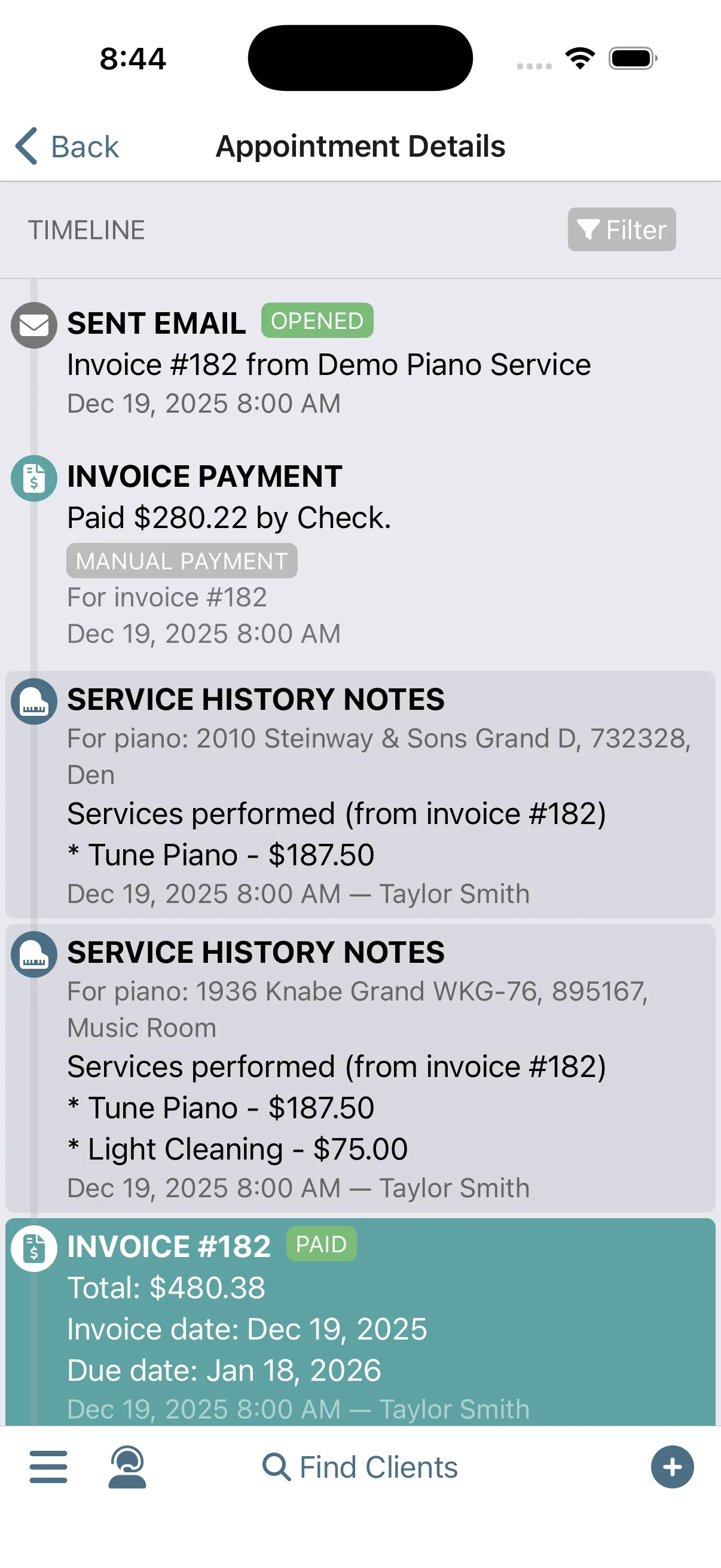
Everything you know about this client is in your pocket. Before you ring the bell, check the piano's history, the services booked for this visit, and the notes you left for yourself: the kids' names, the dog's name. Greet them personally and pick up where you left off.
TimelineClient managementPiano management
-
Get paid.
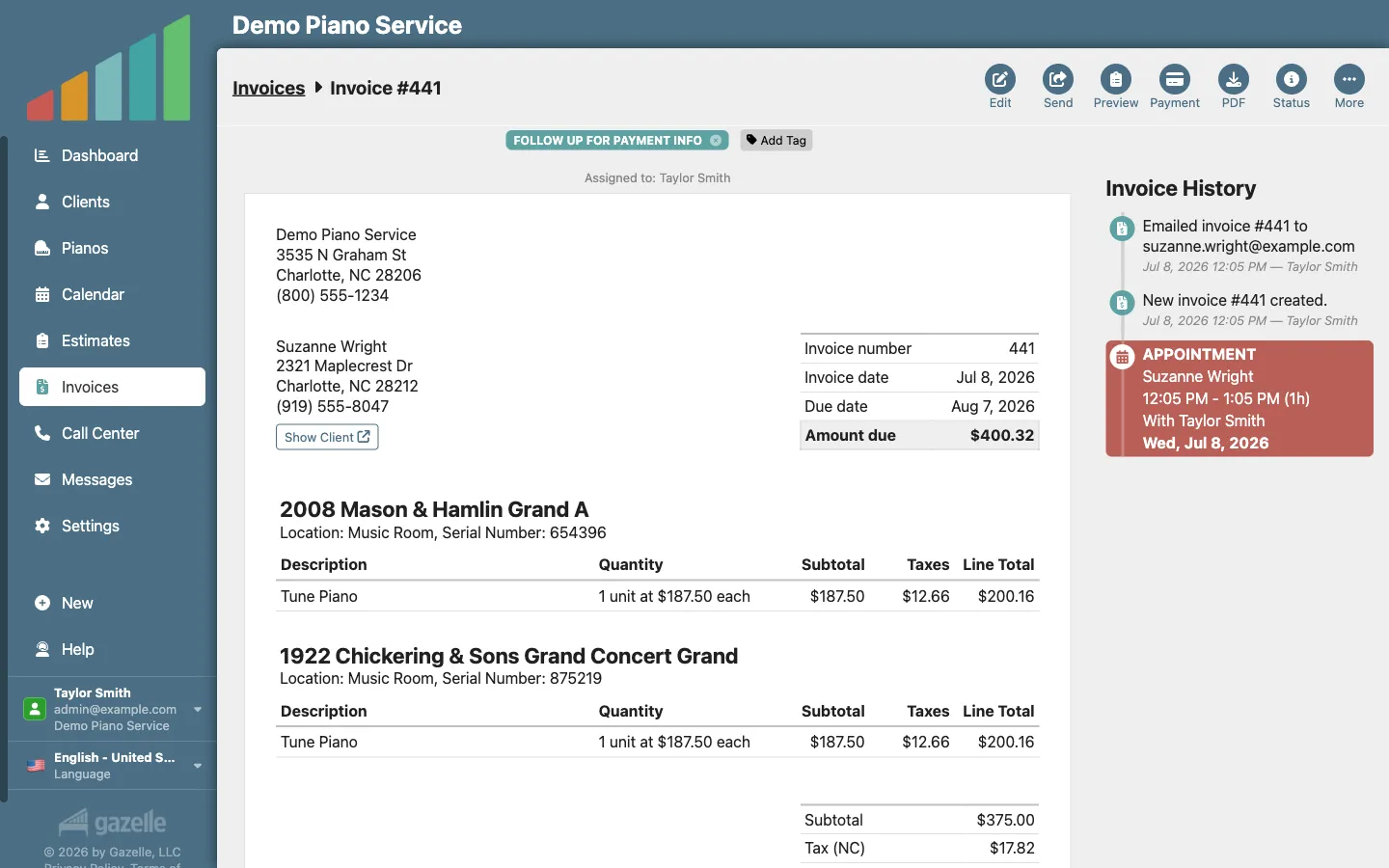
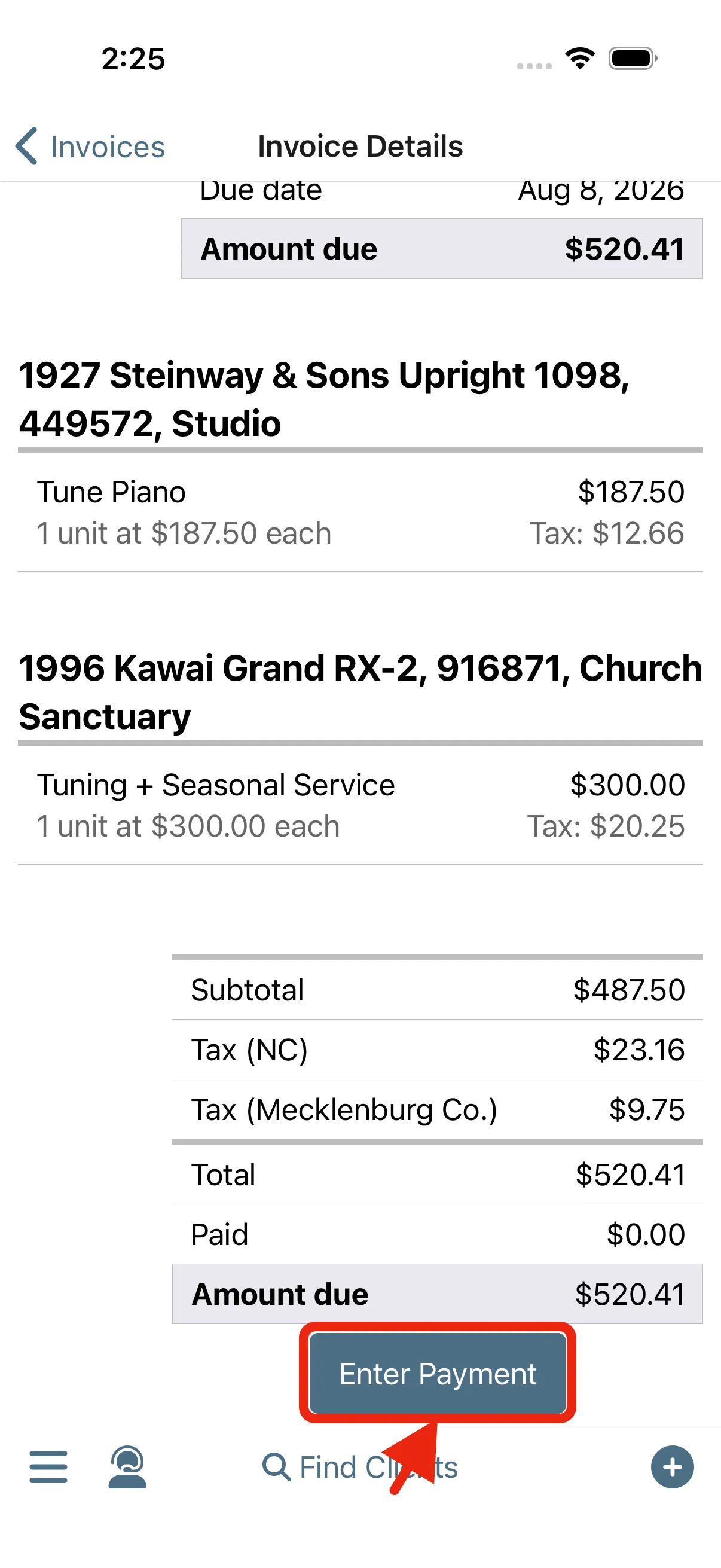
Payment happens while you're still in the house. Convert the appointment to an invoice with one button: the services you performed are the line items. Send it to the client and take payment right then and there.
InvoicingPayment Processing
-
Paperwork complete before you drive away.
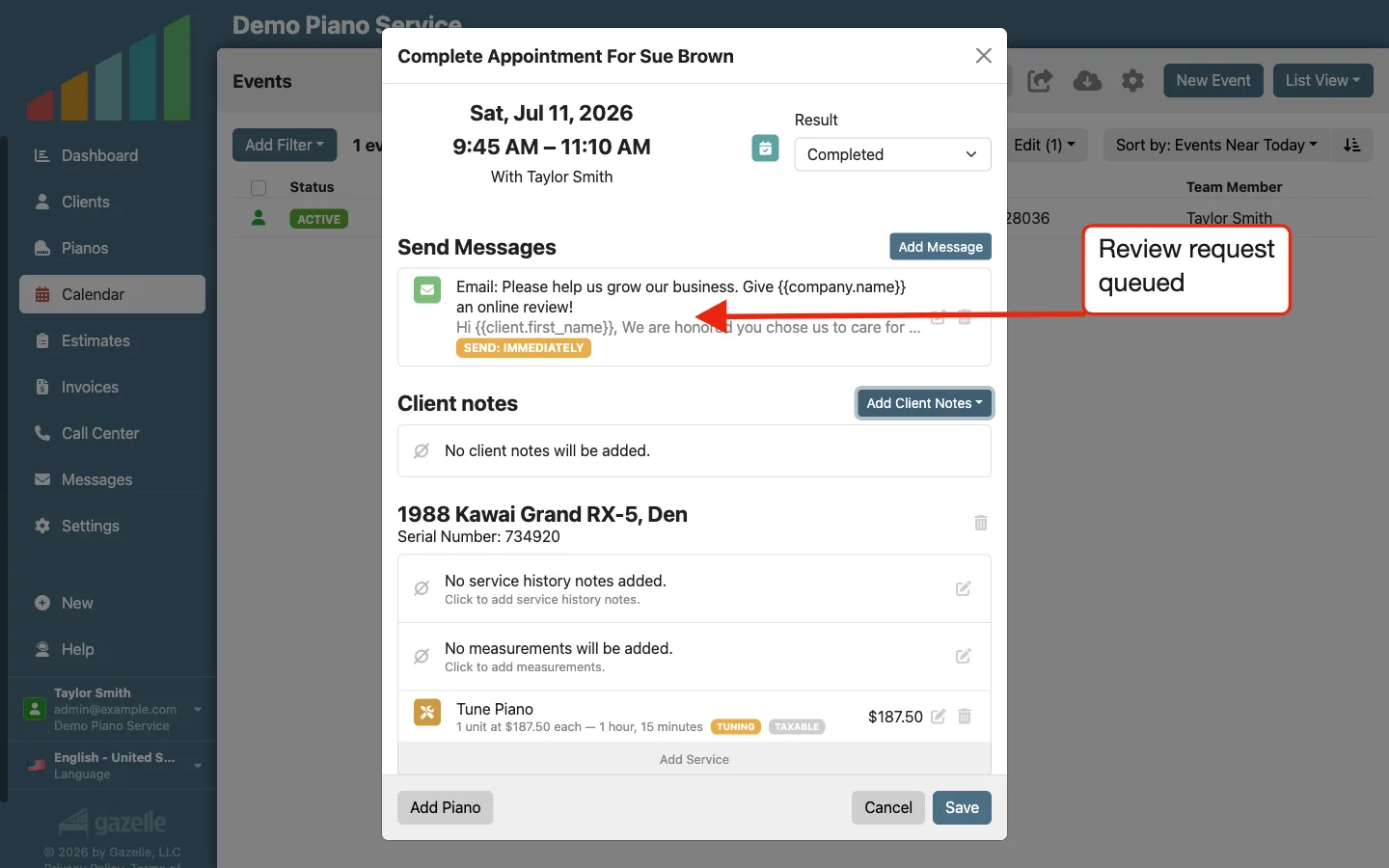
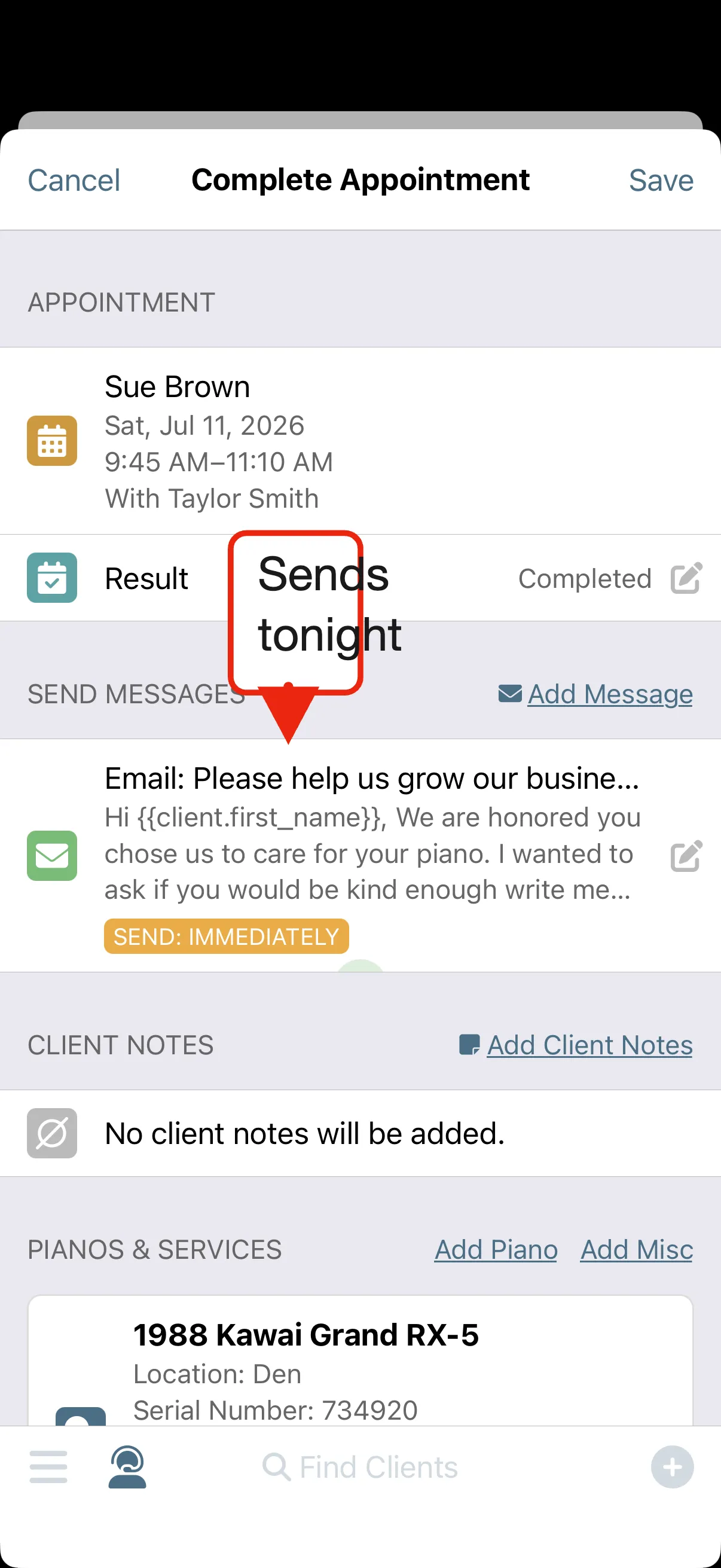
One pass on the completion screen and the visit is closed out. Add your notes for next time while everything is fresh, mark the appointment complete, and schedule a review request to send that evening. The invoice is already handled, so nothing follows you home.
Custom and One-off Messages
-
Drive away, but not for the last time.
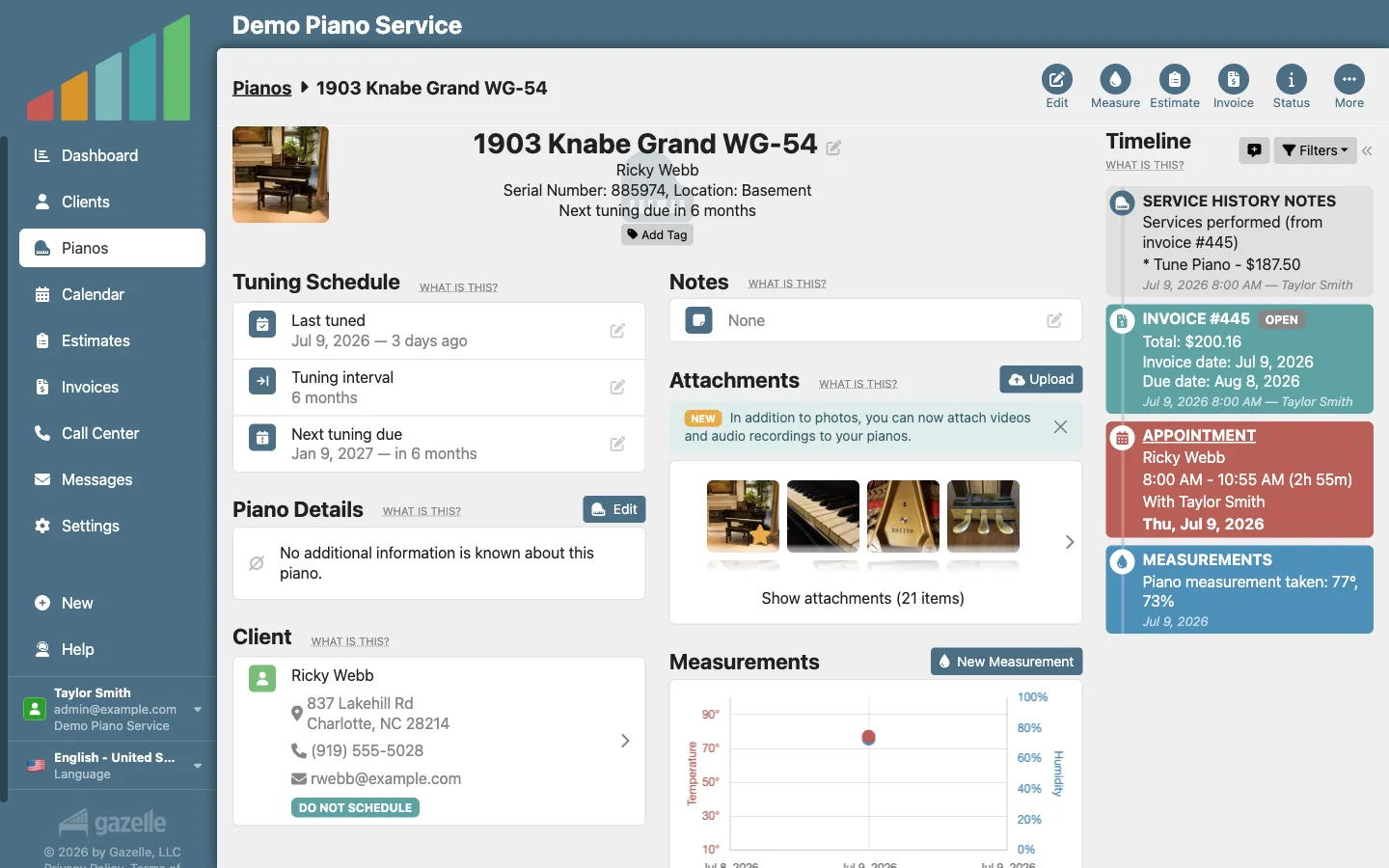
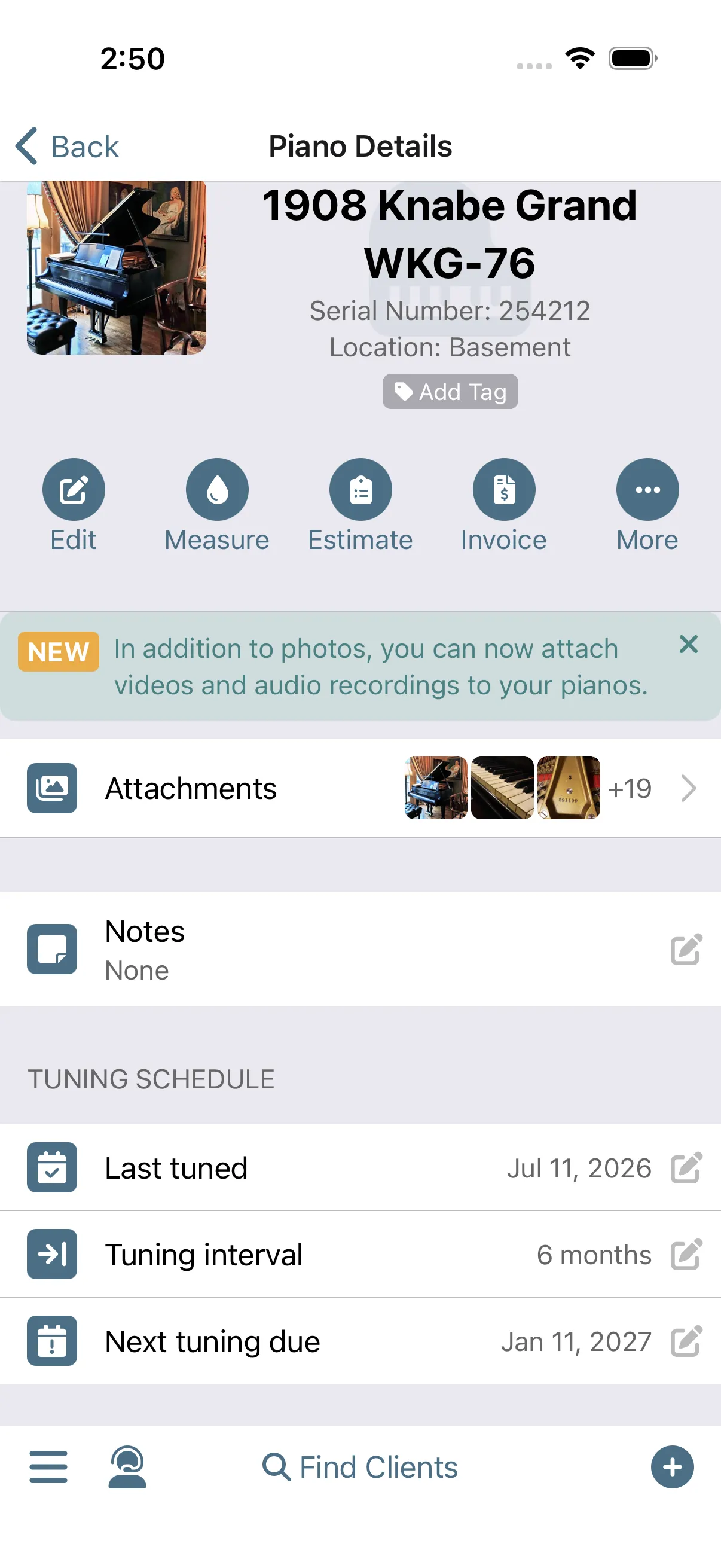
Get in the car and head to the next stop, knowing Gazelle will reach out when this piano comes due again. It tracks the schedule and sends the reminders that bring the client back, so nobody falls through the cracks. Your part is done until next year.
Automated Reminders
Run this workflow on your own clients.
Every feature this workflow touches is included in your free trial. Free for 30 days, cancel anytime.
Features used in this workflow: Calendar and ItineraryAutomated RemindersMobile App with Offline ModeCustom and One-off MessagesTimelineClient managementPiano managementInvoicingPayment Processing
Related workflows
Your Data Within Reach
One living record for every client and piano: history that writes itself, and the whole story on your screen before you knock.
More Service Calls, Fewer Miles
Tell Gazelle where and when you work, and Smart Routes ranks every open slot by the driving it actually adds, so bookings land on days you already have.
One-Button Invoicing
The appointment becomes the invoice and the invoice becomes a payment, with nothing typed twice.