
Workflow deep-dive
Prevent the No-Show
How do I stop driving to empty houses?
An unconfirmed appointment is a gamble with your gas money. Turn on confirmations and Gazelle asks every client to confirm ahead of time, follows up when nobody answers, and flags the holdouts right on your calendar: you know who's expecting you before the drive, not at the door. And if no-shows have never been your problem, leave confirmations off. They're optional.
This workflow touches: Appointment ConfirmationsAutomated RemindersUnlimited TextingCall CenterCalendar and ItineraryMobile App with Offline Mode
How it works, step by step
-
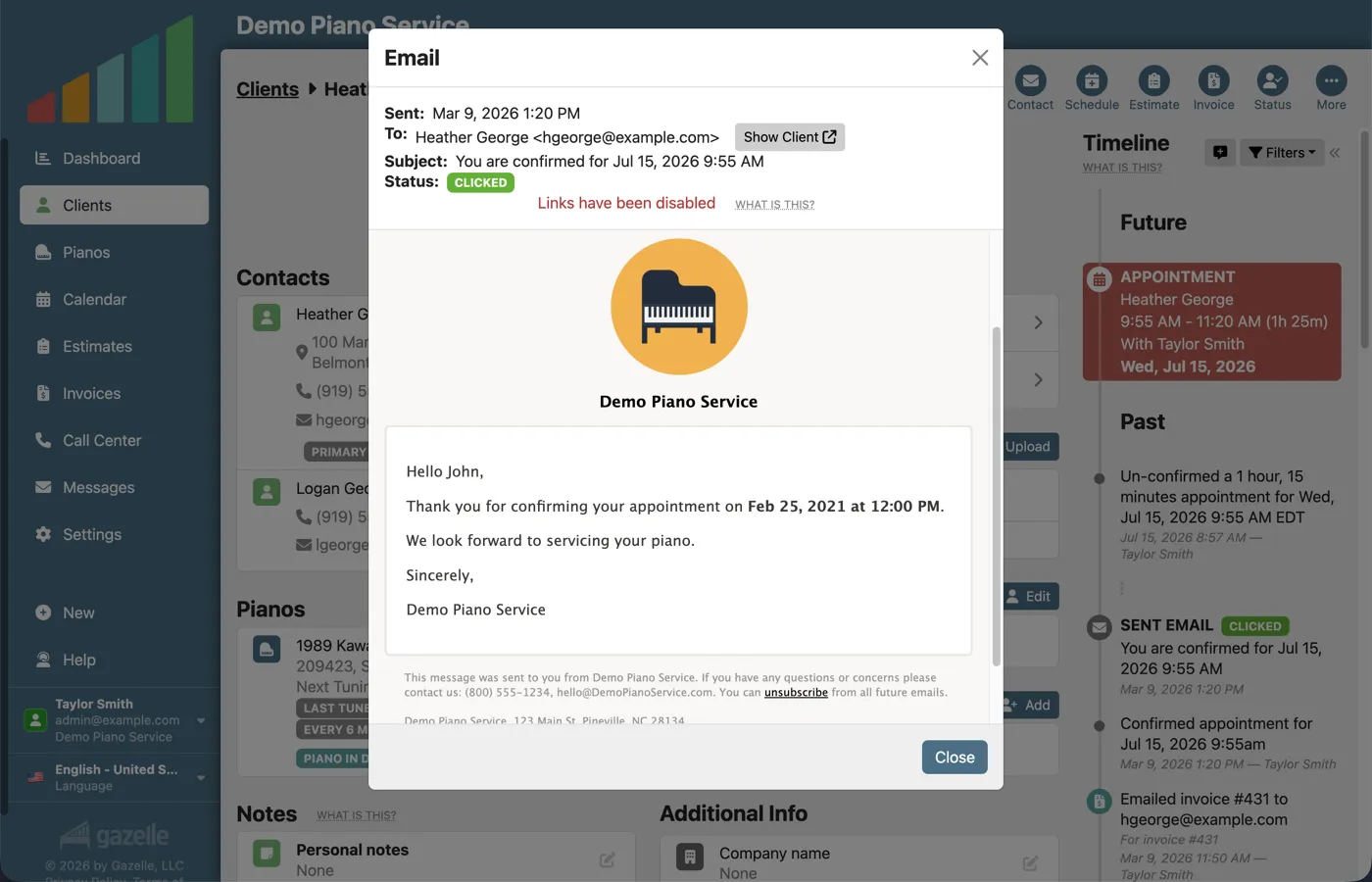
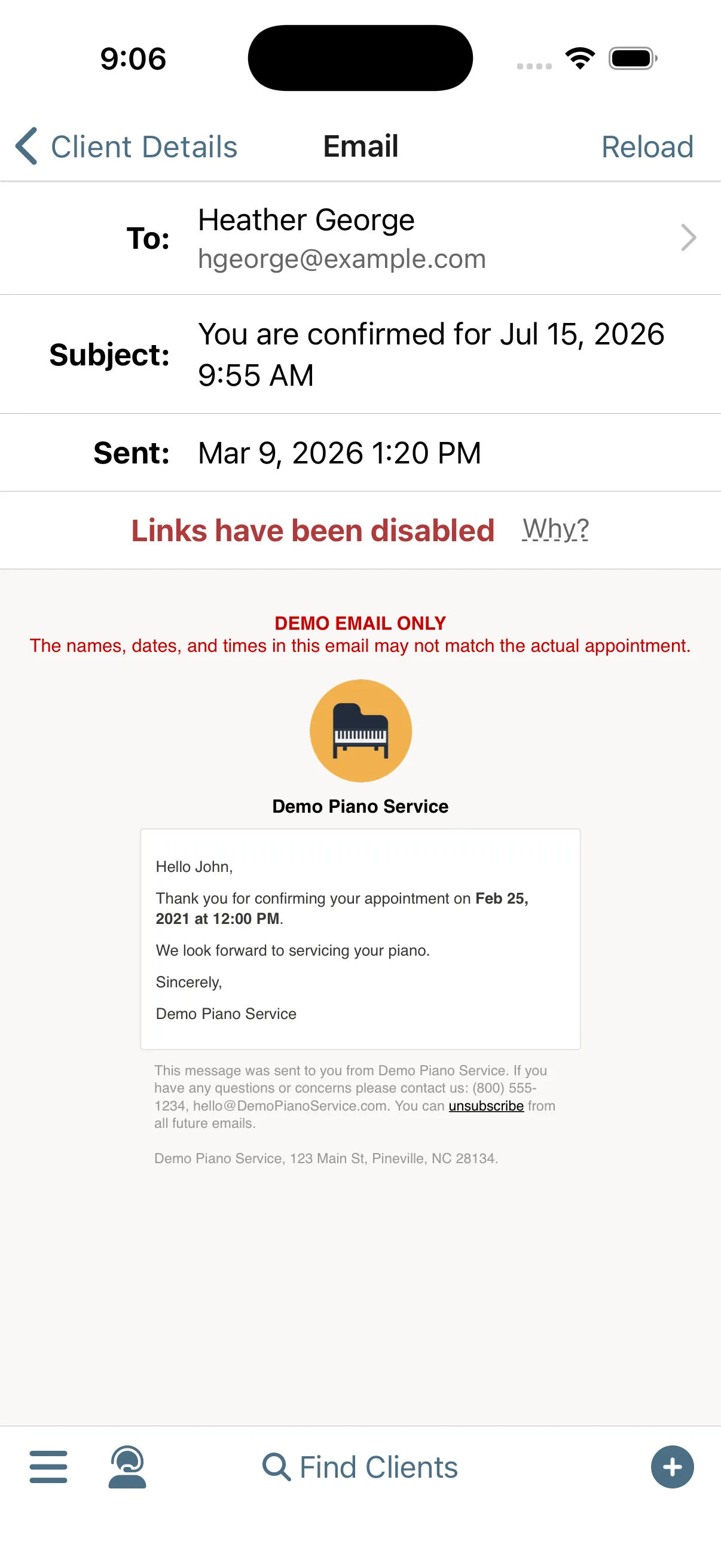
The confirmation is sent ahead of time.
Gazelle does the asking. You determine how far out you want the appointment to be confirmed, and we make sure that it is. The requests go out by email and text at the right time.
Appointment ConfirmationsAutomated Reminders
-
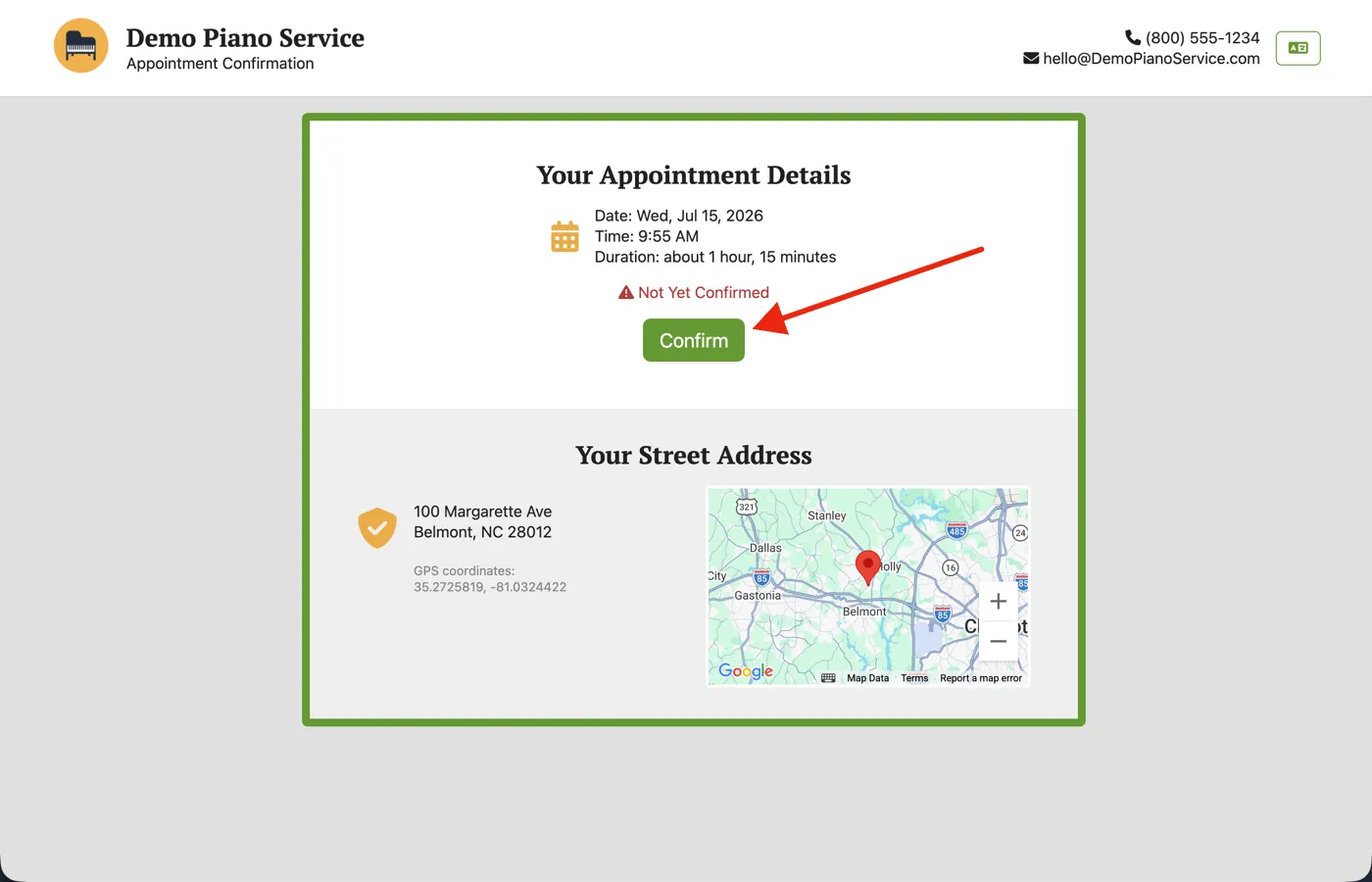
The client confirms.
Confirming takes the client seconds, and you can be confident they've checked their calendar and plan to be there. Once confirmed, the requests stop.
Appointment ConfirmationsUnlimited Texting
-
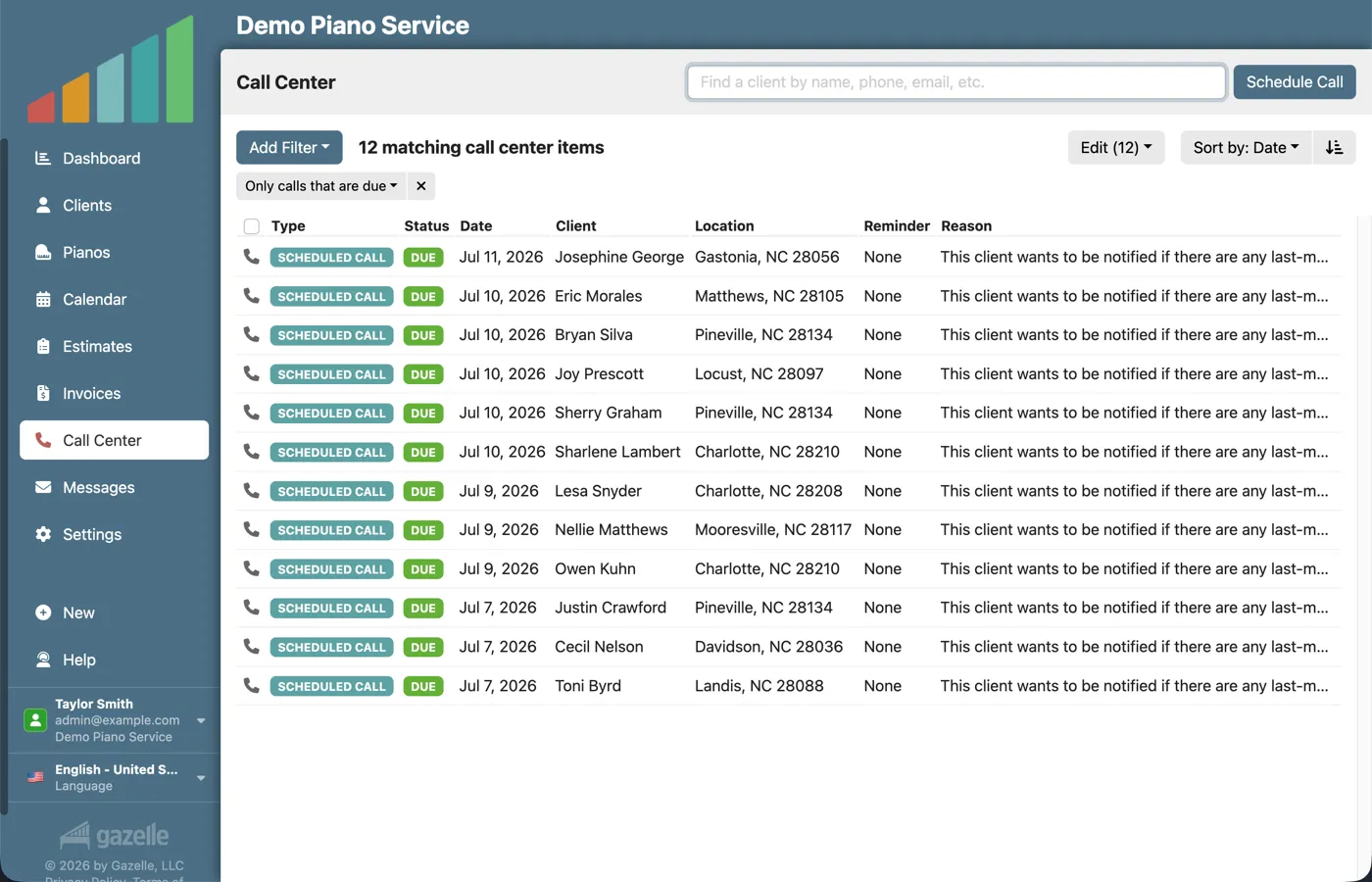
Silence is escalated.
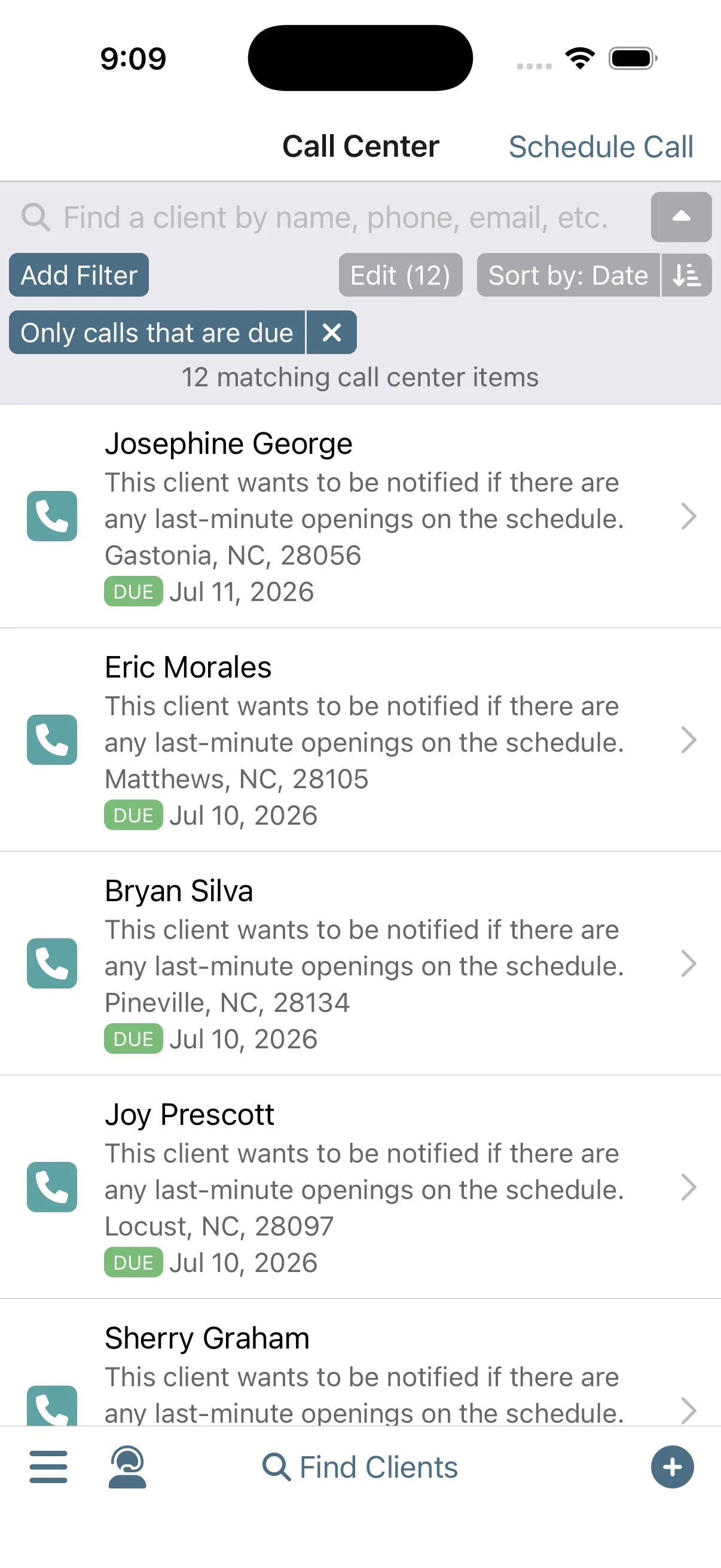
Some clients don't answer the first request. As the appointment approaches, the messages grow stronger, and Gazelle lets you know when it's time to reach out personally.
Automated RemindersCall Center
-
See it at a glance.
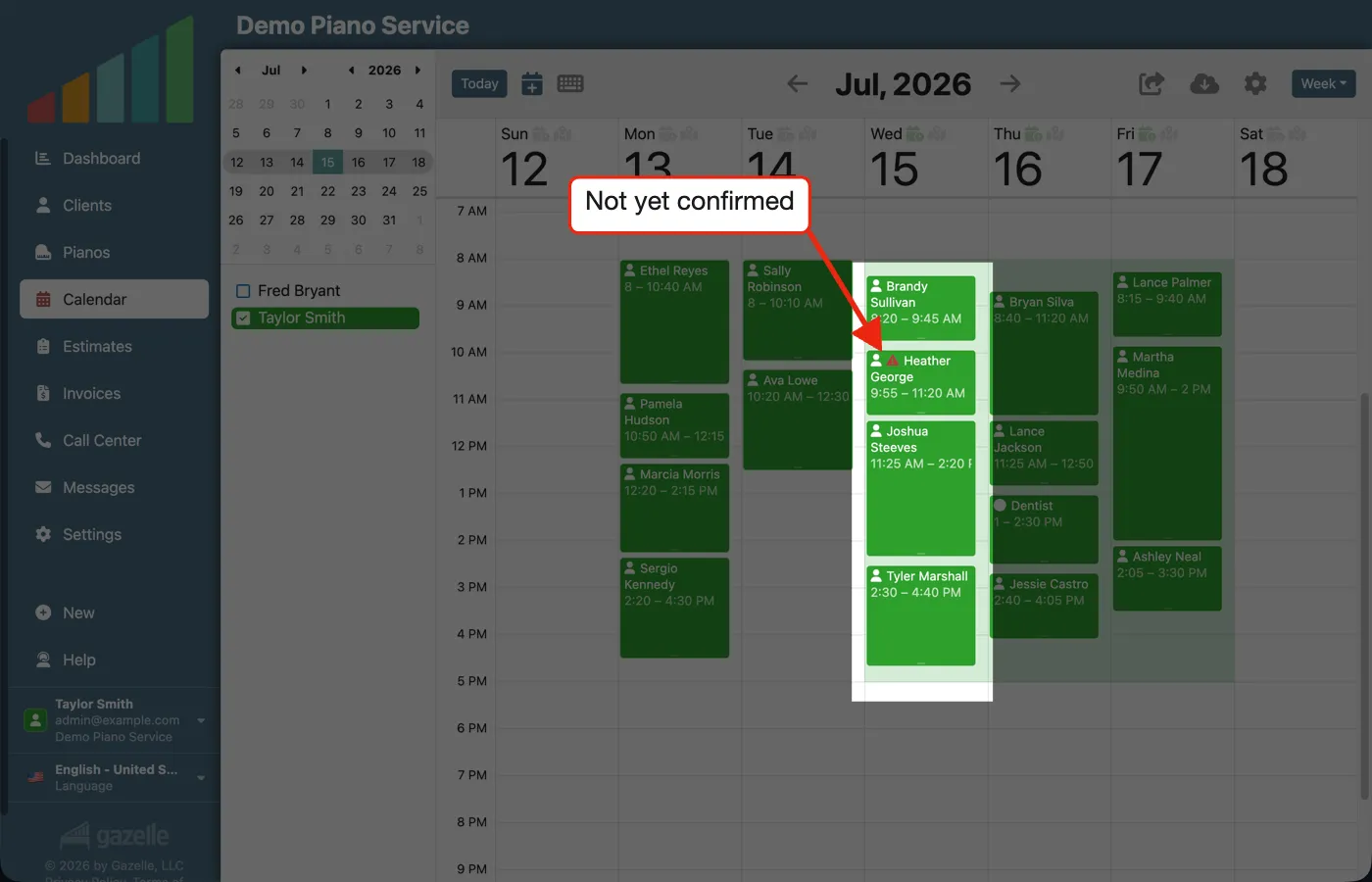
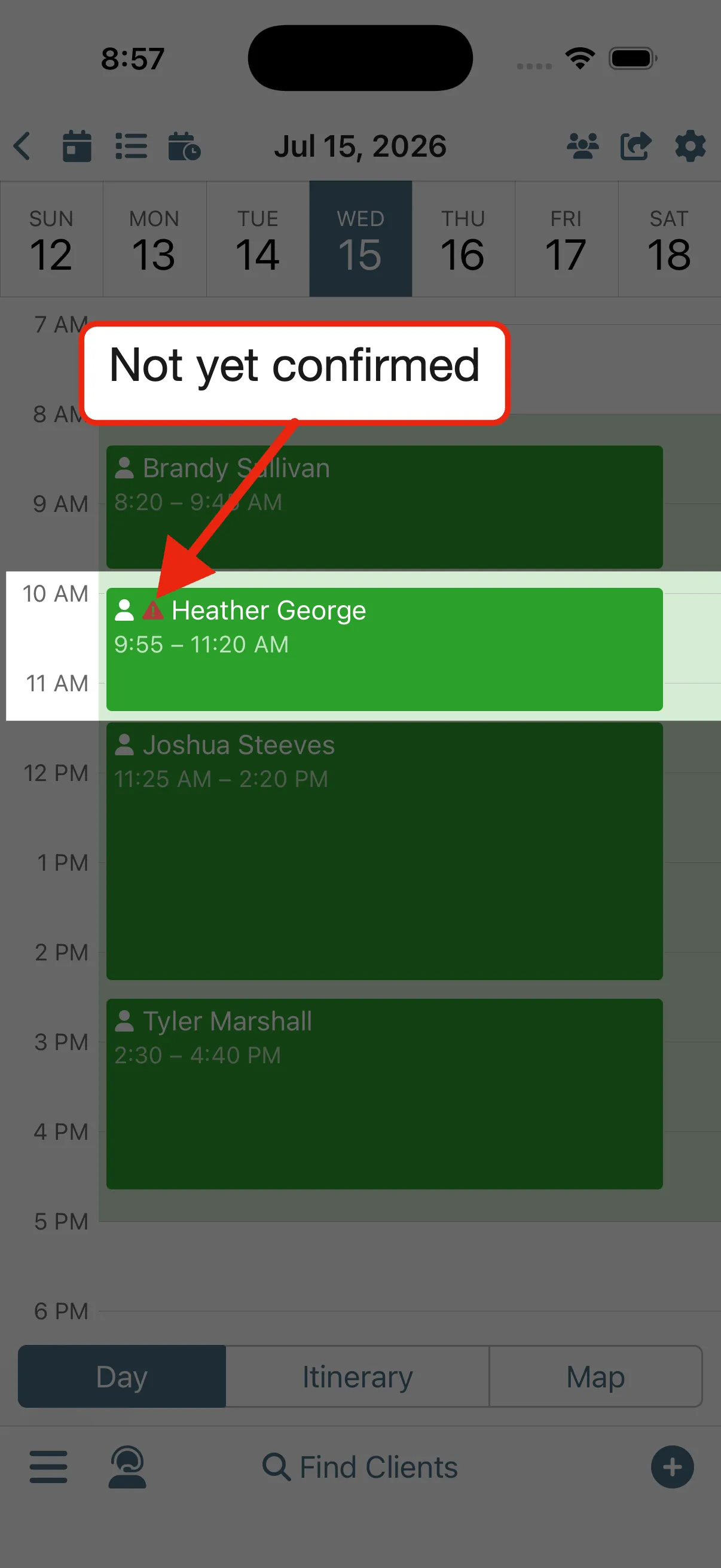
The holdouts are marked. An appointment nobody confirmed carries a warning on your calendar and your itinerary, so you know before you take the time to drive there. The choice is yours: reach out, drive over, or cancel.
Calendar and ItineraryMobile App with Offline Mode
Run this workflow on your own clients.
Every feature this workflow touches is included in your free trial. Free for 30 days, cancel anytime.
Features used in this workflow: Appointment ConfirmationsAutomated RemindersUnlimited TextingCall CenterCalendar and ItineraryMobile App with Offline Mode
Related workflows
Your Data Within Reach
One living record for every client and piano: history that writes itself, and the whole story on your screen before you knock.
Keep Clients Coming Back
Complete an appointment and Gazelle starts the countdown to the next one: reminders that keep following up until the client books, and a cycle that resets with every visit.
A Well-Planned Day in the Field
Run your whole day from your phone, from when to leave the house to closing every visit paid.