
Workflow deep-dive
Resurrecting Ghosted Clients
How do I revive clients I haven't seen in years?
Every technician has a stack of clients who quietly ghosted. Gazelle turns that stack into a campaign: filter to everyone you haven't serviced in years, send each of them a personal booking link in one bulk send, and inactivate them so you don't pay for clients you may never see again. When one books, approving the reservation brings them back, whole history intact.
This workflow touches: Advanced FilteringClient managementBulk Mailer IntegrationsOnline Self Scheduler and ReservationsNotifications
How it works, step by step
-
Find who slipped away.
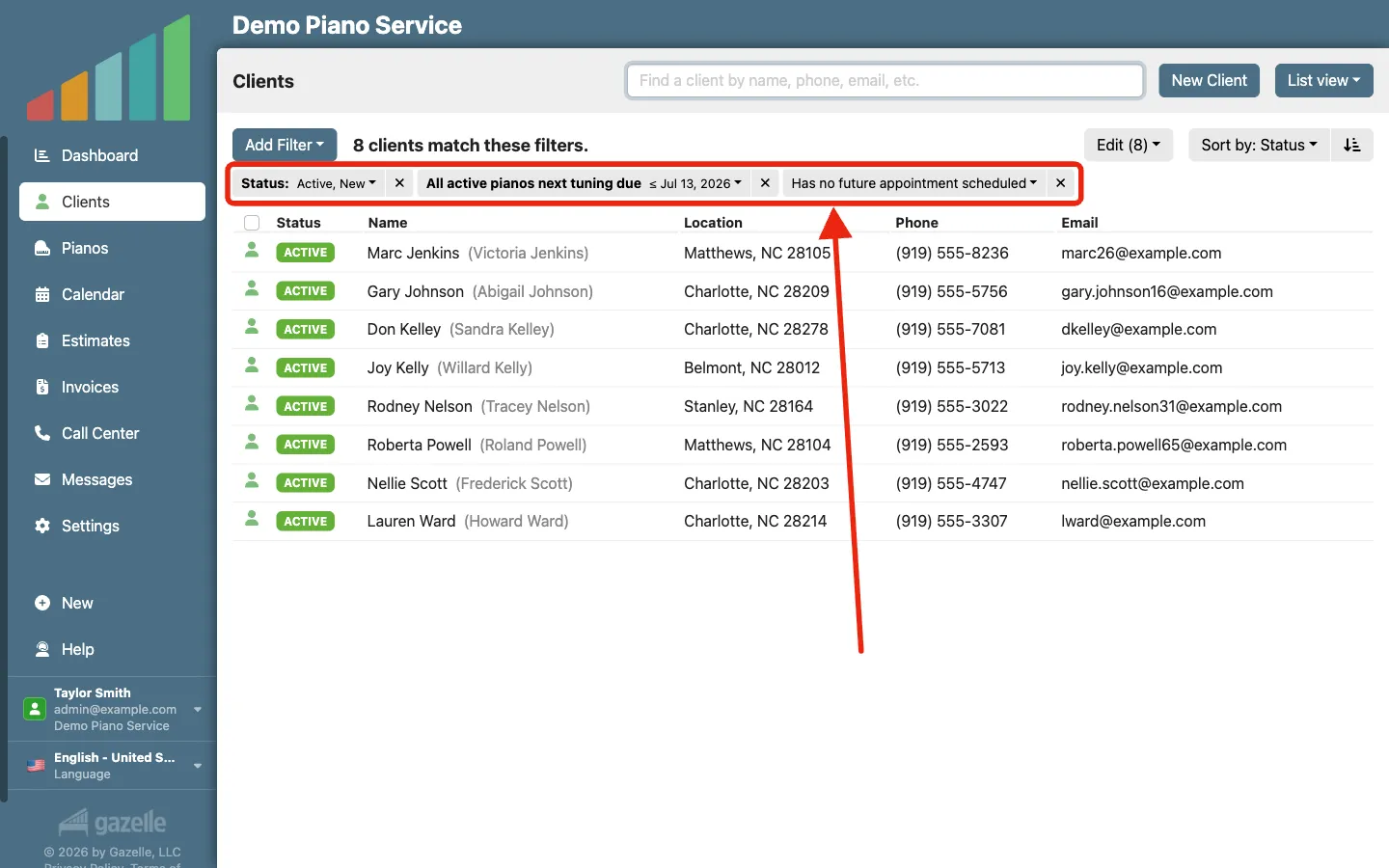
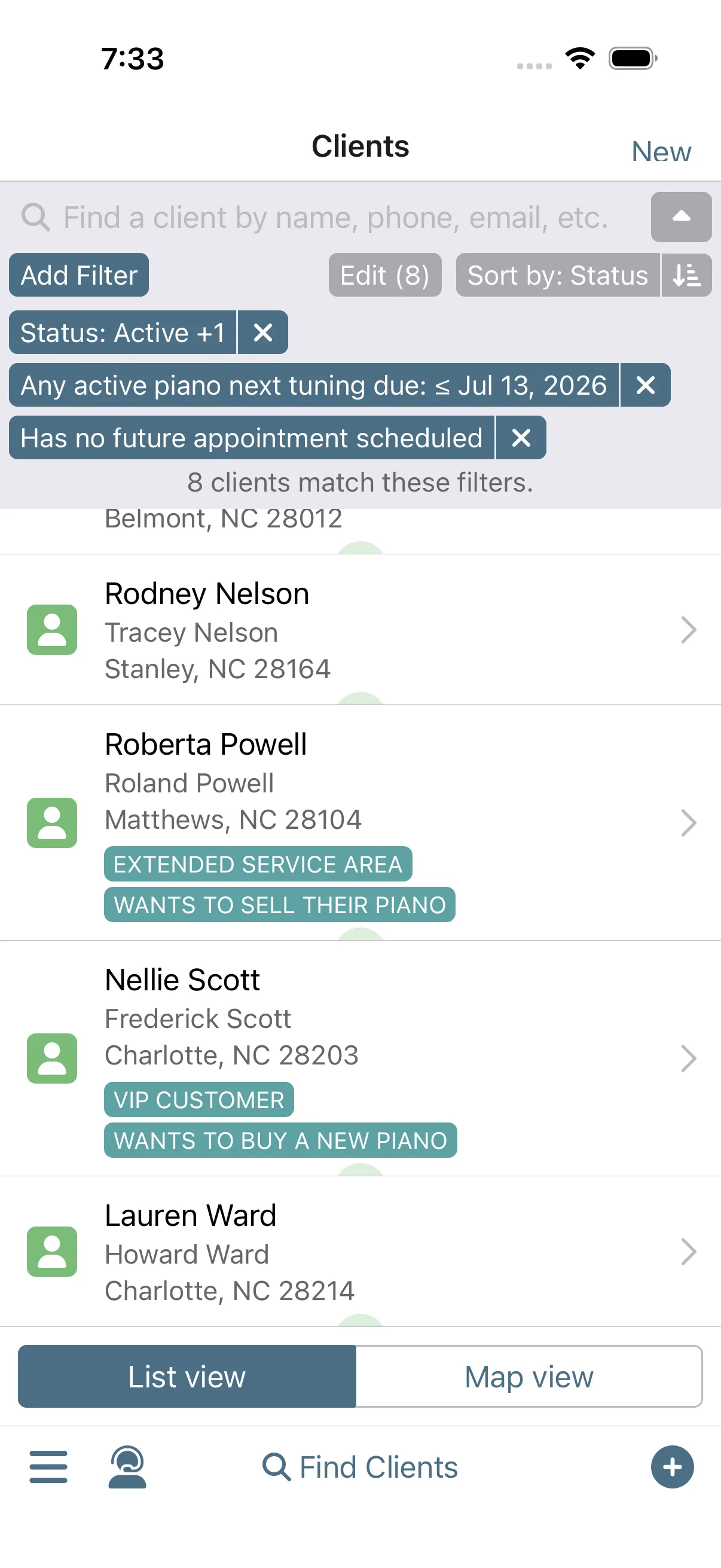
Pull up every client you haven't serviced in three years or more. Built-in filter sets like "Clients not tuned in 36 months" combine the right filters in one pick: every active client whose pianos have gone years without service, with nothing on the calendar. Widen it to include clients already marked inactive, or build your own filter from scratch.
Advanced FilteringClient management
-
Reach the whole list at once.
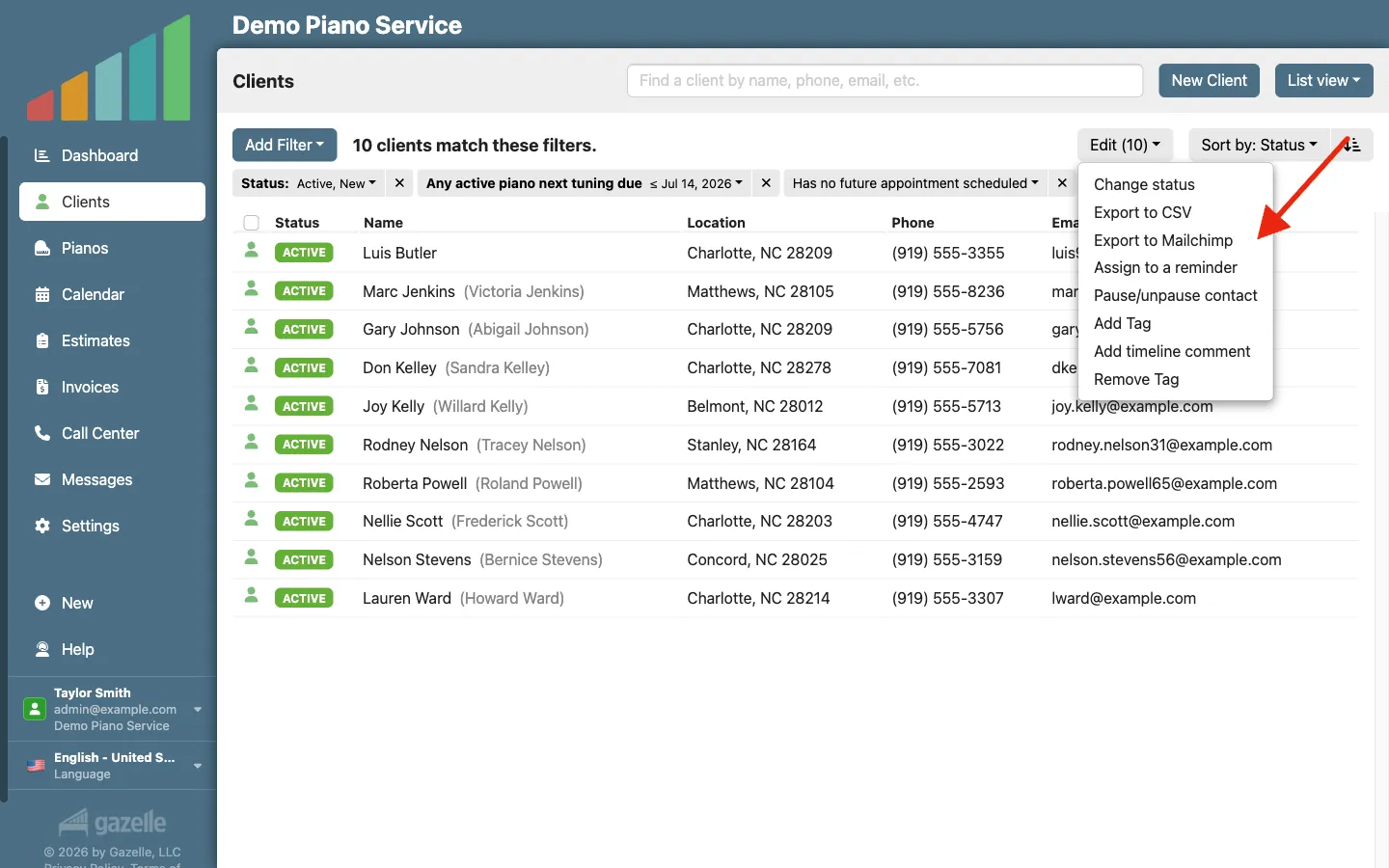
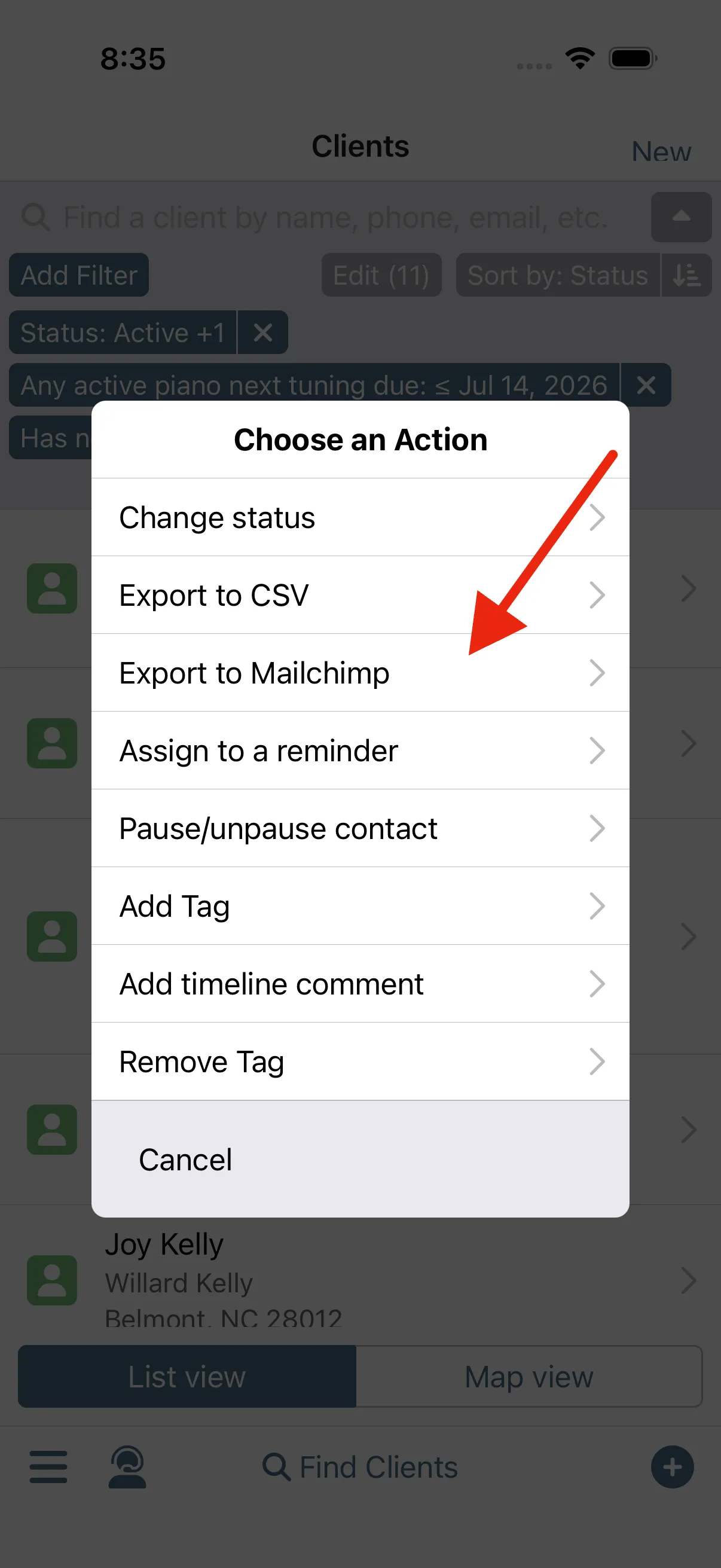
One bulk action reaches everyone. Export the filtered list to Mailchimp and every contact arrives tagged for the campaign, each carrying their own personal booking link. Write the marketing message once, sweeten it with a promo if you like, and send it to the whole list from there.
Bulk Mailer Integrations
-
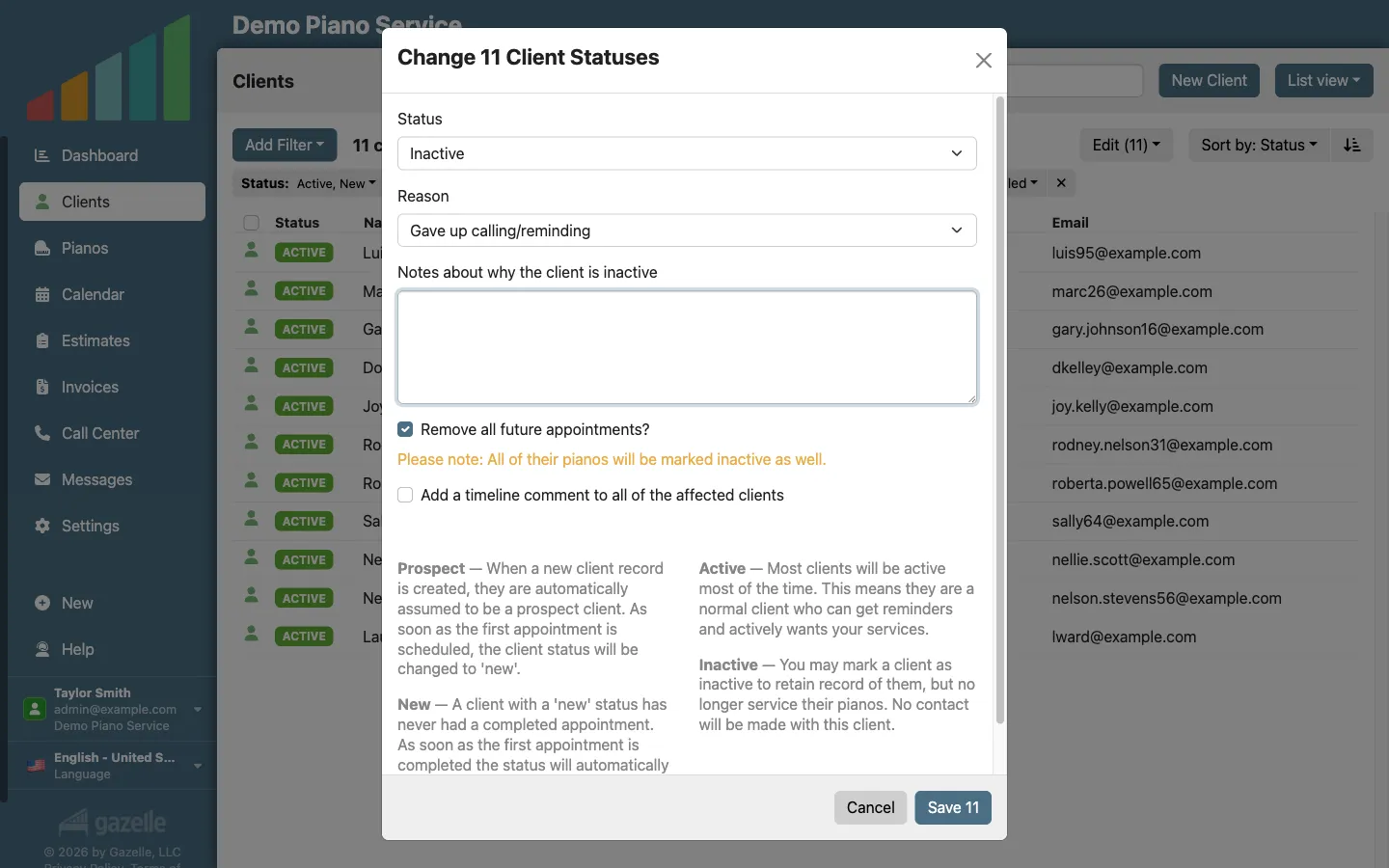
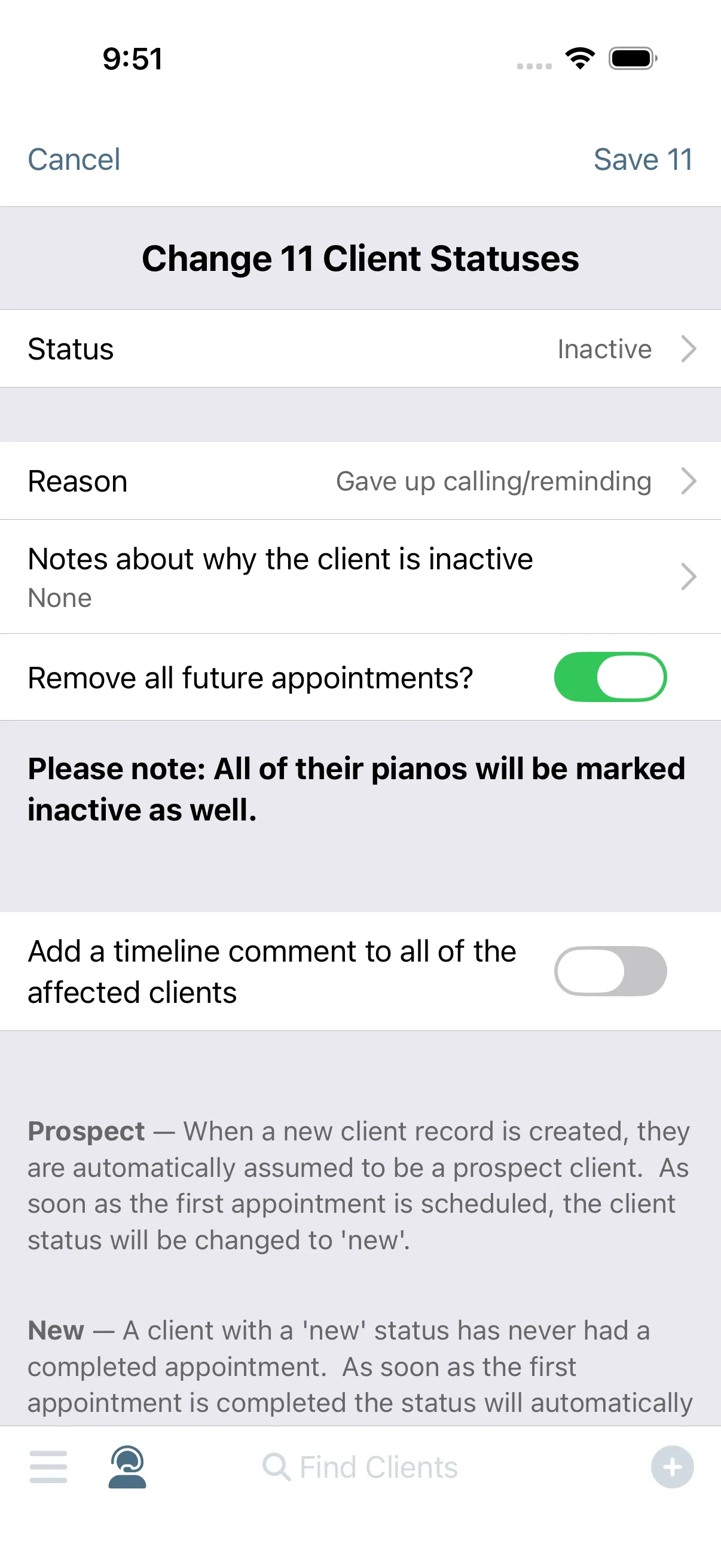
Inactivate the clients.
Not everyone will answer, and that's fine. Mark the whole list inactive in one bulk action, so you don't have to pay for clients you may never see again. And do it with confidence that if they choose to book, they'll be reactivated.
Client management
-
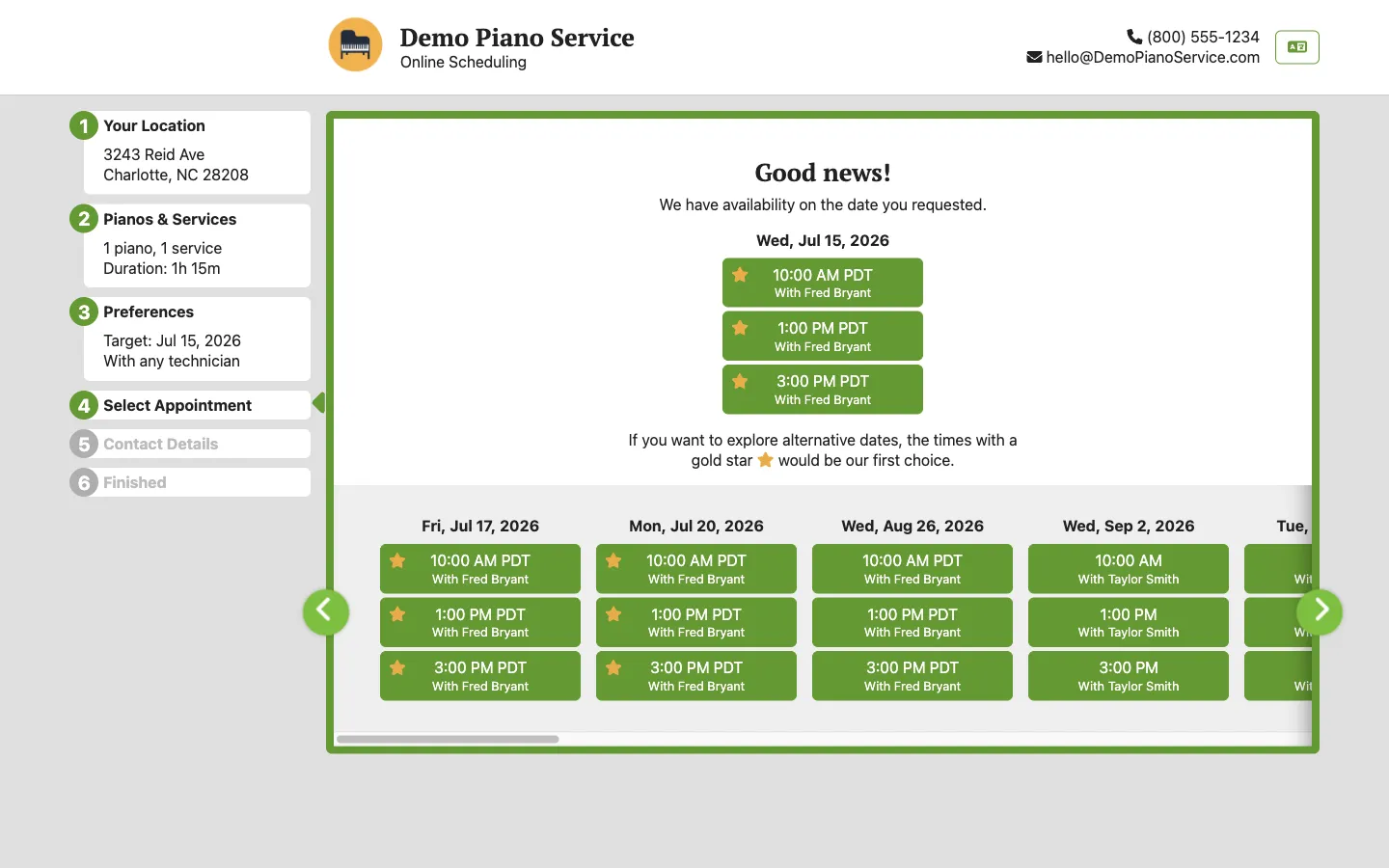
They book from the message.
A ghosted client can book without calling you. Their personal link opens your online scheduler already knowing who they are and which pianos are theirs; they just pick a time. Saying yes takes a minute, and nobody has to explain where they've been.
Online Self Scheduler and Reservations
-
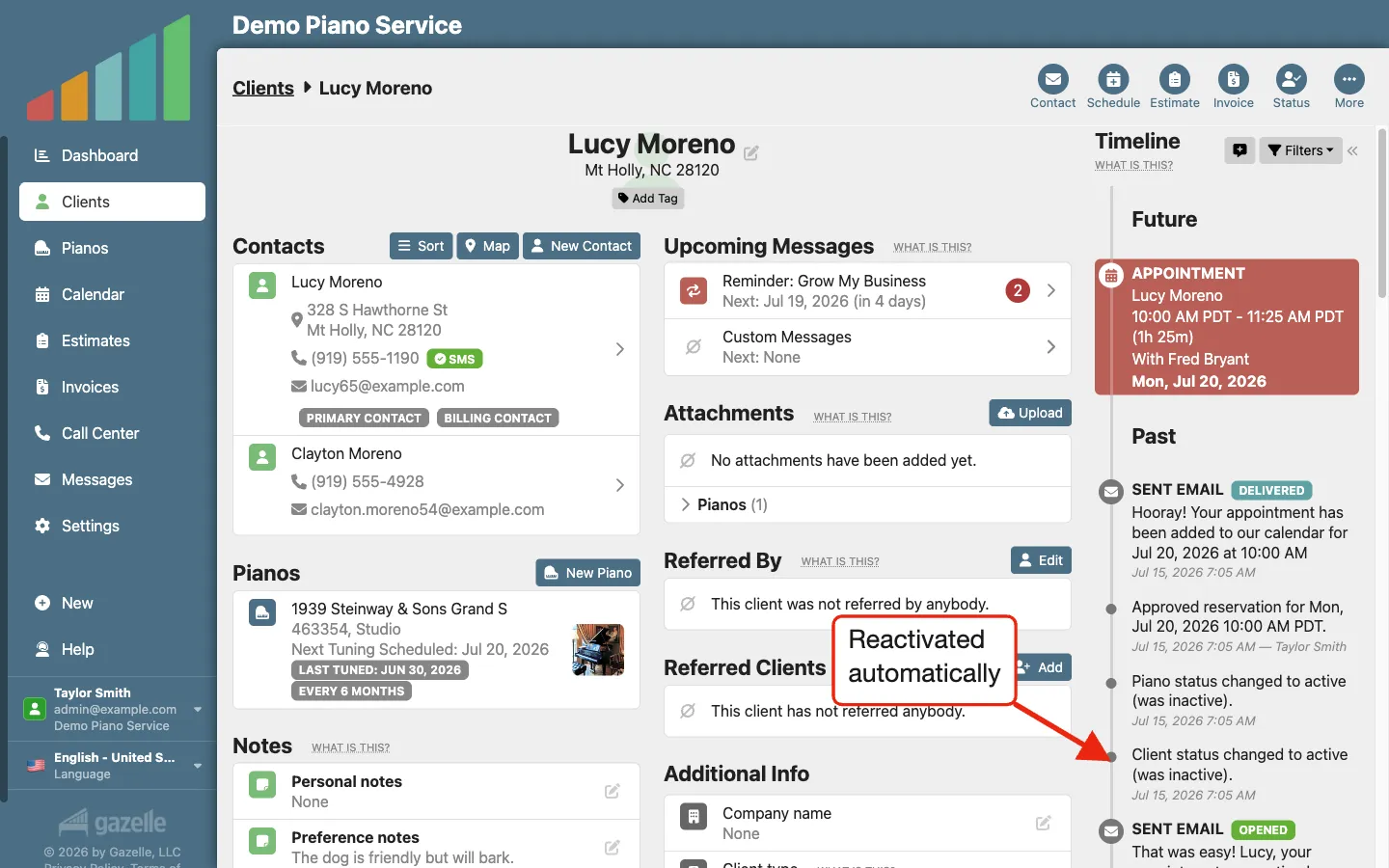
Reactivation is automatic.
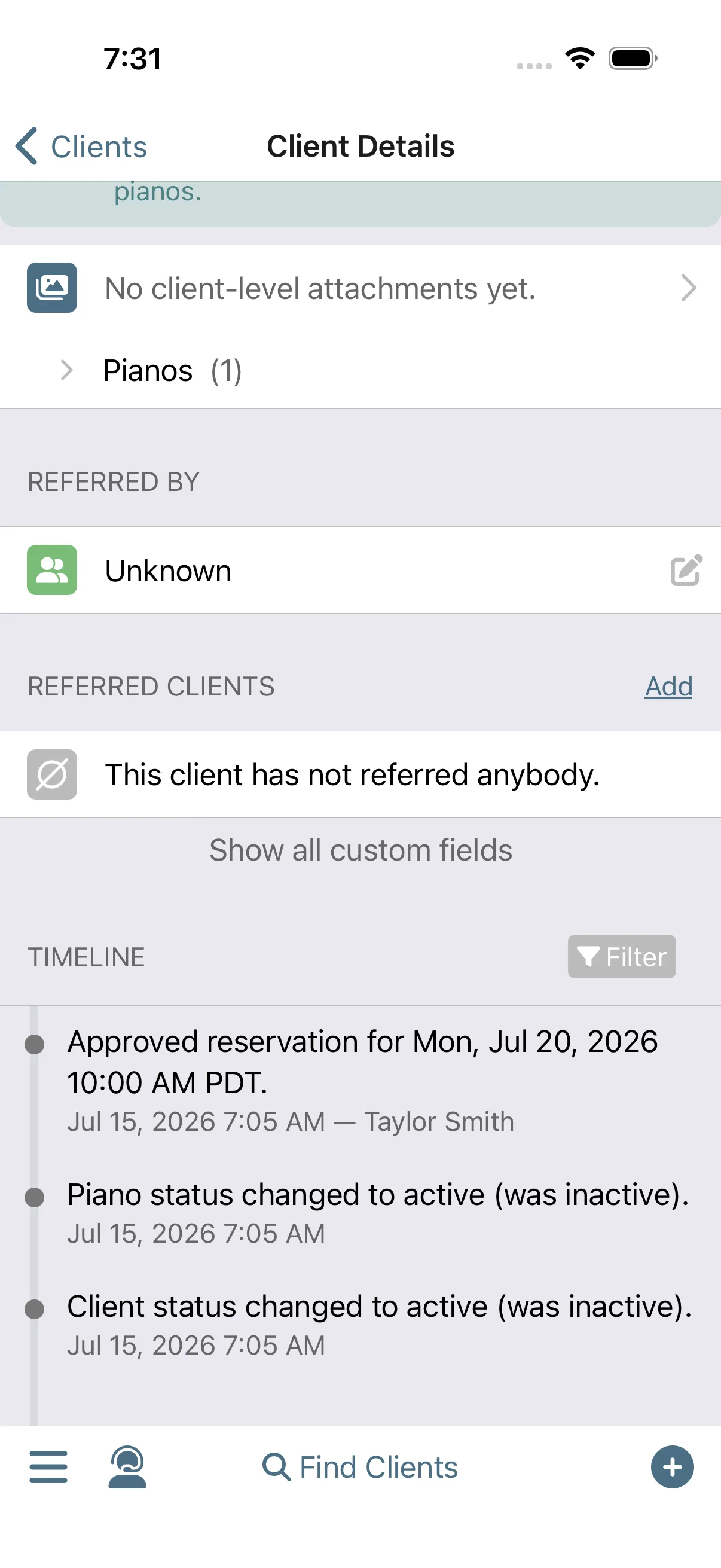
Nobody has to flip a switch. The new reservation arrives as a notification; approve it and the client is active again, with all their history retained and the status change logged to their timeline. And then you show up at the house of a long-lost client.
Client managementNotifications
Run this workflow on your own clients.
Every feature this workflow touches is included in your free trial. Free for 30 days, cancel anytime.
Features used in this workflow: Advanced FilteringClient managementBulk Mailer IntegrationsOnline Self Scheduler and ReservationsNotifications
Related workflows
Keep Clients Coming Back
Complete an appointment and Gazelle starts the countdown to the next one: reminders that keep following up until the client books, and a cycle that resets with every visit.
Turn a Gap into a Paid Visit
When a hole opens in your schedule, filter for who's due, see who's nearby on the Client Map, and make the calls that fill the gap.
Prevent the No-Show
Gazelle asks every client to confirm ahead of time, follows up when nobody answers, and flags the holdouts on your calendar before you drive.