
Workflow deep-dive
Booked While You Sleep
How do I turn a website visitor into a new client?
The number one time new clients book is Sunday night, right when you don't want to answer the phone. With a booking link, you don't have to. Put it where new clients will find you, and your calendar is filled without you having to pick up the phone: they book on their schedule, Gazelle offers only times that fit yours, and nothing is final until you approve it.
This workflow touches: Master Service ListOnline Self Scheduler and ReservationsSmart SchedulingNotificationsClient managementCalendar and Itinerary
How it works, step by step
-
You tell Gazelle how you want to be booked.
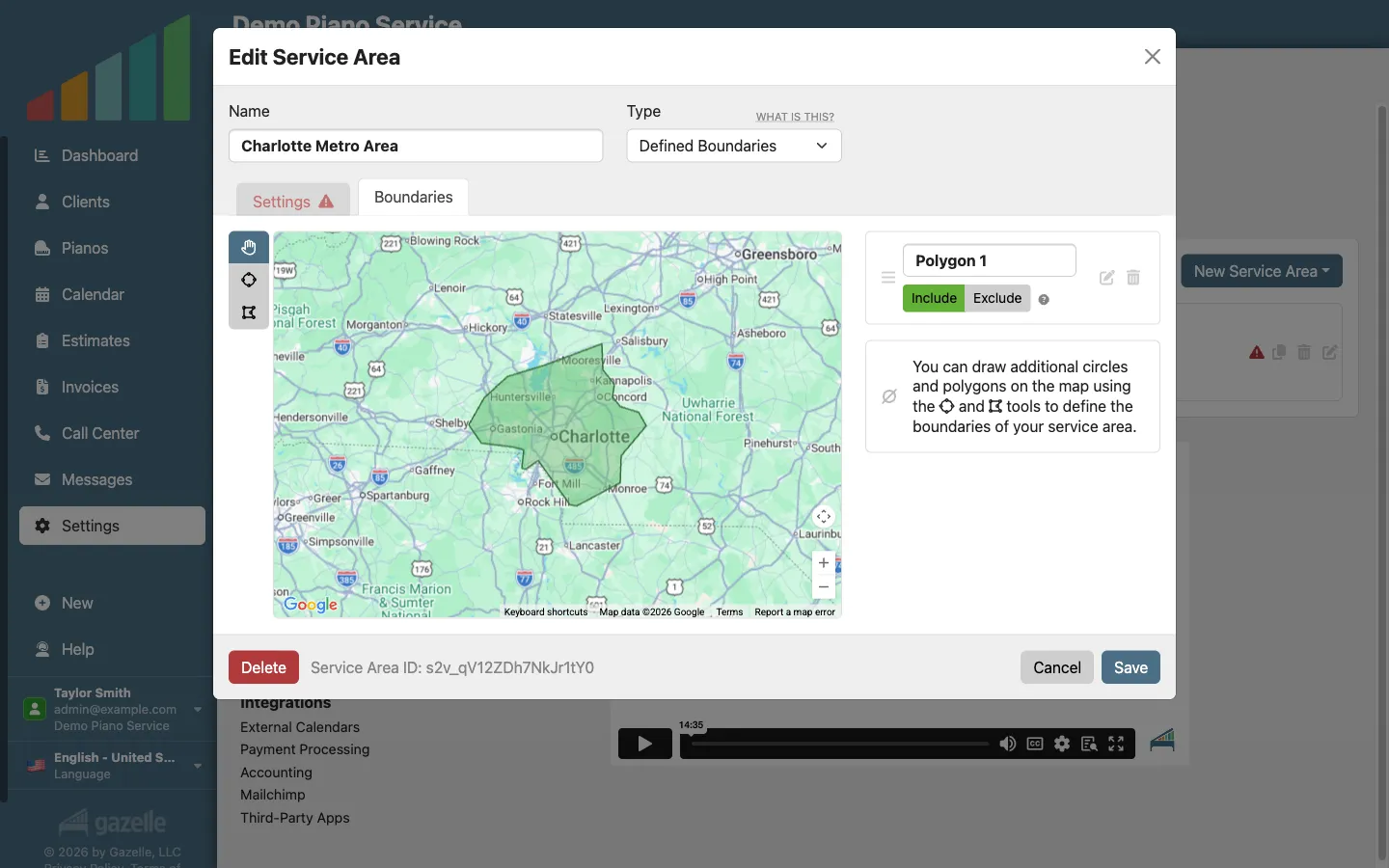
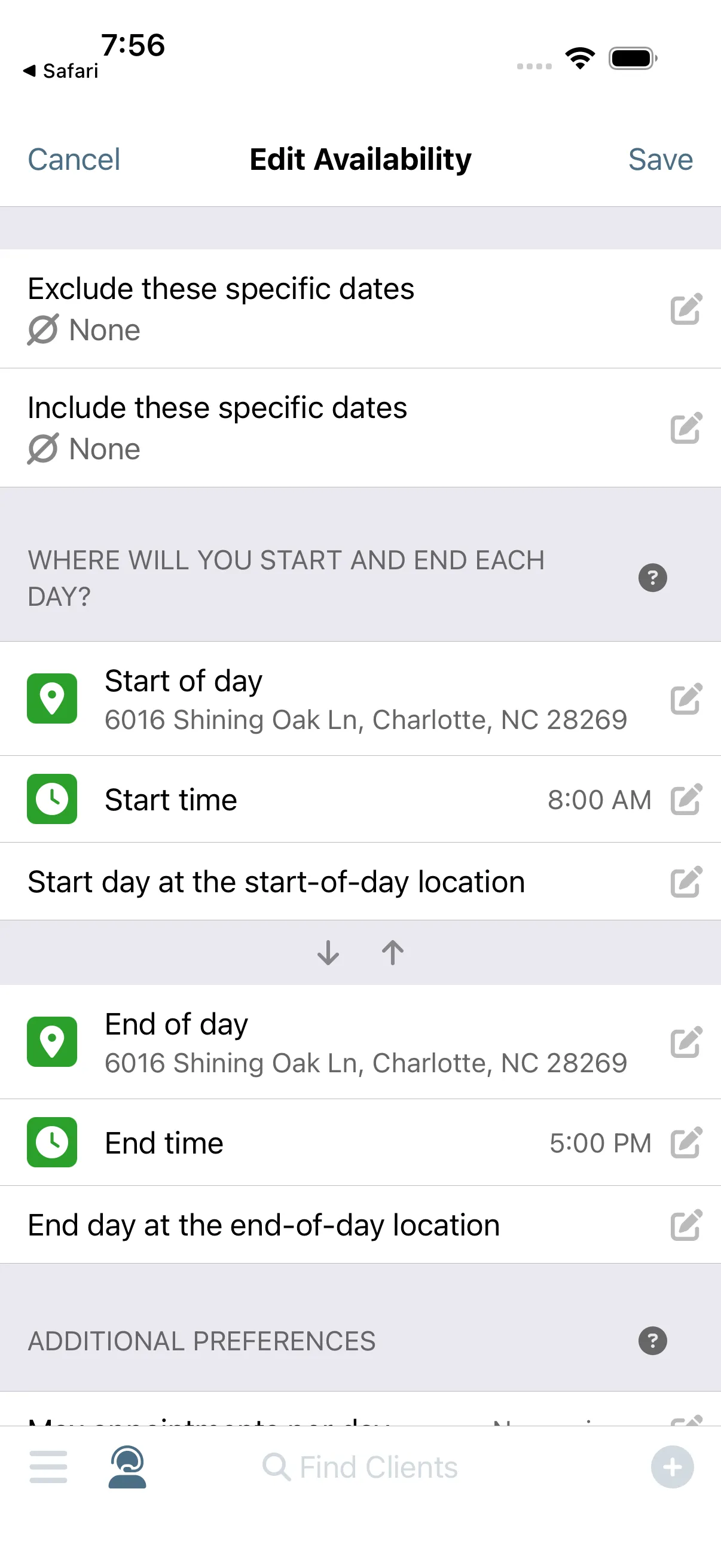
Online booking starts with your rules. You set your service area, your availability, and the services you make bookable online, and the self-scheduler offers nothing outside them. A stranger can only ask for the work you've chosen, inside the area you serve.
Master Service List
-
A new client finds your booking link.
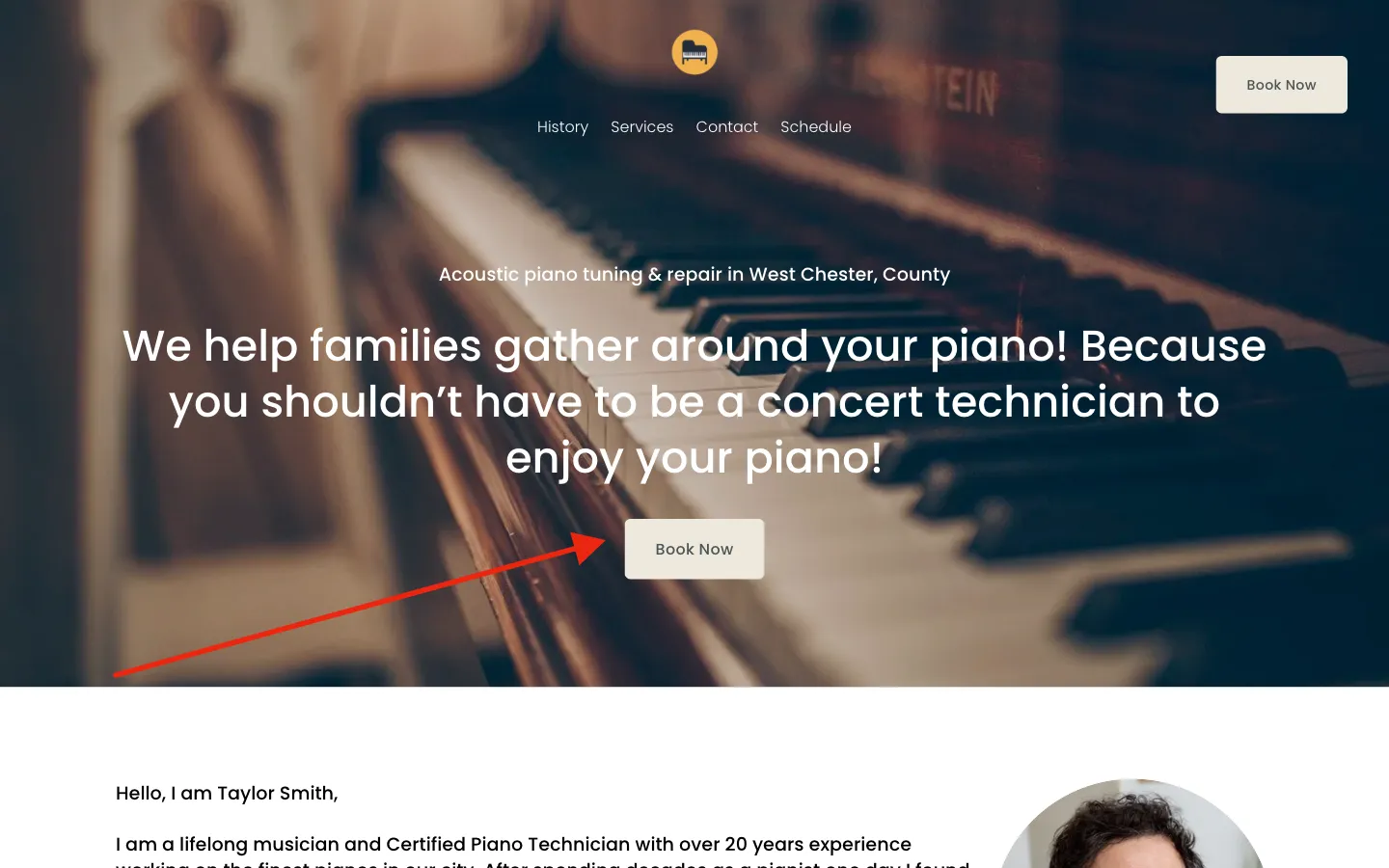
You've already done the hard work of getting a stranger interested. The booking link is what closes the sale, and it works anywhere you can paste it: your website, your Google profile, your email signature. A new client taps it the moment the piano is on their mind.
Online Self Scheduler and Reservations
-
They tell Gazelle where the piano lives.
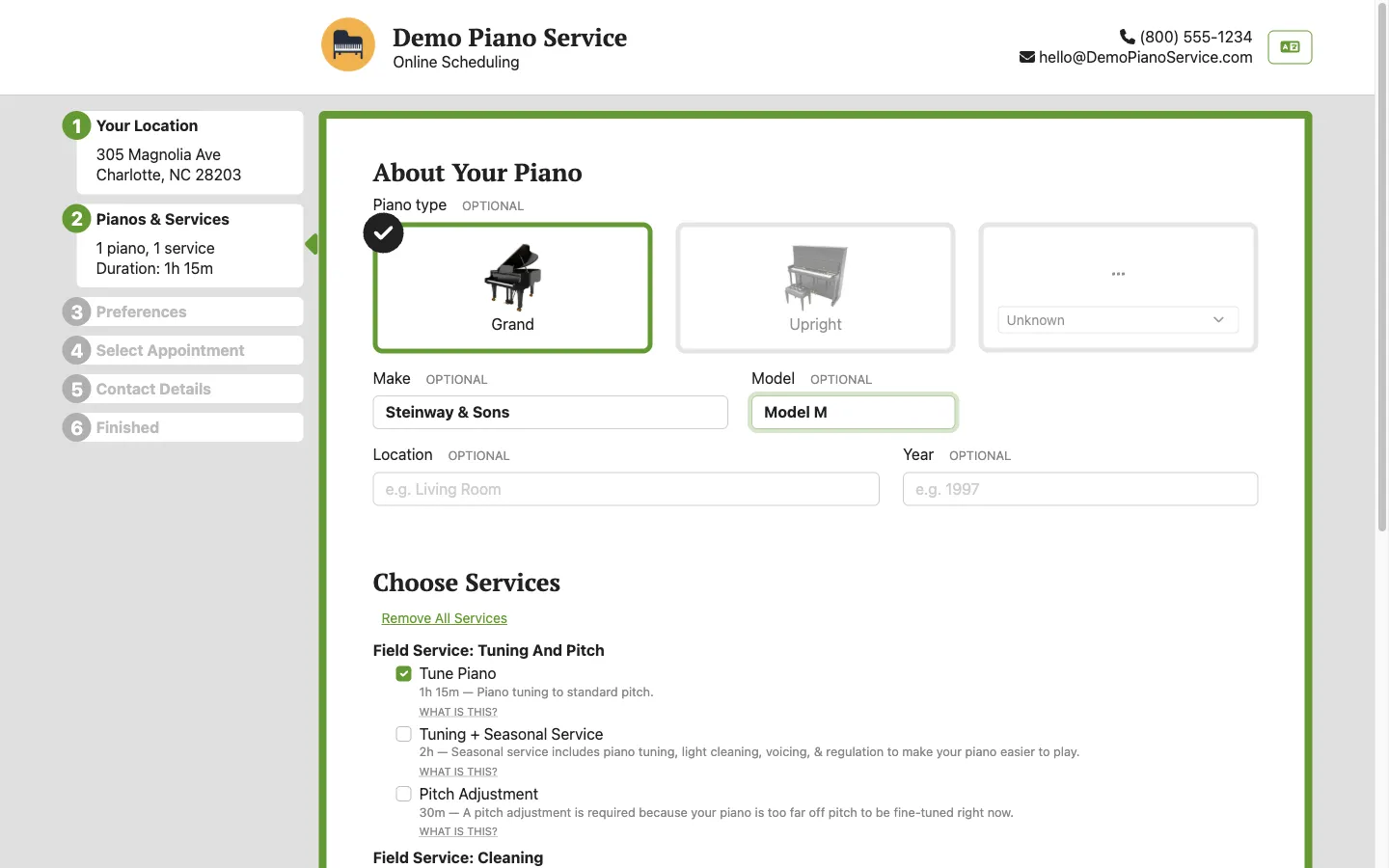
Everything else follows from the piano's address. The client enters it as a street address, a dropped pin on the map, or a What3Words location, then adds their piano and picks from the services you've chosen to offer. Gazelle now knows where the work is and what it takes.
Online Self Scheduler and ReservationsMaster Service List
-
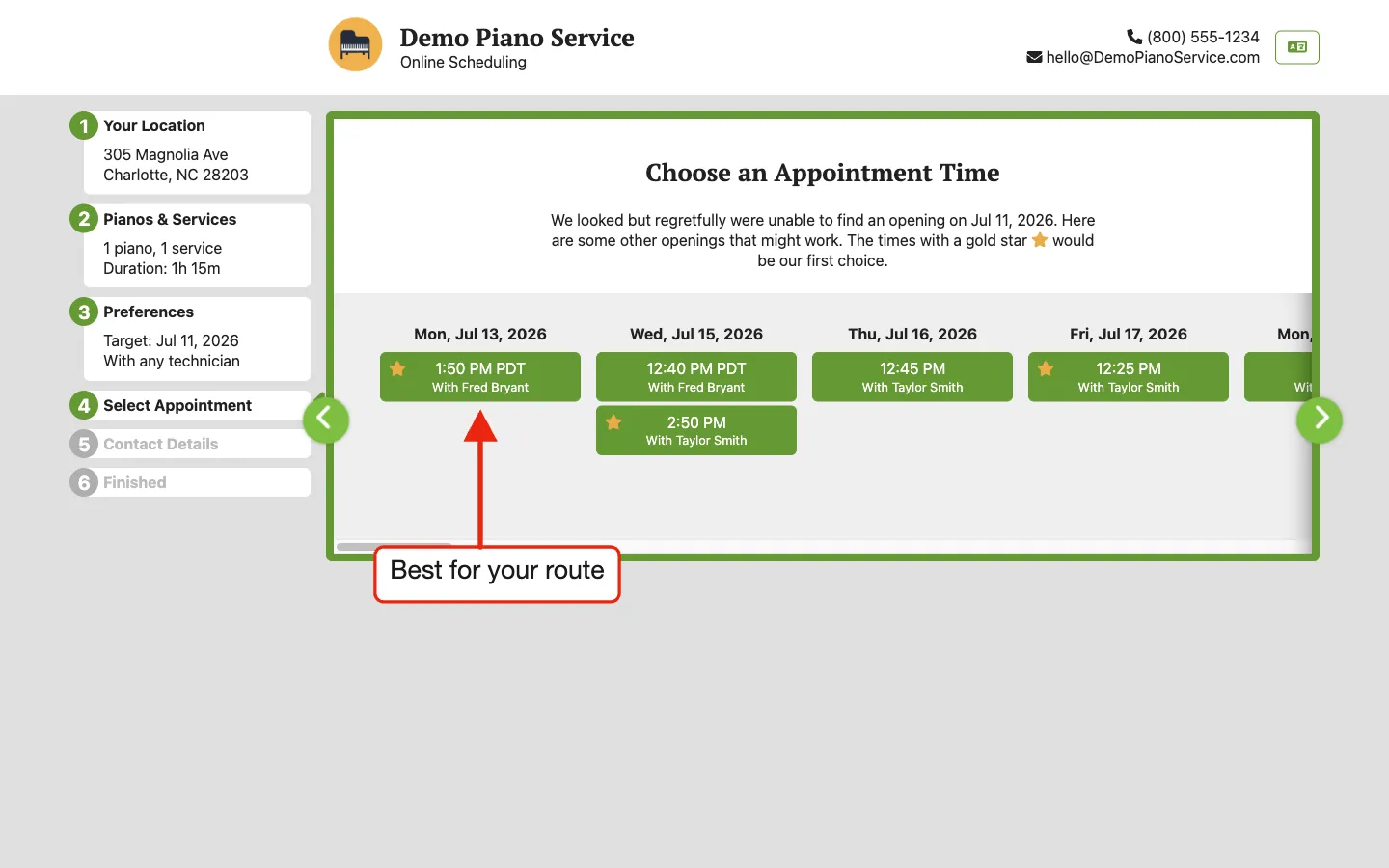
They pick a time: their preference, your rules.
The client never sees your calendar, just a short list of open times that fit it. Smart Routes weighs your availability and the driving already on your day, and offers only the slots that work for you. Whichever one suits them is one that suits you.
Smart SchedulingOnline Self Scheduler and Reservations
-
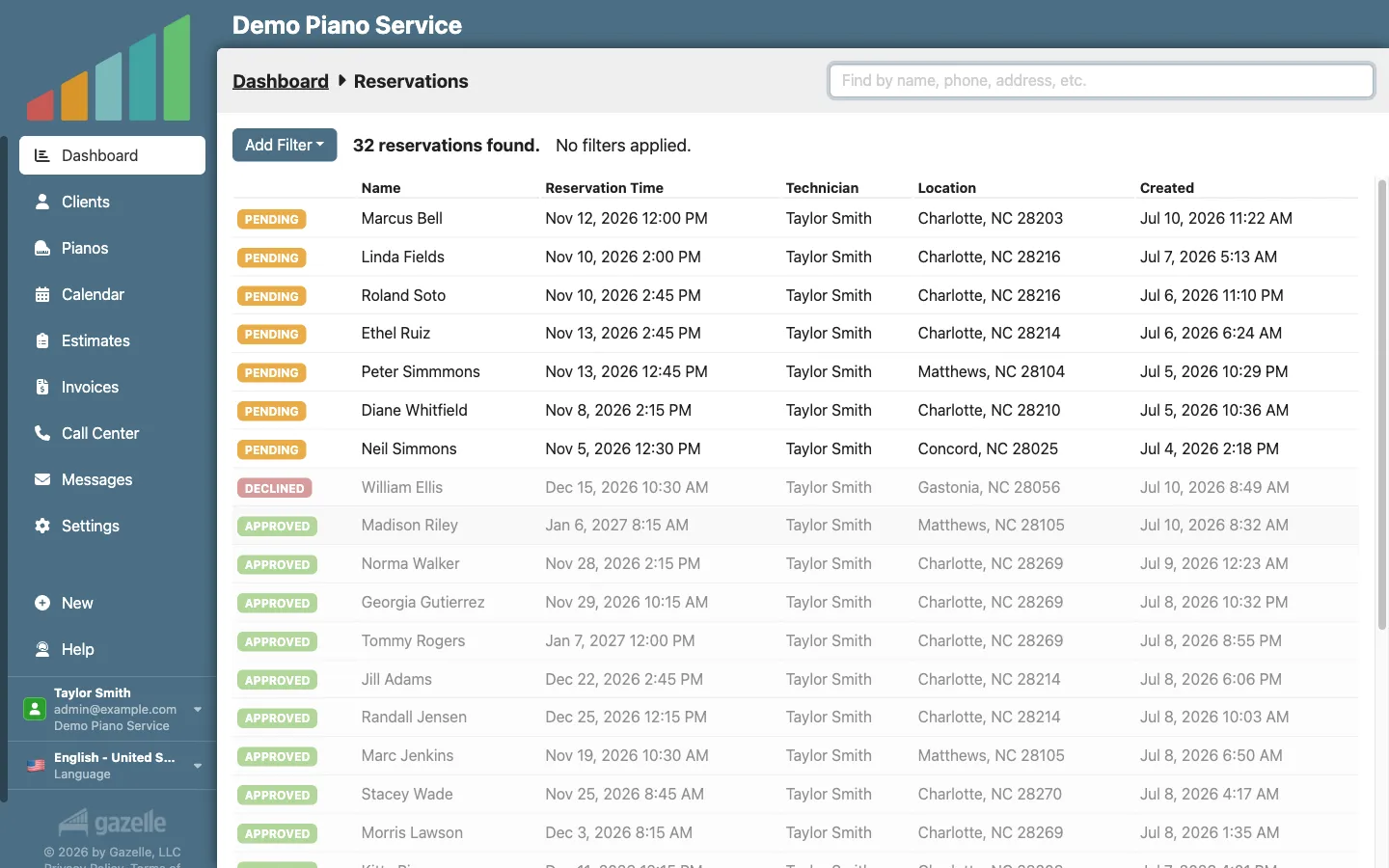
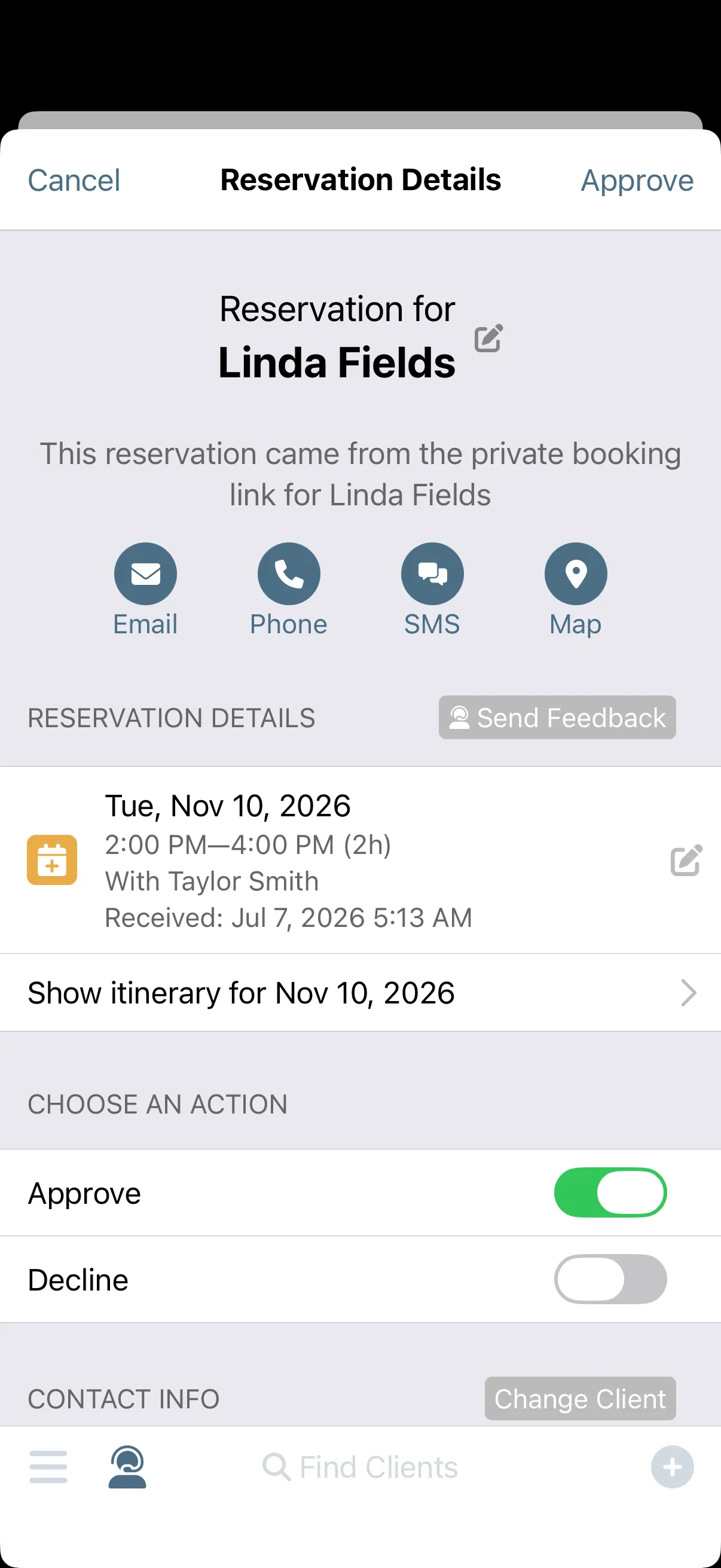
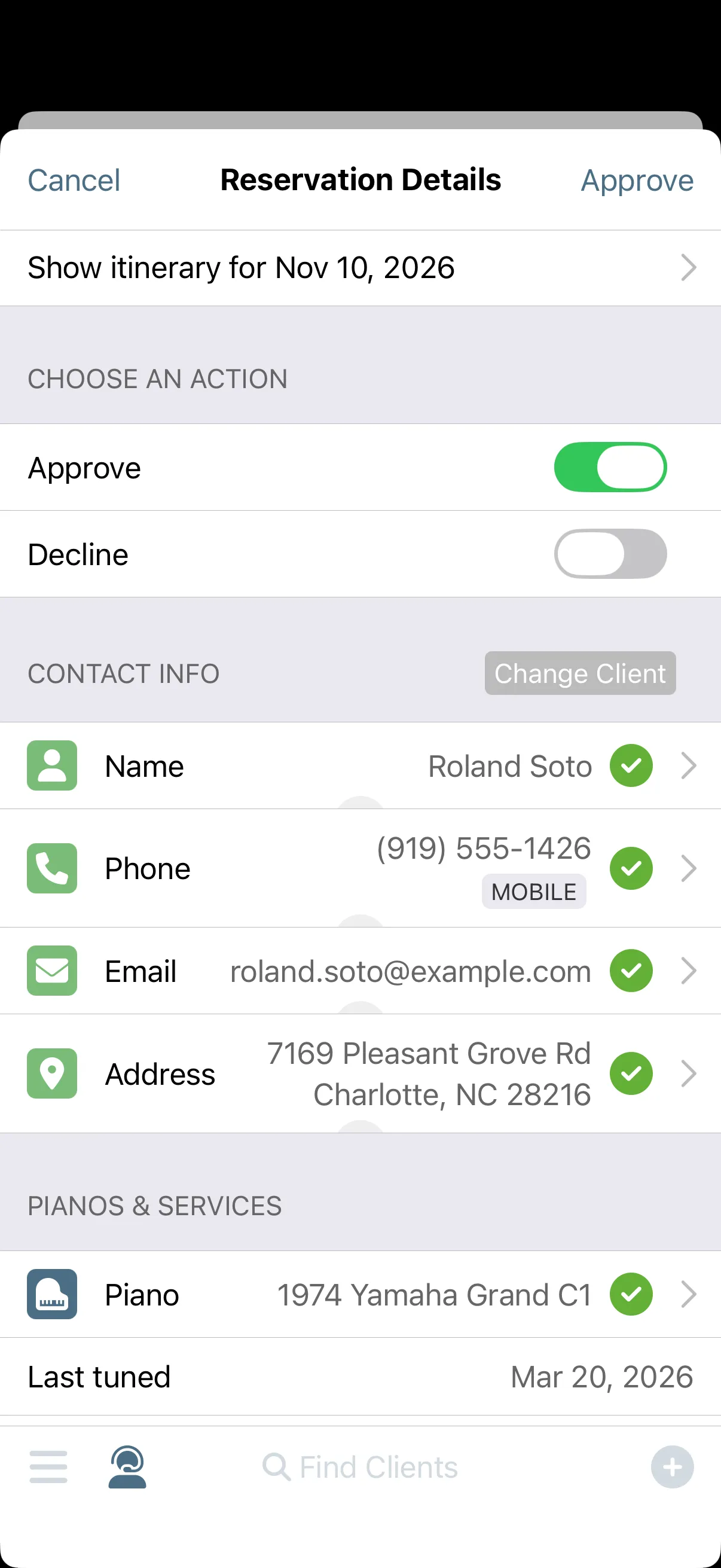
A reservation request is received.
The request waits for you. Everything the client entered arrives with it: who they are, how to reach them, the piano, and the time they picked. Gazelle notifies you on your phone, and the slot is held so nothing double-books while you decide.
Online Self Scheduler and ReservationsNotifications
-
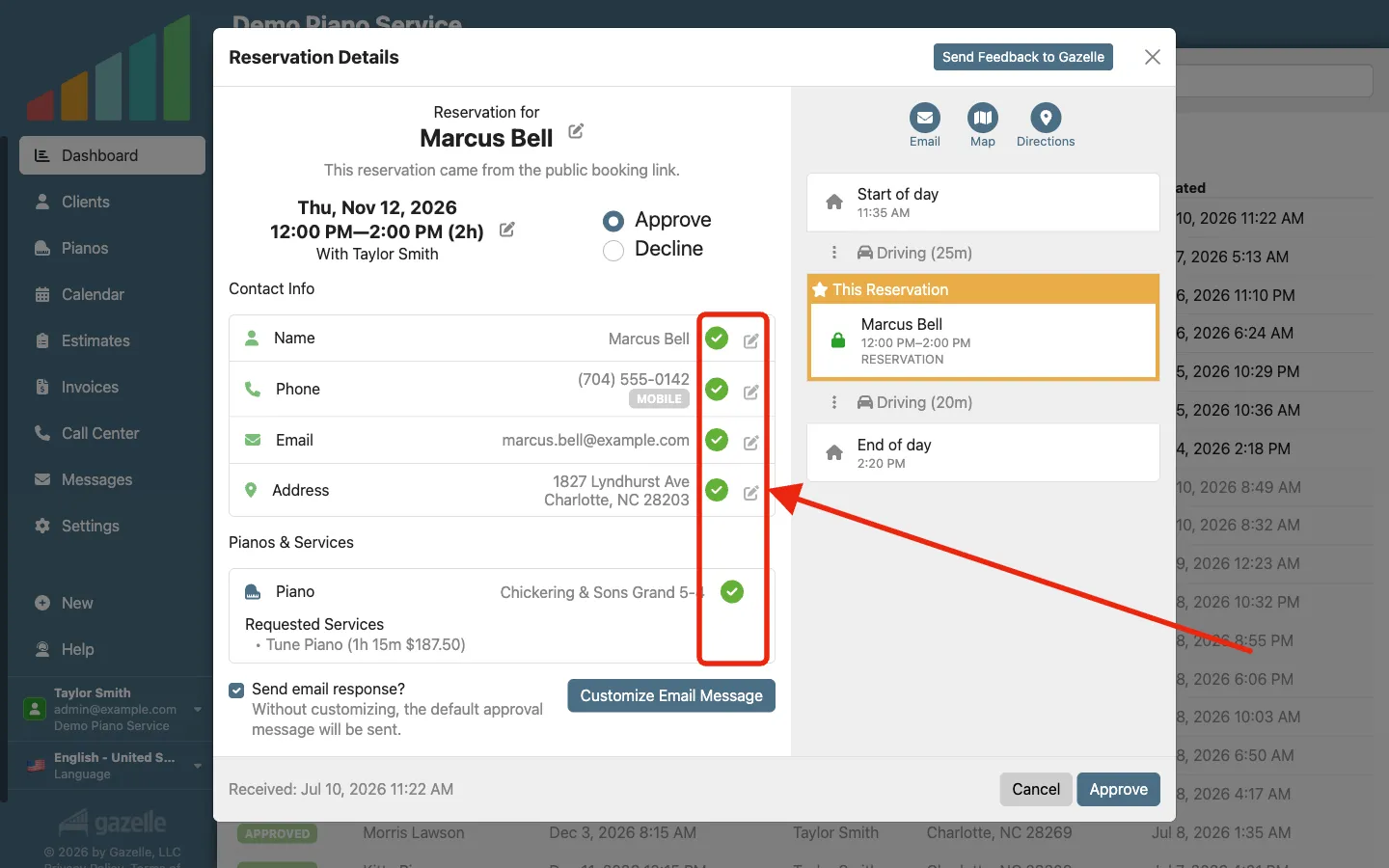
You review and approve.
One approval creates the whole record. Gazelle turns the request into the client, their contact details, their piano, and the appointment, checked against the records you already have so returning clients don't become duplicates. The client did the data entry; you just said yes.
Client managementCalendar and Itinerary
Run this workflow on your own clients.
Every feature this workflow touches is included in your free trial. Free for 30 days, cancel anytime.
Features used in this workflow: Master Service ListOnline Self Scheduler and ReservationsSmart SchedulingNotificationsClient managementCalendar and Itinerary
Related workflows
Keep Clients Coming Back
Complete an appointment and Gazelle starts the countdown to the next one: reminders that keep following up until the client books, and a cycle that resets with every visit.
More Service Calls, Fewer Miles
Tell Gazelle where and when you work, and Smart Routes ranks every open slot by the driving it actually adds, so bookings land on days you already have.
Prevent the No-Show
Gazelle asks every client to confirm ahead of time, follows up when nobody answers, and flags the holdouts on your calendar before you drive.